84
Holiday Classic Owner’s Guide
NO BANKS gives you the ability to move through just the general presets, category presets or rhythm presets
by pressing the right foot switch. For example,
GENERAL PRESET 0 - GENERAL PRESET 10.
Remember,
NEXT PRESET moves from the preset currently selected.
Press the lighted FEATURE(CLEAR) button to implement the selections/settings made and return to the
POWER-UP screen.
- SHORTCUT=FEATURE + PLAY/PAUSE BUTTON
PREVIEW:
PLA
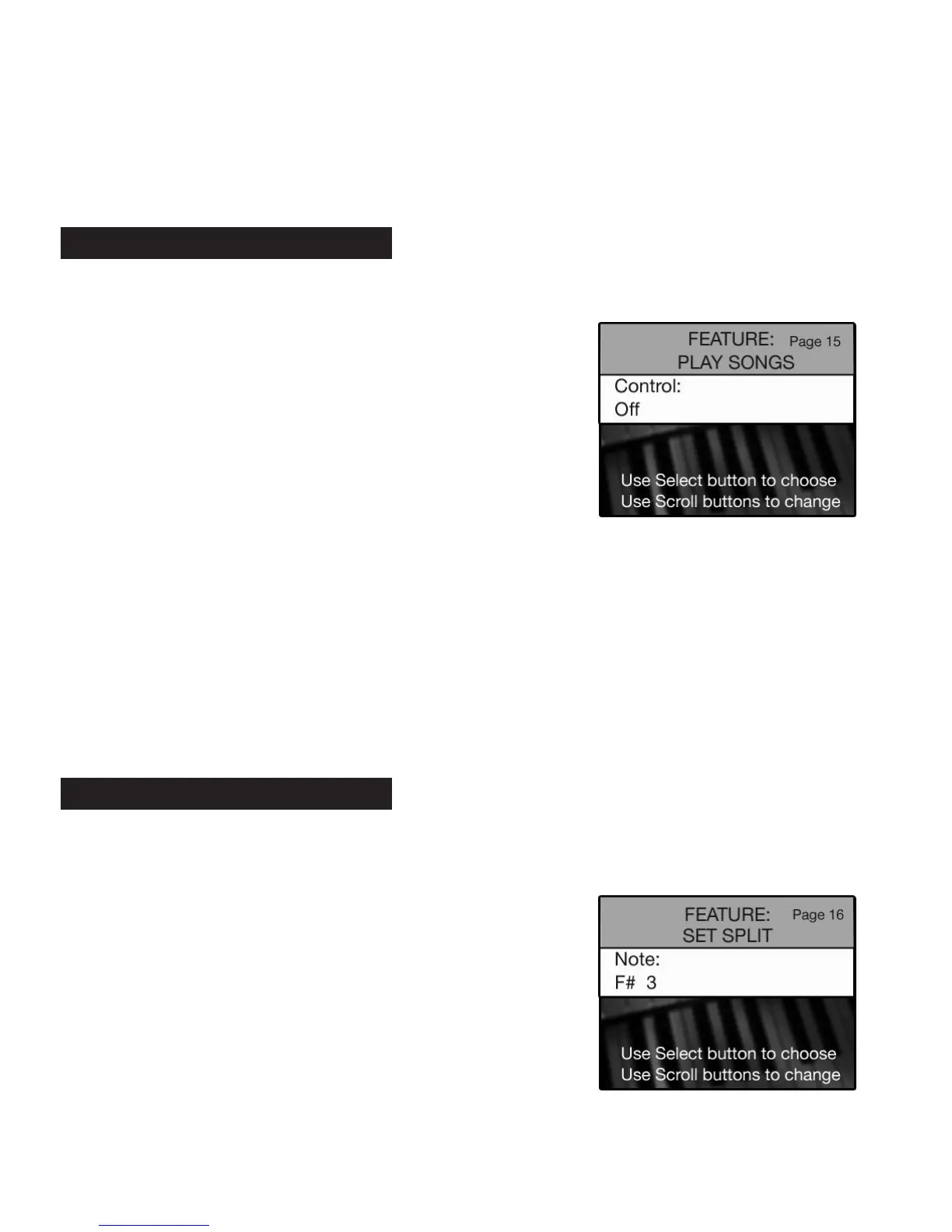
Y SONGS FEATURE PAGE enables you to playback Holiday Classic songs saved on the memory stick.
•Press the
SELECT button to highlight the CONTROL section of the screen.
•Press either
SCROLL button to select between the options: REPEAT SONG, CHAIN LOOP or OFF.
REPEAT SONG - Plays a selected song on the memory stick repeatedly until you press the stop button in the
music recorder section, or press the reset button.
CHAIN LOOP - Plays all the songs on the memory stick, in order, repeatedly until you press the stop button
in the music recorder section, or press the reset button.
Press the lighted
FEATURE(CLEAR) button to implement the selections/settings made and return to the
POWER-UP screen.
PREVIEW:
SET SPLIT FEATURE PAGE displays the factory settings for the Lower Key Split and allows you to change
the factory setting
•Press the
SELECT button to highlight the NOTE section of the screen.
How To Use It:
•Press the Feature (Clear) button and then press the bottom
SCROLL button repeatedly to highlight FEATURE: SET SPLIT,
as illustrated to the right.
16. Set Split
How To Use It:
•Press the Feature (Clear) button and then press the bottom
SCROLL button repeatedly to highlight FEATURE: PLAY SONGS,
as illustrated to the right.
The Holiday Classic Memory Stick, or a memory stick with Holiday
Classic music r
ecordings, must be inserted in the USB port.
15. Play Songs






 To Next Page