78
Holiday Classic Owner’s Guide
PREVIEW:
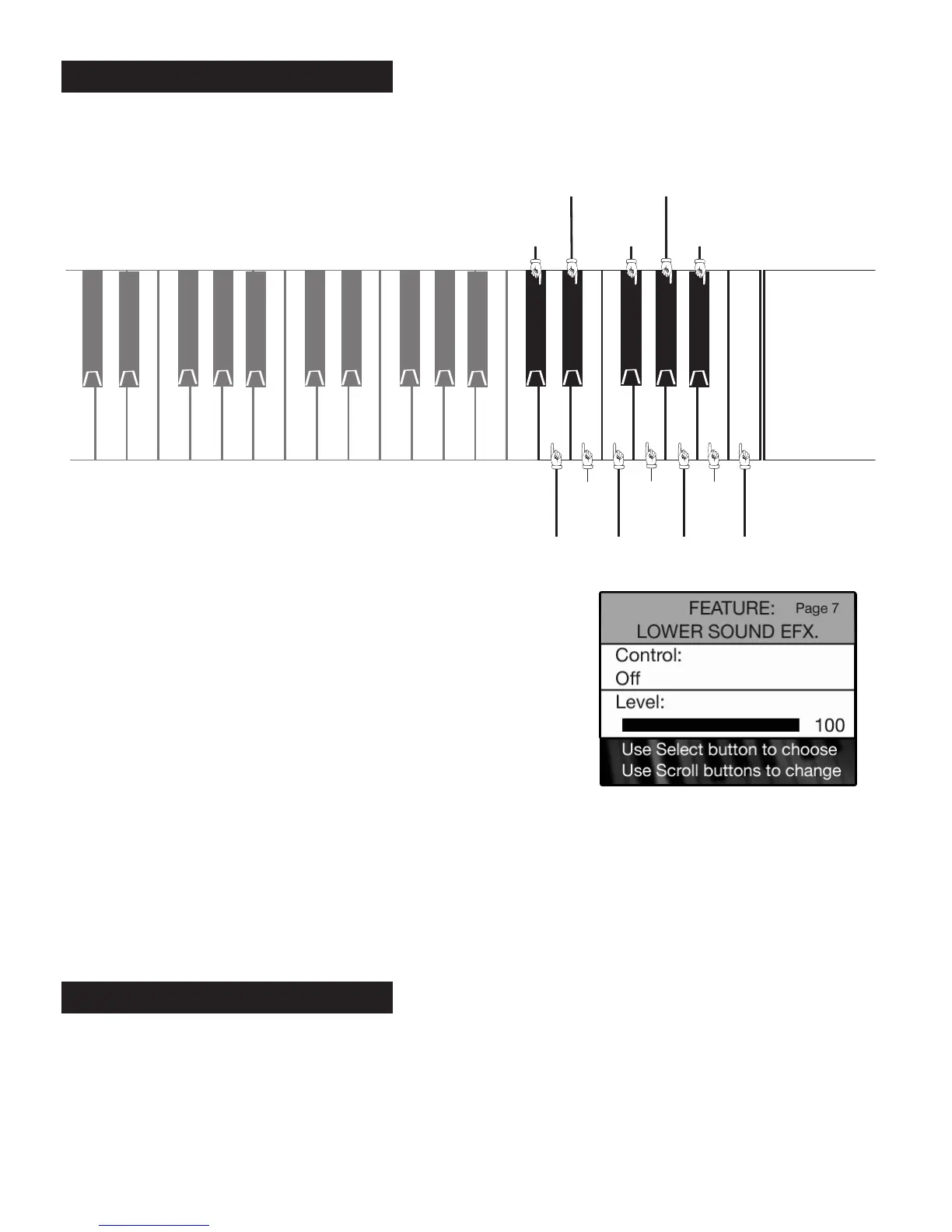
LOWER SOUND EFFECTS FEATURE PAGE allows you to turn the bottom 12 notes on the lower keyboard into
sound effects, as illustrated below.
•Press the
SELECT button to highlight the CONTROL section of the screen.
•Press either
SCROLL button to display the settings: OFF or ON.
•Press the
SELECT button to highlight LEVEL section of the screen.
•Press the top SCROLL button to increase the volume level of the lower keyboard sound effects.
Press the bottom SCROLL button to decrease the volume level.
Press the lighted
FEATURE(CLEAR) button to implement the selections/settings made and return to the
POWER-UP screen.
PREVIEW:
KEYED DRUMS FEATURE PAGE provides two different drum kits that can be played on the lower keyboard.
Drum kits are groups of percussion sounds selected for a particular style of music. Keyed Drums are played
on the lower keyboard, to the right of the keyboard split. Setting the split point further to the left reveals
more drums sounds.
8. Keyed Drums
How To Use It:
•Press the Feature (Clear) button and then press the top SCROLL
button repeatedly to highlight FEATURE: LOWER SOUND EFX, as
illustrated to the right.
GONG
THUNDER
PLANE
COW
HORSE
WHINNEY
HORSE
GALLUP
TELEPHONE ROOSTER
CAT
DOG
BARK
JINGLE
BELLS
CHURCH
BELL
LOWER KEYBOARD SOUND EFFECTS
7. Lower Sound Effects






 To Next Page