15
Presets
How To Use It:
SONG SETUP takes the guess work out of what rhythm style button to use, plus it adds a complete regis-
tration. The 354 song titles in the
SONG SETUP database are listed in the back of the book in alphabetical
order.
Note: The preset given for a song title can be used for other songs. For example, the preset for Abide With
Me can be used for many hymn titles. Sheet music for the 354 song titles is not pr
ovided.
HERE IS A RECAP OF THE PRESET FEATURES
Even if you never press another button, simply turning the organ on gives you a beautiful Lowrey organ
sound. The Preset features are very powerful and valuable. By simply pressing one or two buttons the entire
organ is set up and ready to play. All the sounds, musical effects, and volume settings are selected and set
so you can sit down at the organ and make music right away.
GENERAL PRESETS, CATEGORY PRESETS, and RHYTHM PRESETS can not be changed.
You can never “accidentally” lose any of these registrations.
BANK PRESETS can be customized and saved in order to create your own favorite registrations. You can
always return to the factory-set registrations, which you can never lose.
GENERAL PRESETS: Power Up and buttons 1 through 10
CATEGORY PRESETS: 11 for each Category- Country, Big Band, Show, Latin.
BANK PRESETS: 11 for each Bank- A, B.
RHYTHM PRESETS: 11 for each of the 90 styles.
SONG SETUP PRESETS: 354 registrations with a style.
TOTAL
11
44
22
990
354
1,421
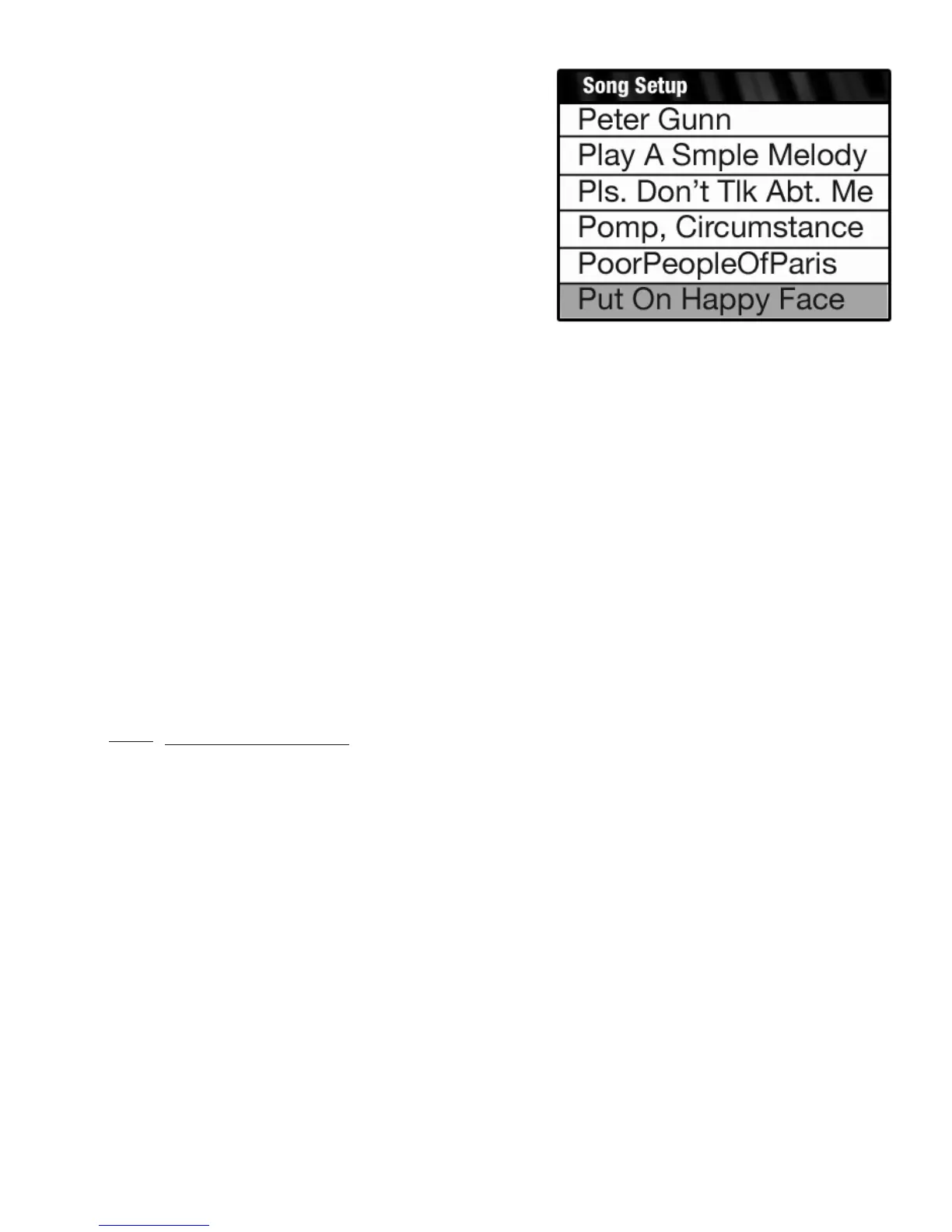
To move more rapidly through the song list (six song titles at
a time rather than single titles) press and hold either
SCROLL
button. When you get to the desired song title, release the
Scroll button and begin pressing it again repeatedly until the
desired song title is highlighted in blue.
When the desired song title is highlighted press the
SELECT
button.
The organ will be set up and ready to play with a style and
registration. To return the screen to the regular display, press
the
FEATURE (CLEAR) button.






 To Next Page