52
Holiday Classic Owner’s Guide
GENIUS
What It Does:
The word GENIUS on a button means that you have the option of assigning any number of sounds, from the
GENIUS VOICE LIST, to that button.
The Genius buttons are:
PEDAL GENIUS (orange), LOWER GENIUS, ORCH GENIUS (red) and SOLO GENIUS
(blue). A complete list of the genius voices can be found in the back of this book - GENIUS VOICE LIST on
page 88.
NOTE: Take care not to confuse the Genius sound name with the Preset name. The Genius sound may only
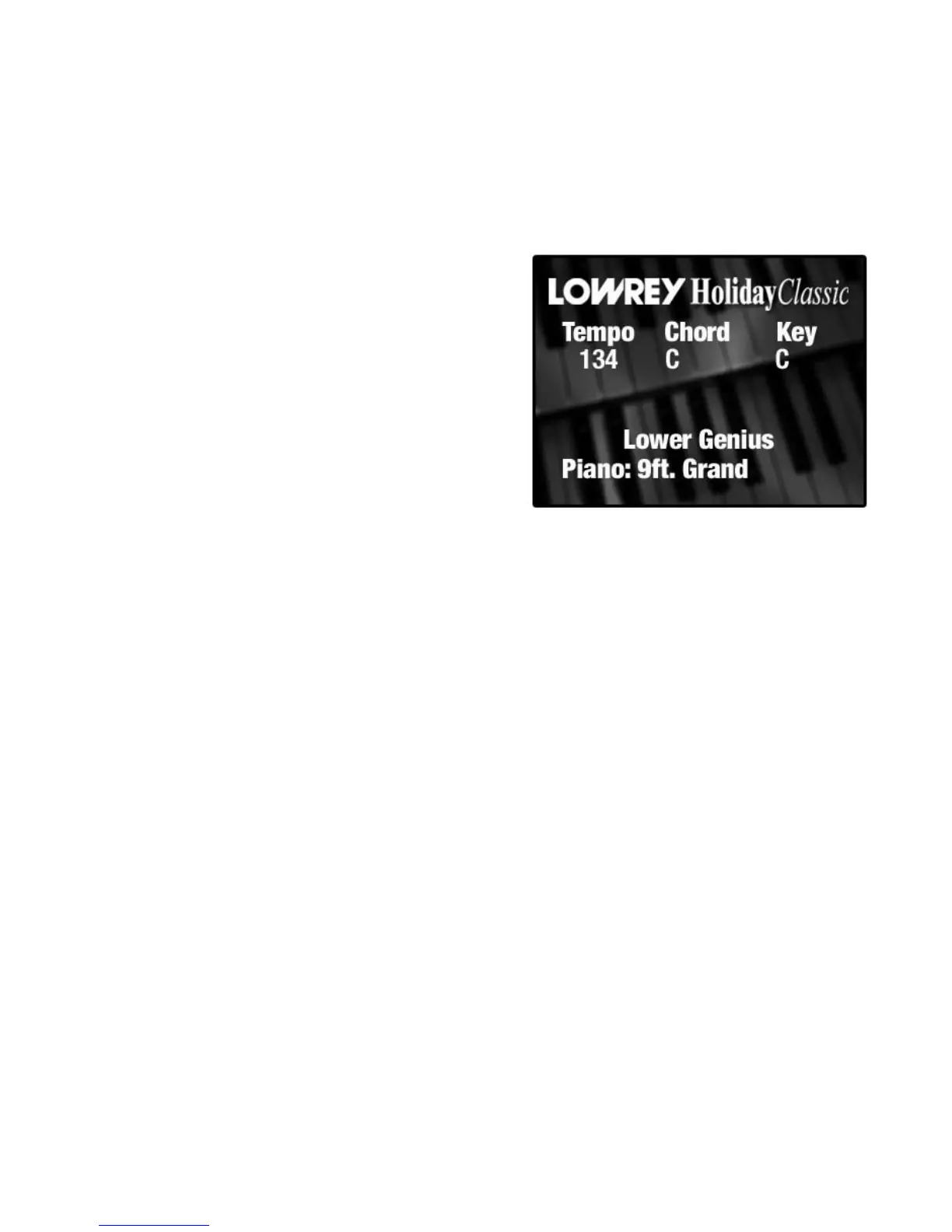
be but one element of the complete sound. For example, Lower Genius=Piano 9ft. Grand, but the Preset
name is Piano + Strings due to the 8’ Strings and Sustain also being turned on in this preset.
How It Works:
Each GENIUS button has a preset sound assigned to it from
the factory. Pressing a genius button, turning it on, will
activate the sound and cause the color display to list the
name of the genius sound.
In the example to the right, you see the
LOWER GENIUS
display. Pressing either SCROLL button causes the screen
to display a different selection and allows you to change
the genius voice in that button.






 To Next Page