53
Organ Section
The Presets shown in the “Presets” section use a wide variety of these
GENIUS sounds.
How To Use It:
Use the GENIUS capability to add a wide variety of sounds and to create new registrations for your music.
The easiest way to explore the hundreds of options the
GENIUS feature holds is to start with one of the many
GENERAL, CATEGORY, or BANK PRESET sounds and then make genius voice changes. If you find one you
really like, save it in a
BANK PRESET.
6. Run your hand up and down the black keys on the upper keyboard to hear a beautiful harp arpeggio.
Continue pressing the Scroll button, stopping at different sounds in order to hear them as you play notes on
the upper keyboard.
Pressing the two
SCROLL buttons at the same time will return to the original sound saved in the preset, in
this case FRENCH HORN.
Pressing the
RESET button or turning the Holiday Classic off will return the GENIUS VOICE assigned to a
genius button back to the factory preset sound. When you fins a sound you really like save it in a BANK
PRESET
.
For more options, see EDIT GENIUS on page 80.
The beauty of your Lowrey is that when you use the preset features you are utilizing the
GENIUS SOUNDS.
We at Lowrey created the presets so you can get the benefit of great sounds and features by pressing just
one or two buttons.
TRY THIS: Try the following example to see how to change
the sound in a
GENIUS button.
1. Press the
RESET button.
2. Press the buttons in the UPPER section FLUTE 16 and
FLUTE 4, turning them off.
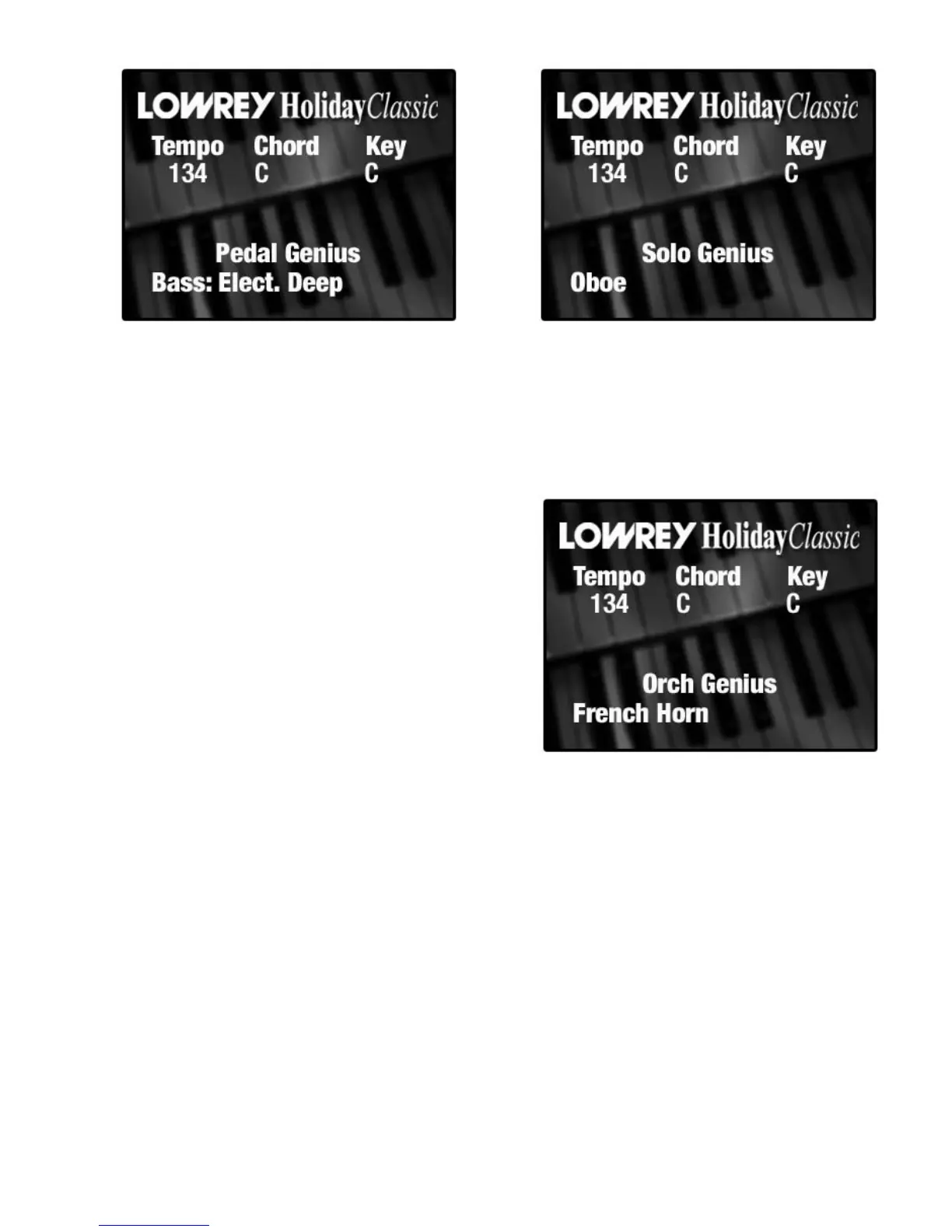
3. Press the red ORCH GENIUS button. The color display
will read: ORCH GENIUS FRENCH HORN.
4. Play a few notes on the upper keyboard to hear a
beautiful french horn sound.
5. Press the top
SCROLL button repeatedly until the screen
displays:
HARP.






 To Next Page