80
Holiday Classic Owner’s Guide
- SHORTCUT=FEATURE + ANY GENIUS BUTTON
PREVIEW:
EDIT GENIUS FEA
TURE PAGE gives you the ability to change (edit) the GENIUS sounds.
Genius sound settings are preset from the factory and may never need to be adjusted to fully enjoy the
Holiday Classic. When the need arises to edit genius sounds follow these steps.
•Press the
SELECT button to highlight the CONTROL section of the screen.
•Press either SCROLL button to display the settings: LOWER GENIUS, PEDAL GENIUS, SOLO GENIUS, ORCH
GENIUS
.
•Press the SELECT button to highlight the PARAMETER section of the screen.
•Press either SCROLL button repeatedly to display the different edit parameters that may used on genius
sounds:
OCTAVE, VIBRATO DELAY, VIBRATO RATE, VIBRATO DEPTH.
•Press the SELECT button when the desired parameter is listed. The VALUE section of the screen will become
highlighted.
•Press the top
SCROLL button to increase the value of the selected parameter.
Press the bottom SCROLL button to decrease the value.
OCTAVE - Raise or lower the sound by one or two octaves. (Value range -1, -2, 0, 1, 2.)
VIBRATO DELAY - How early or late the vibrato effect is added to a sound. (Value range -1, -2, 0, 1, 2.)
VIBRATO RATE - How fast or slow the vibrato effect is on a sound. (Value range 0-100.)
VIBRATO DEPTH - How deep or shallow the vibrato effect is on a sound. (Value range 0-100.)
SUSTAIN - How long the sound will linger after the key is released. (Value range 0-100.)
To retain any changes made using
EDIT GENIUS be sure to save your settings to a BANK PRESET.
Press the lighted
FEATURE(CLEAR) button to implement the selections/settings made and return to the
POWER-UP screen.
How To Use It:
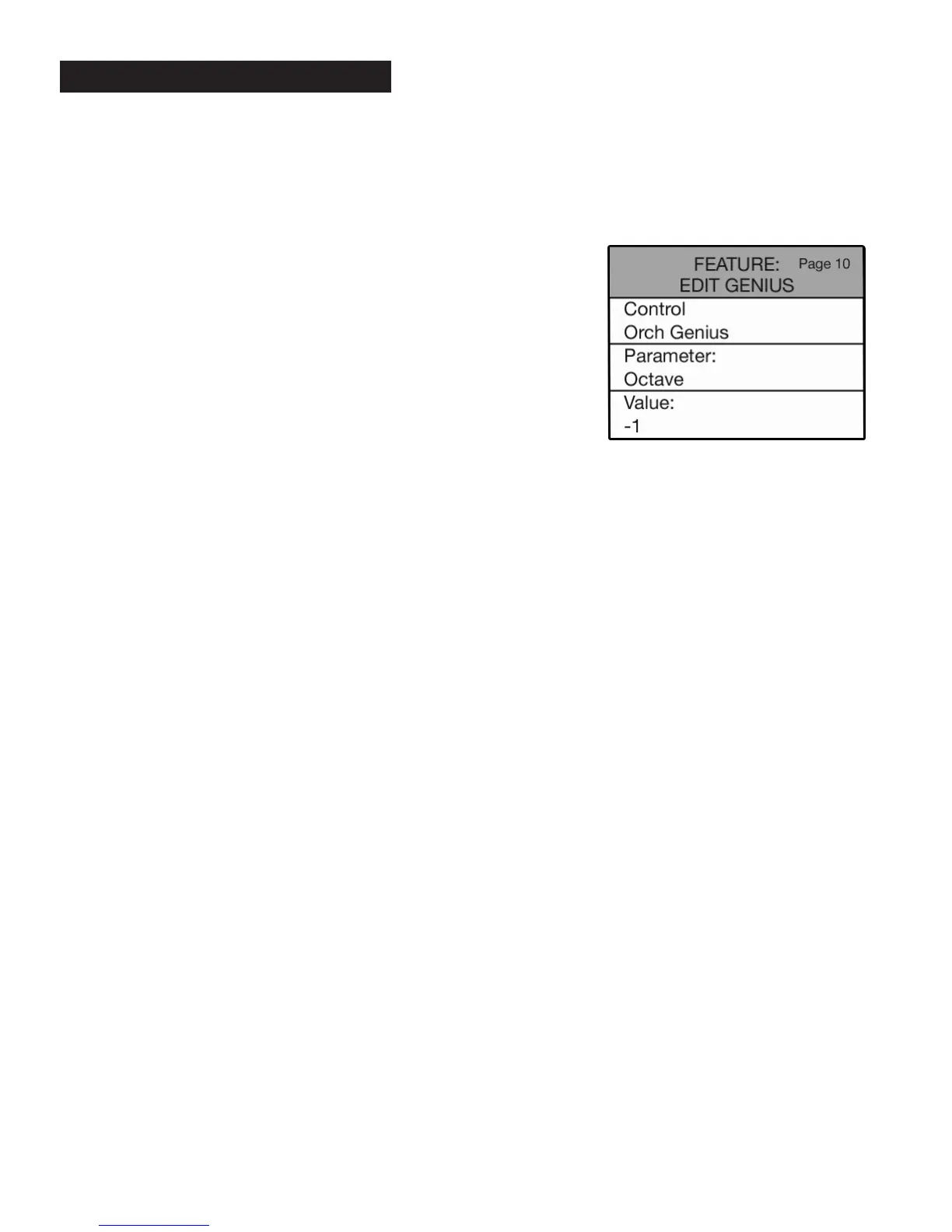
•Press the Feature (Clear) button and then press the bottom
SCROLL button repeatedly to highlight FEATURE: EDIT GENIUS, as
illustrated to the right.
10. Edit Genius






 To Next Page