71
Feature Pages
PREVIEW: There are 17 FEATURE PAGES viewable on the COLOR DISPLAY. Each feature page contains a
different category of features and controls. You may never use all of the features that will be shown in this
section. Using the various presets, described at the beginning of this book, will automatically activate many
of them for you. This section fully-details the features and controls accessible from the color display.
NAVIGATION
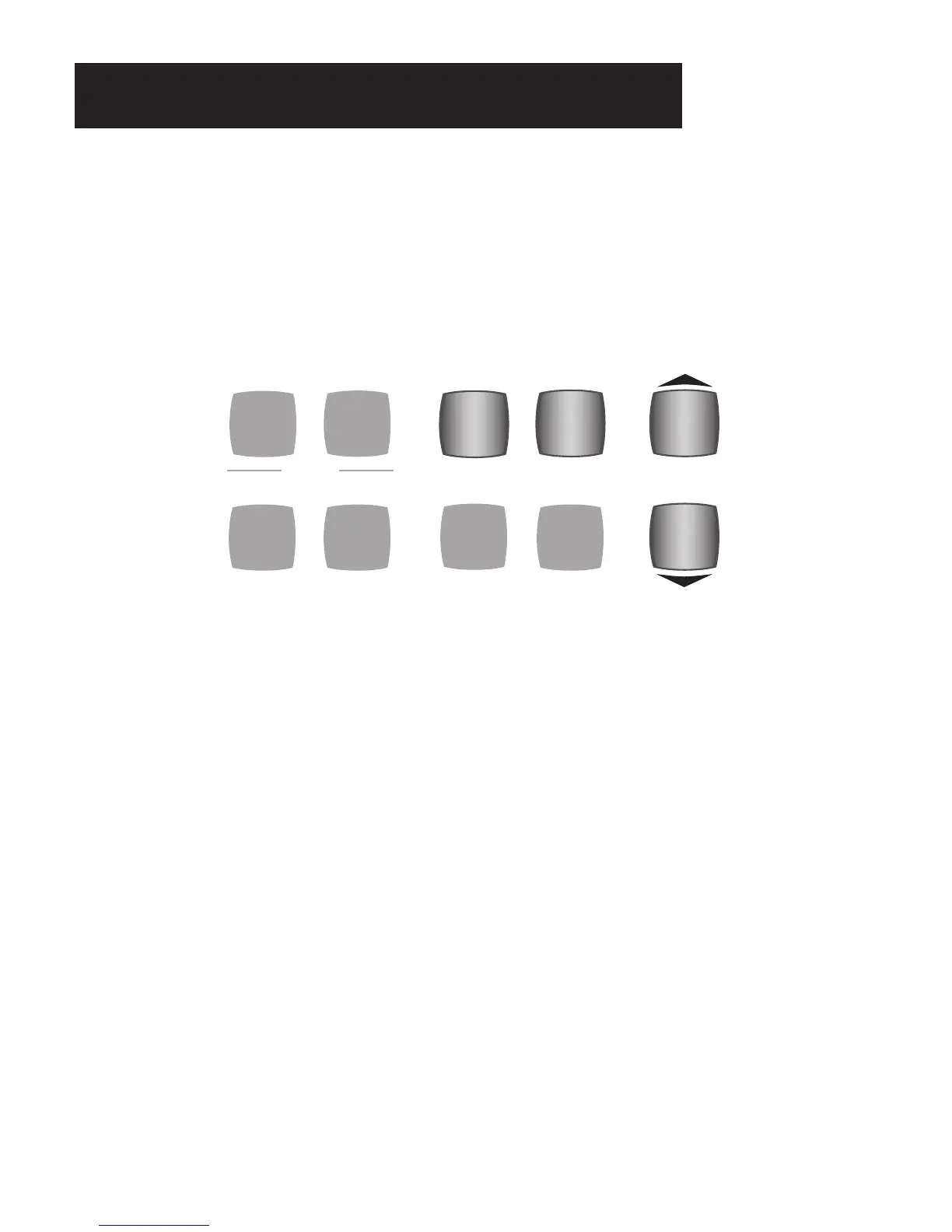
The FEATURE (CLEAR),SCROLL,and SELECT buttons allow you to move through, change and implement the
numerous features found in the COLOR DISPLAY FEATURE PAGES. Each FEATURE PAGE is divided into
sub-sections called
PANES. Each feature page can have two to four panes.
FEATURE PAGE TITLES
1. USB - PAGE 73
2. LOWER/PEDAL VOLUME - PAGE 74
3. SUSTAIN - PAGE 75
4. ORCH EFFECTS - PAGE 75
5. SOLO EFFECTS - PAGE 76
6. AOC - PAGE 77
7. LOWER SOUND EFFECTS - PAGE 78
8. KEYED DRUMS - PAGE 78
9. MIDI - PAGE 79
10. EDIT GENIUS - PAGE 80
11. REPEAT - PAGE 81
12. CONTROLLERS - PAGE 81
13. RENAME PRESETS - PAGES 82
14. NEXT PRESET - PAGE 83
15. PLAY SONGS - PAGE 84
16. SET SPLIT - PAGE 84
17. LIGHT SHOW - PAGE 85
FEATURE (CLEAR) BUTTON
What It Does:
The FEATURE (CLEAR) button enables and initiates numerous features on the organ.
It can also return the
COLOR DISPLAY to its standard display.
How It Works:
There are 16 Feature Pages of controls and features on the Holiday Classic. Pressing the FEATURE (CLEAR)
button displays the first of these, or the last page you were on before your returned to the POWER UP screen.
SONG
SET UP
EASY
SELECT
FEATURE
(CLEAR)
SCROLL
FLUTE VIBRA TREM
SLOW FAST
ACCOMPTEMPO
LOCK
Feature Pages






 To Next Page