LPKF Laser & Electronics AG | V. 1.0
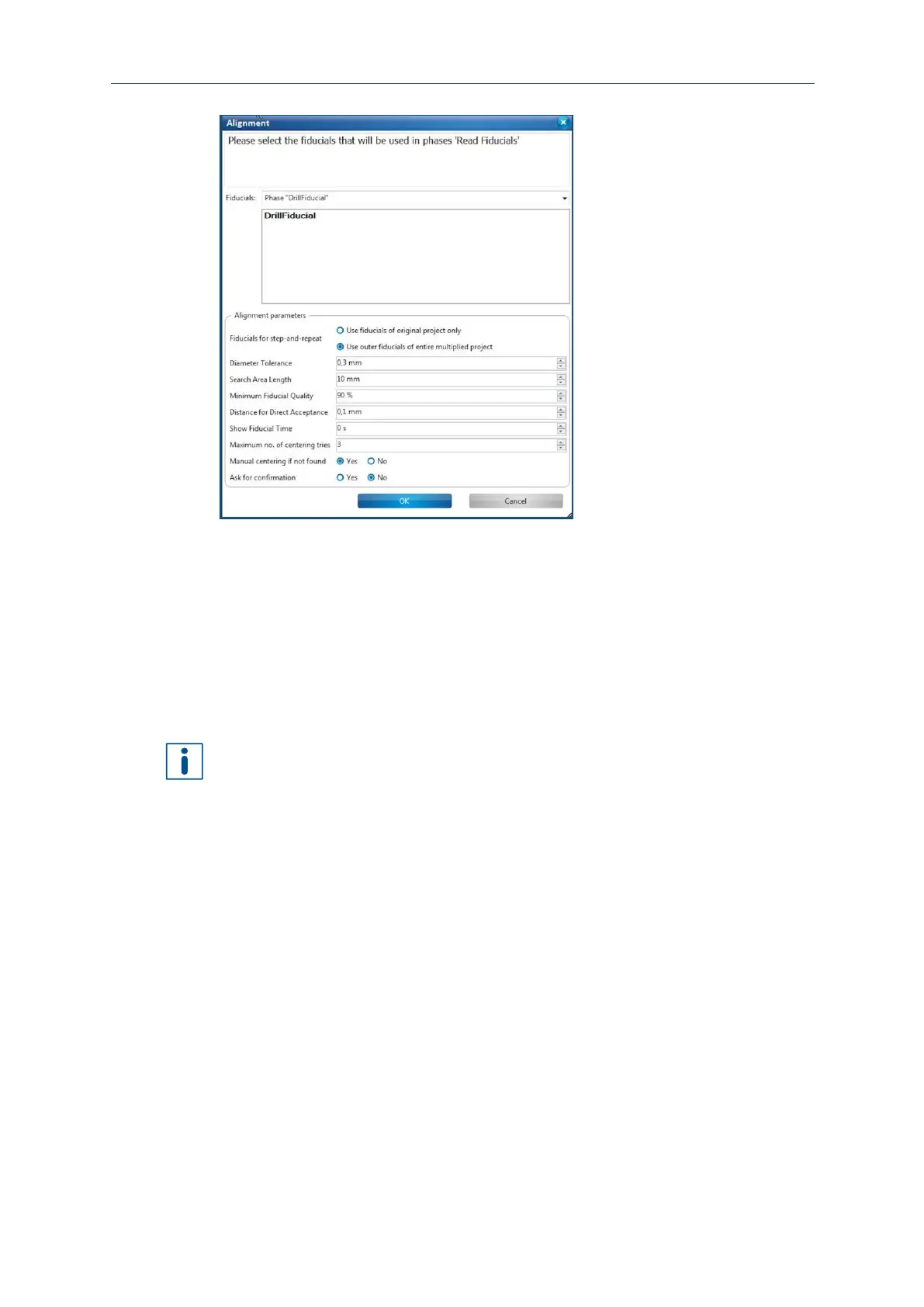
Fig. 91: Dialog Alignment
Searching fiducials (ReadFiducialsTop)
1. Enlarge the search area by increasing the value in the field Search area length.
2. Start the search again by clicking on [OK].
3. Repeat steps one and two if necessary.
The fiducials are searched.
Enlarging the search spiral also increases the time required for searching the
fiducials. So ensure that the PCB is placed at the same position if possible when
turning it over.
Processing the m aterial (Top si de)
The following phases are executed automatically and the required tools are picked up
from the tool magazine:
MillingTop: The processing head picks up various milling tools to mill the
conductive tracks.
ContourRouting: The processing head picks up various drilling and milling tools to
drill holes and cut the contour.
BoardProductionFinish: A message informs you that the production of the printed
circuit board is finished.



 To Next Page