LPKF Laser & Electronics AG | V. 1.0
Property damage by improper cleaning!
Cleaning the system with compressed air or cleaning the cover with aggressive
agents can cause damage.
Never use compressed air for cleaning.
Never use aggressive agents for cleaning the cover.
Use a vacuum cleaner or a slightly damp cloth for stubborn dirt and stains.
Cleaning the system
Ensure that the following prerequisites are fulfilled before performing the described
tasks:
Spare parts and auxiliaries
The system is switched off and secured
against restart.
Soft brush
Antistatic cloth (e.g. microfiber cloth)
Vacuum cleaner, if necessary
Water (for moistening the cloth)
1. Disconnect the mains plug from the wall socket.
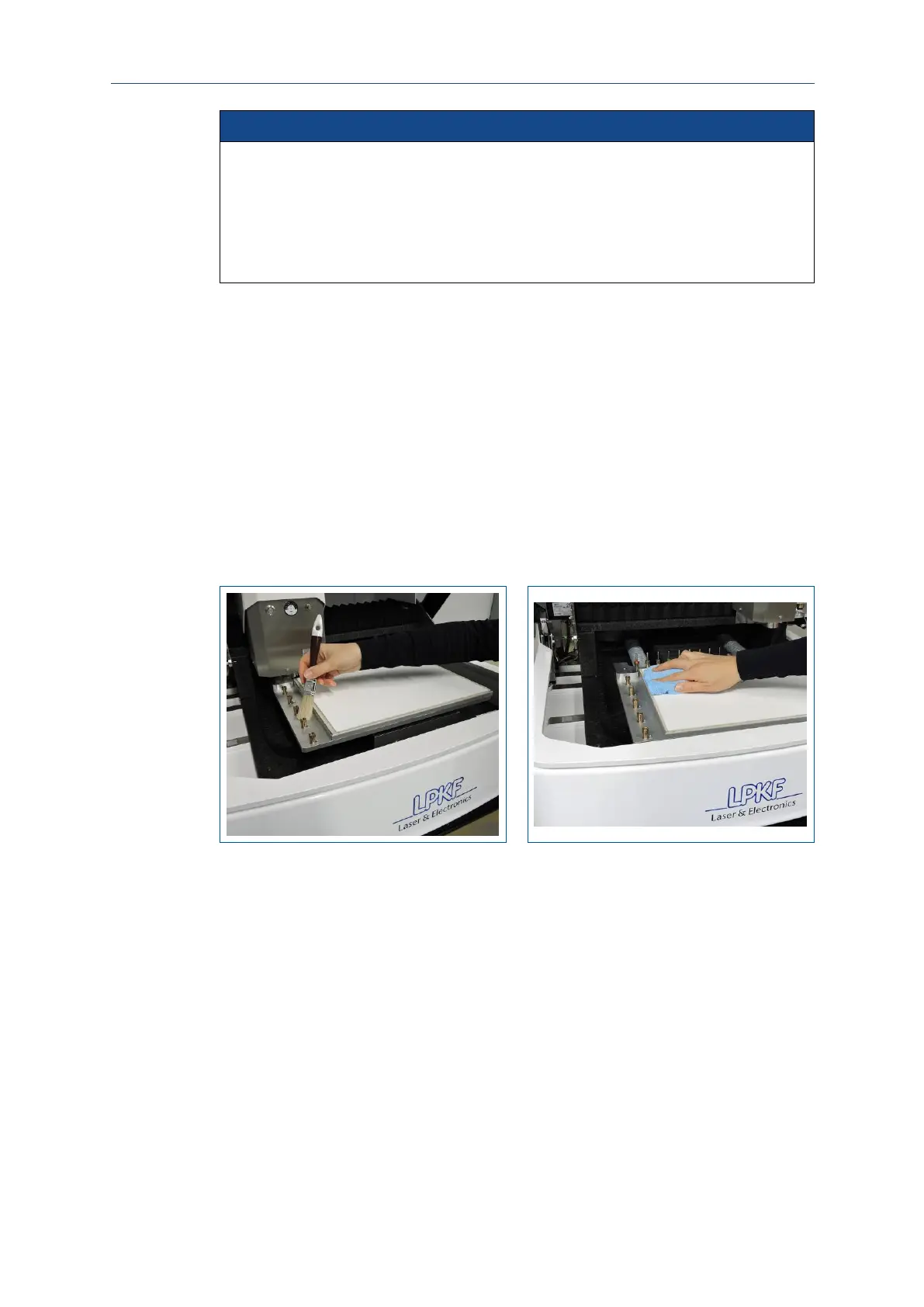
2. Remove material residues from the processing table using a soft brush and a dry
antistatic cloth (e.g. microfiber cloth):
Fig. 125: Cleaning the interior of the system



 To Next Page