EasyManua.ls Logo

LPKF ProtoMat S64 - Page 71

LPKF ProtoMat S64
160 pages
Print Icon
To Next Page IconTo Next Page
To Previous Page IconTo Previous Page
Loading...
ProtoMat S64/S104
First startup
71/160
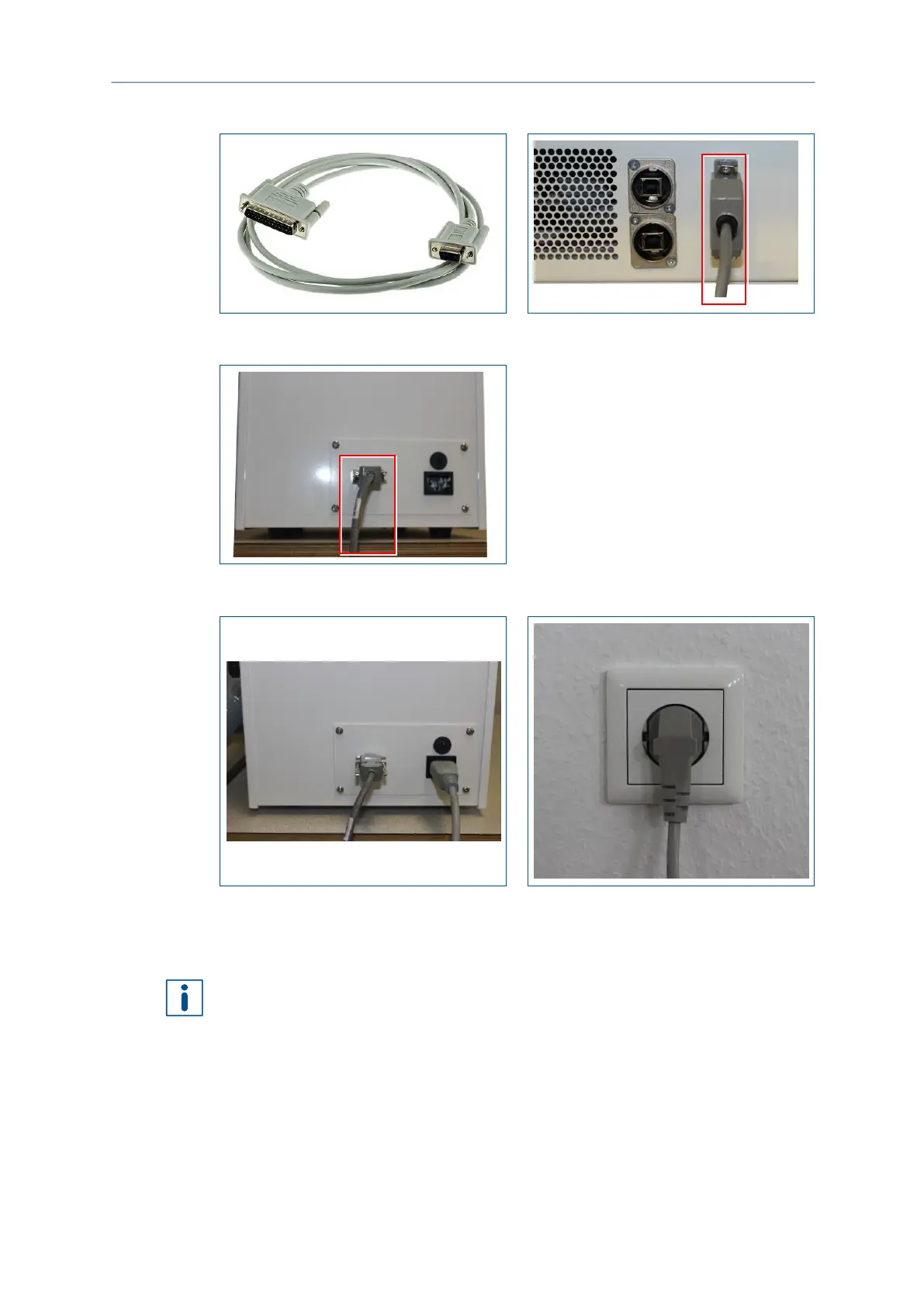
4. Connect the male 25-pin D-sub connector with the system.
Fig. 46: Control cable
5. Connect the female 9-pin D-sub connector with the extraction system.
Fig. 47: Connecting the control cable
6. Connect the extraction system to the mains power supply.
Fig. 48: Connecting the mains cable
The extraction system has been connected.
LPKF recommends to set the extraction system to 70 %. You can adapt the run-down
time of the extraction system according to your requirements. For further information
refer to the user manual of the extraction system.

Table of Contents

Other manuals for LPKF ProtoMat S64

Related product manuals