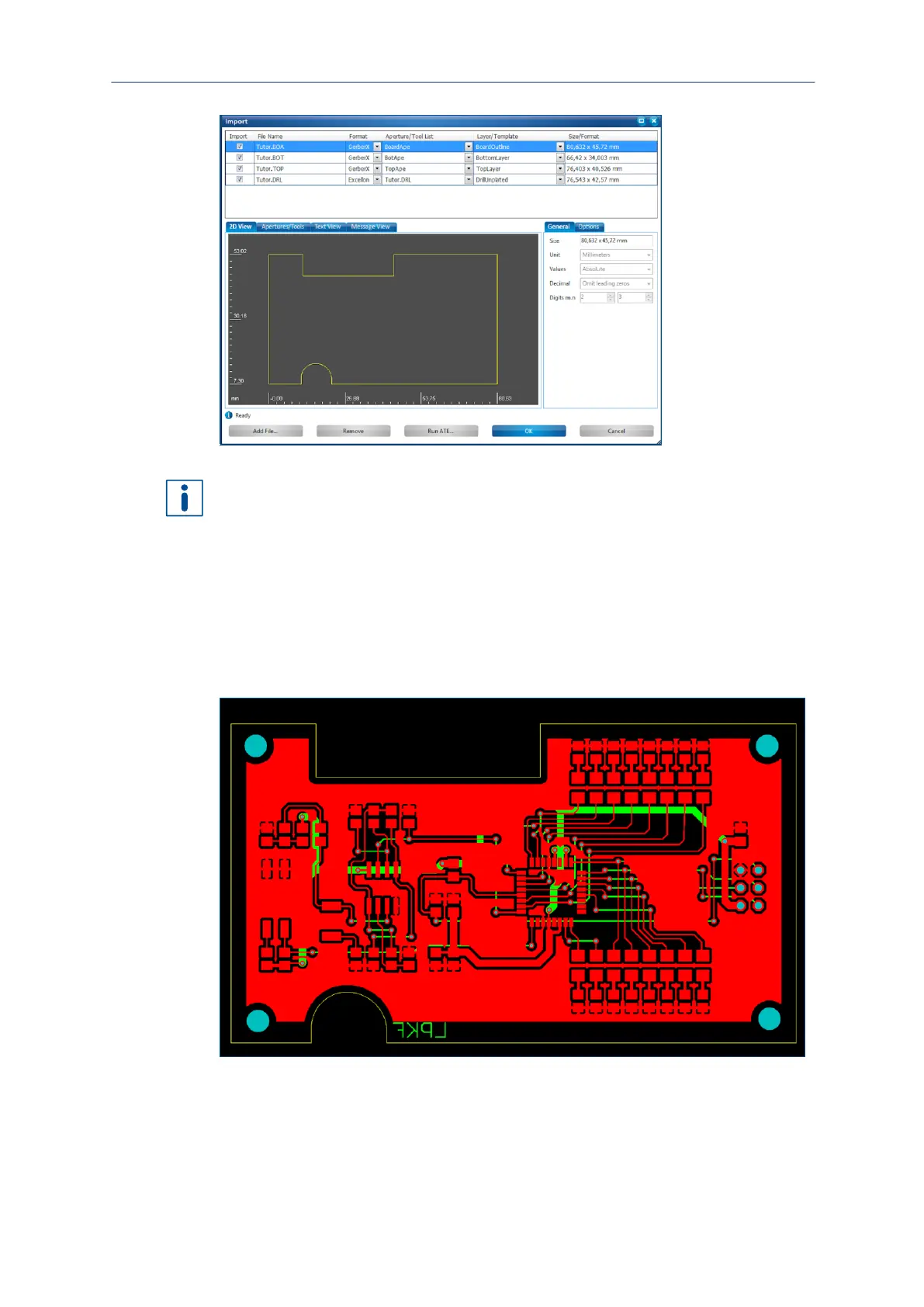
Instead of assigning the layers manually, you can also activate the following functions
in the sub tab Options:
Use layer name
Apply to all Gerber files
This causes the imported files to be automatically assigned to the correct layers if the
files contain the layer names. Note that this option is only available for Gerber files. All
other import formats require that they are assigned manually via the drop-down lists
Layer/Template.



 To Next Page