214325 162 Revision A
Calibrating Auto Header Height Control (Challenger 6 Series)
NOTE:
For best performance of auto header height control (AHHC) system, perform these procedures with center-link set
to D. When setup and calibration are complete, adjust center-link back to desired header angle. Refer to Header
Angle in header operator’s manual.
NOTE:
Changes may have been made to combine controls or display since this document was published. Refer to
combine operator’s manual for updates.
1. Ensure center-link is set to D.
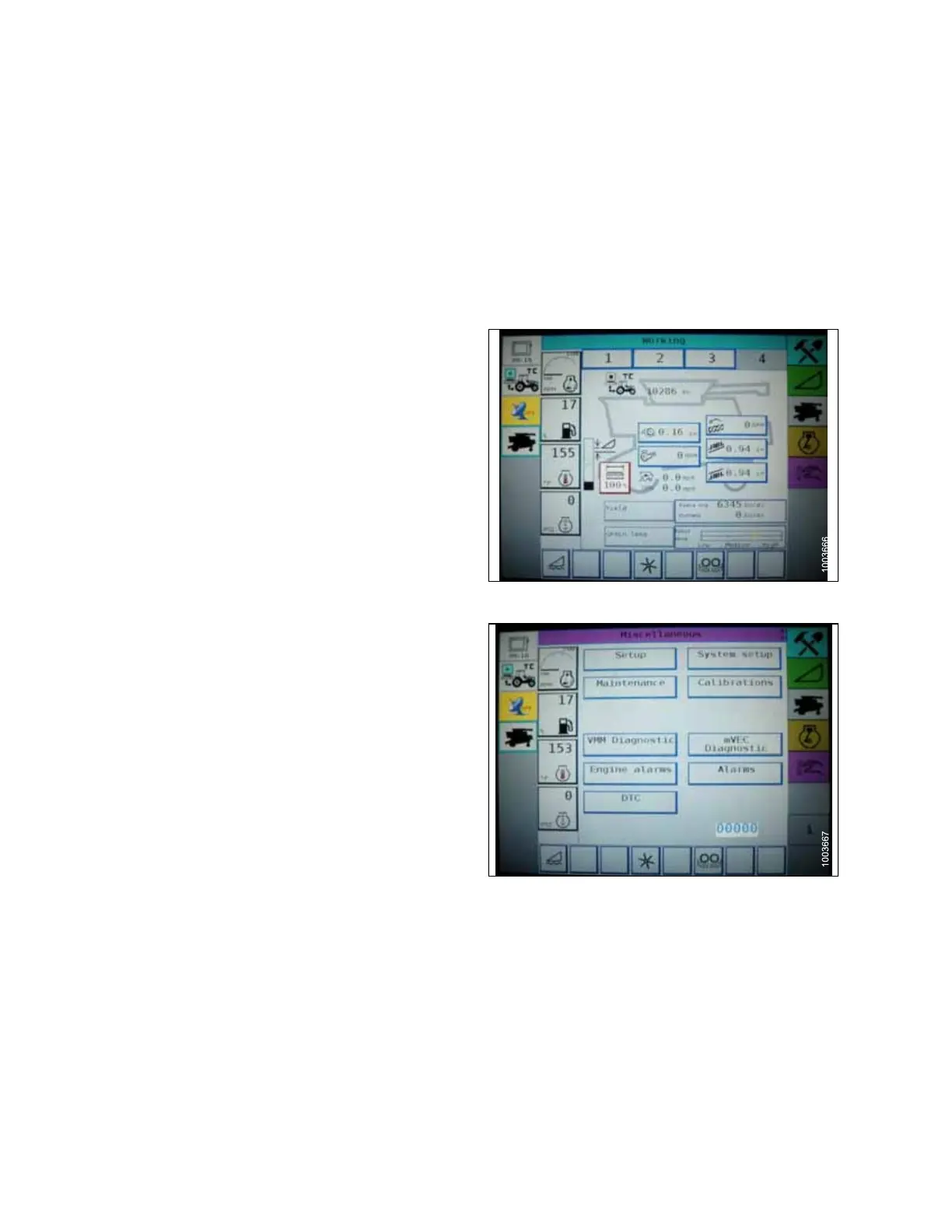
Figure 5.53: Challenger Combine Display
2. On FIELD page, press DIAGNOSTICS icon. The
MISCELLANEOUS page appears.
Figure 5.54: Challenger Combine Display
3. Press CALIBRATIONS button. The CALIBRATIONS
page appears.
SETTING UP AUTO HEADER HEIGHT CONTROL








 To Next Page