214325 225 Revision A
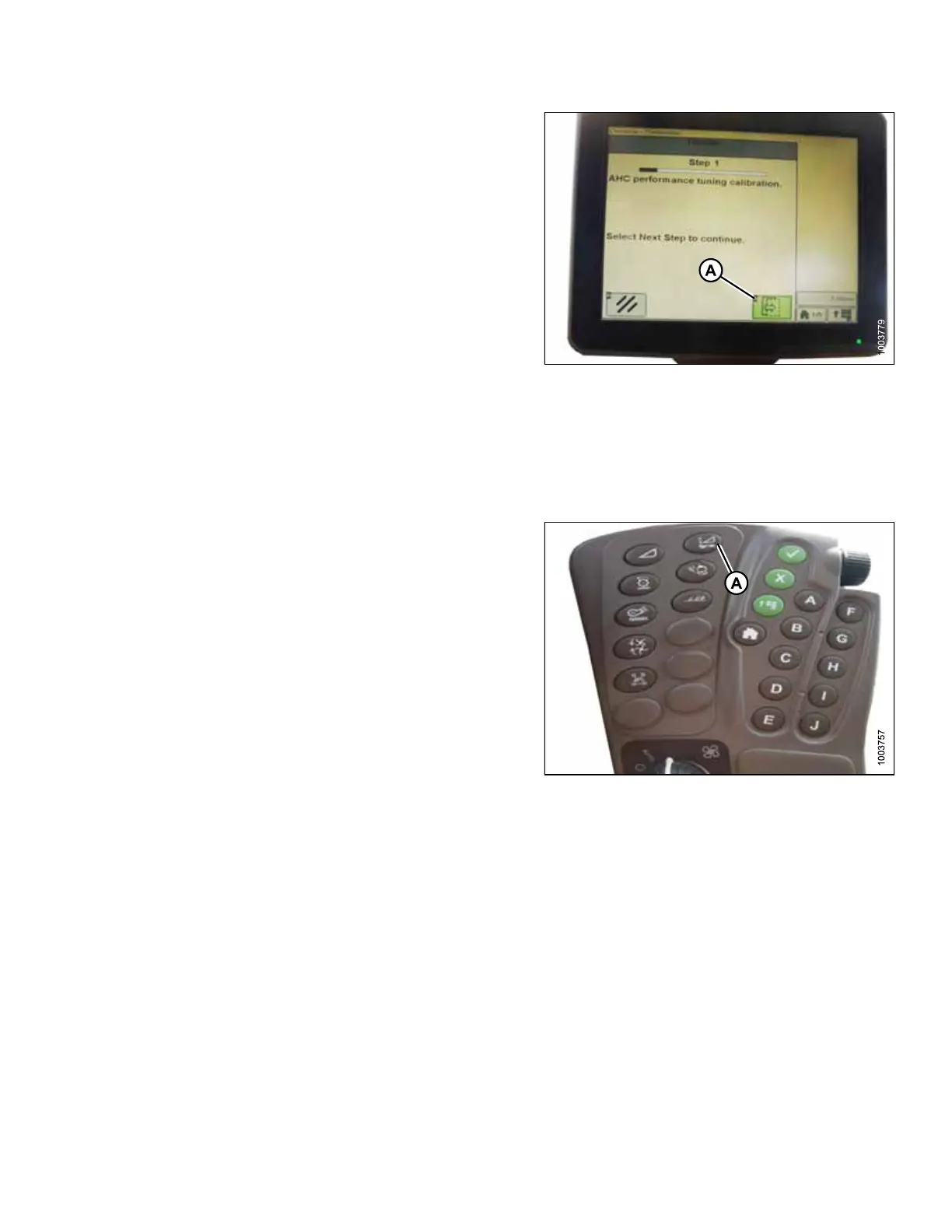
Figure 5.183: John Deere Combine Display
9. Click button (A) and instructions will appear on screen
to guide you through remaining calibration steps.
NOTE:
If an error code appears during calibration, sensor is out
of voltage range and will require adjustment. Refer to
Adjusting Voltage Limits, page 142.
Setting Sensitivity of Auto Header Height Control (John Deere S and T Series)
NOTE:
Changes may have been made to combine controls or display since this document was published. Refer to
combine operator’s manual for updates.
Figure 5.184: John Deere Combine
Command Center
1. Press button (A) twice and current sensitivity setting will
appear on combine display.
SETTING UP AUTO HEADER HEIGHT CONTROL








 To Next Page