214325 190 Revision A
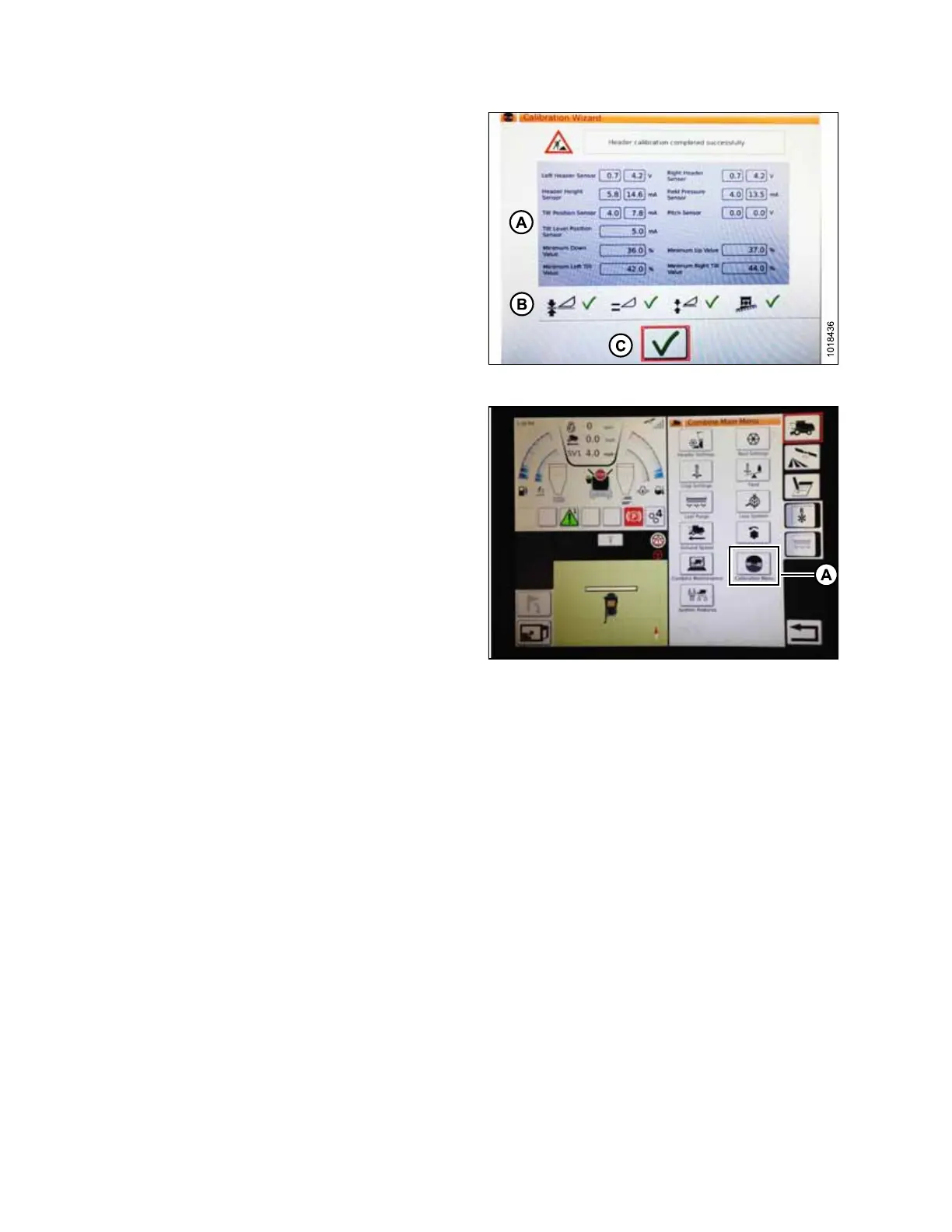
Figure 5.108: Completed Calibration Page
7. When calibration is complete, a message displays, and
summary information (A) is shown. Green check marks
confirm functions have been calibrated (B). Touch
bottom green check mark (C) to save.
Figure 5.109: Direct Calibration Menu
NOTE:
On COMBINE MAIN MENU page, there is a
CALIBRATION icon (A) that, when touched, opens a
general CALIBRATION menu where you can directly
choose from a variety of calibrations including header
and reel calibration.
Operating with a Gleaner S9 Series Combine
NOTE:
Changes may have been made to combine controls or display since this document was published. Refer to
combine operator’s manual for updates.
SETTING UP AUTO HEADER HEIGHT CONTROL








 To Next Page