214325 21 Revision A
3.2 Setting up Combine Adapter
Complete the following procedures in order in which they are listed:
• 3.2.1 Installing Filler Cap, page 21
• 3.2.2 Removing Auger Flighting Extensions, page 23
• 3.2.3 Removing Stripper Bars, page 23
• 3.2.4 Replacing Feeder Deflectors: New Holland CR Combines, page 24
3.2.1 Installing Filler Cap
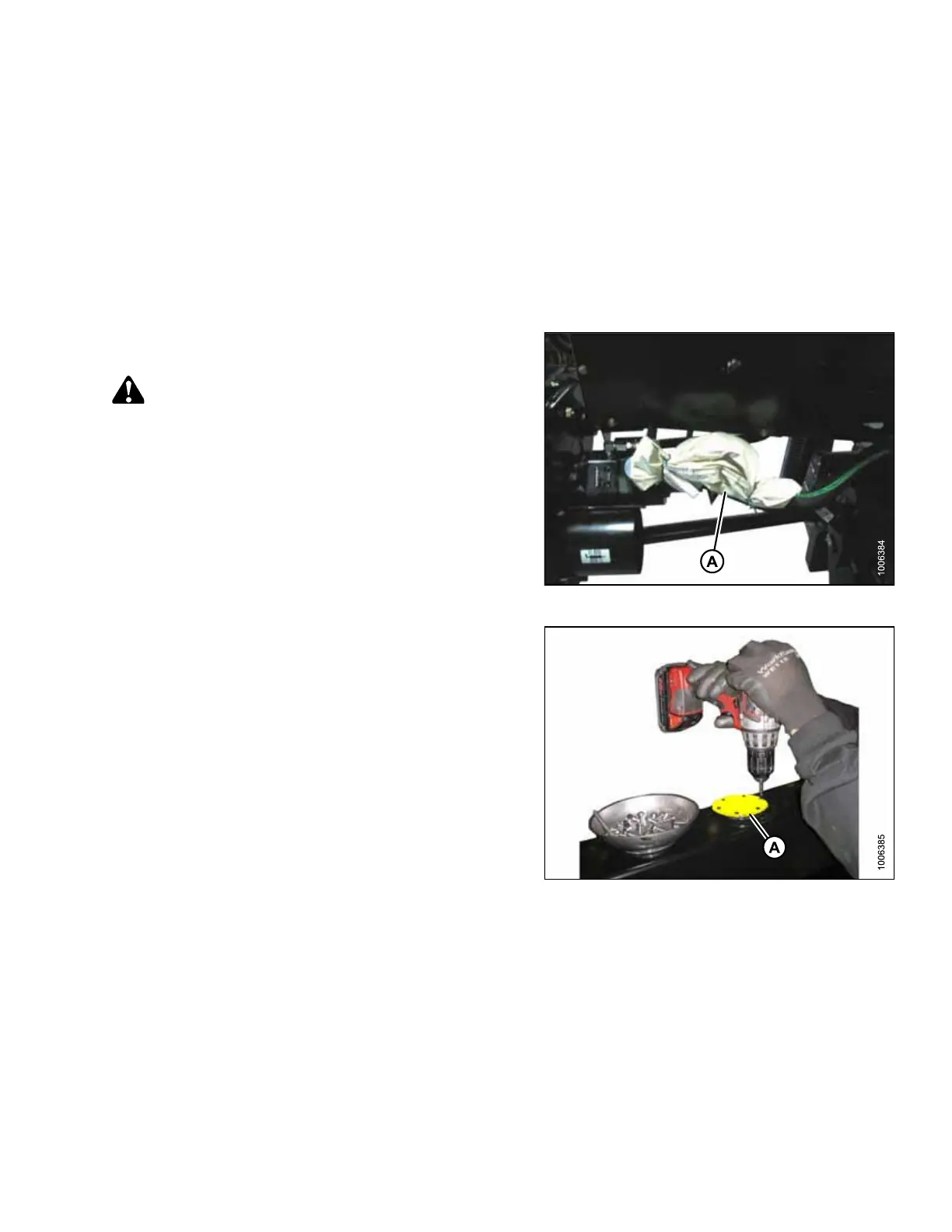
Figure 3.13: Hardware Bag
1. Remove filler cap and bag with six flange head screws
from bag (A).
CAUTION
Fluid may be under pressure. Allow pressure to equalize
by loosening screws and lifting shipping cover slightly.
Figure 3.14: Yellow Shipping Cover
2. Remove yellow shipping cover (A) from adapter frame.
Discard cover and screws.
ASSEMBLING HEADER AND ADAPTER








 To Next Page