214683 127 Revision A
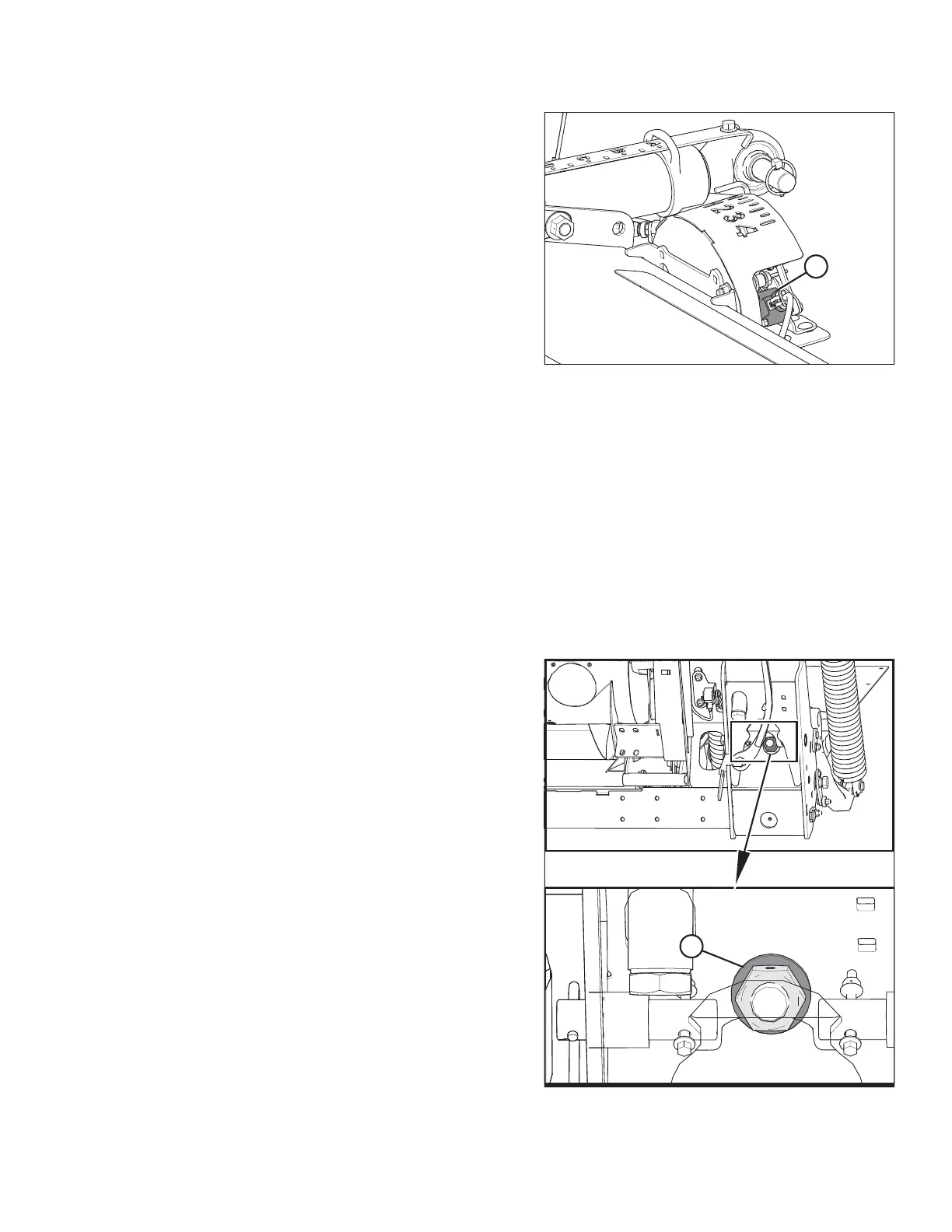
Figure 3.155: Float Indicator Box
Use a voltmeter to measure the voltage between Pin 1
(power) and Pin 2 (ground) wires at the AHHC sensor (A).
This will determine whether the combine has a 5 V system
or a 10 V system.
NOTE:
The combine key must be in the ON position, but the engine
does not need to be running.
The three possible voltage readings are as follows:
• 0V– combine key is in OFF position, or there is a faulty
harness/bad connection
• 5V– standard combine reading
• 10 V – 10 V combine reading; adapter (MD #B6421) is
required
Manually Checking Voltage Range: One-Sensor System
The one-sensor system is standard for the FM100 Float Module. If equipped with the optional two-sensor system,
refer to Manually Checking Voltage Range: Two-Sensor System, page 129.
The output voltage range of the auto header height control (AHHC) sensors in some combines can be checked
from the cab. For instructions, refer to your combine operator’s manual or the AHHC instructions later in this
document.
To manually check the sensor’s output voltage range, follow these steps:
1. Extend guard angle fully; the header angle indicator should be at D .
2. Position the header 150 mm (6 in.) above the ground, and unlock the float.
Figure 3.156: Down Stop Washer
3. Check that float lock linkage is on down stops
(washer [A] cannot be moved) at both locations.
NOTE:
If the header is not on down stops during the next two
steps, the voltage may go out of range during operation
causing a malfunction of the AHHC system.
OPERATION









 To Next Page