214683 37 Revision A
Installing Endshields
Figure 3.17: Left Endshield
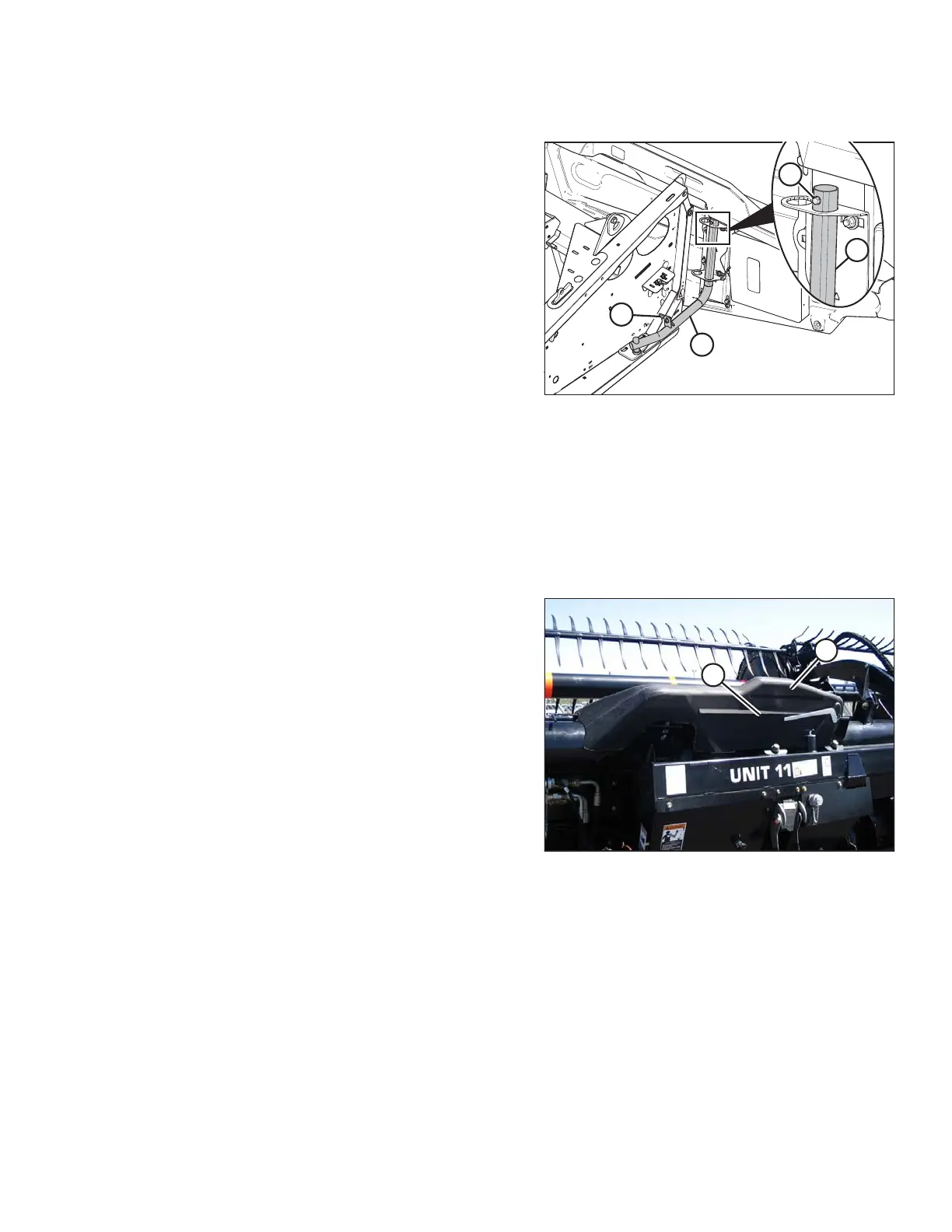
1. Guide endshield onto hinge arm (C) and slowly slide it
downwards.
NOTE:
Ensure hinge arm (C) is installed in the outboard hole
on the hinge bracket, as shown in illustration at right.
2. Install self-tapping screw (B).
3. Disengage lock (A) to allow endshield movement.
4. Close endshield. Refer to Closing Endshields, page 34.
NOTE:
Endshields may expand or contract when subjected to
large temperature changes. Top pin and lower latch
bracket positions can be adjusted to compensate for
dimensional changes. Refer to Checking and Adjusting
Endshields, page 35.
3.2.4 Linkage Covers
Plastic covers are attached to the header frame to protect the header wing balance mechanism from debris and
weather.
Removing Linkage Covers
Figure 3.18: Linkage Cover
1. Remove screw (A) and lift outboard end of cover (B).
OPERATION









 To Next Page