214683 285 Revision A
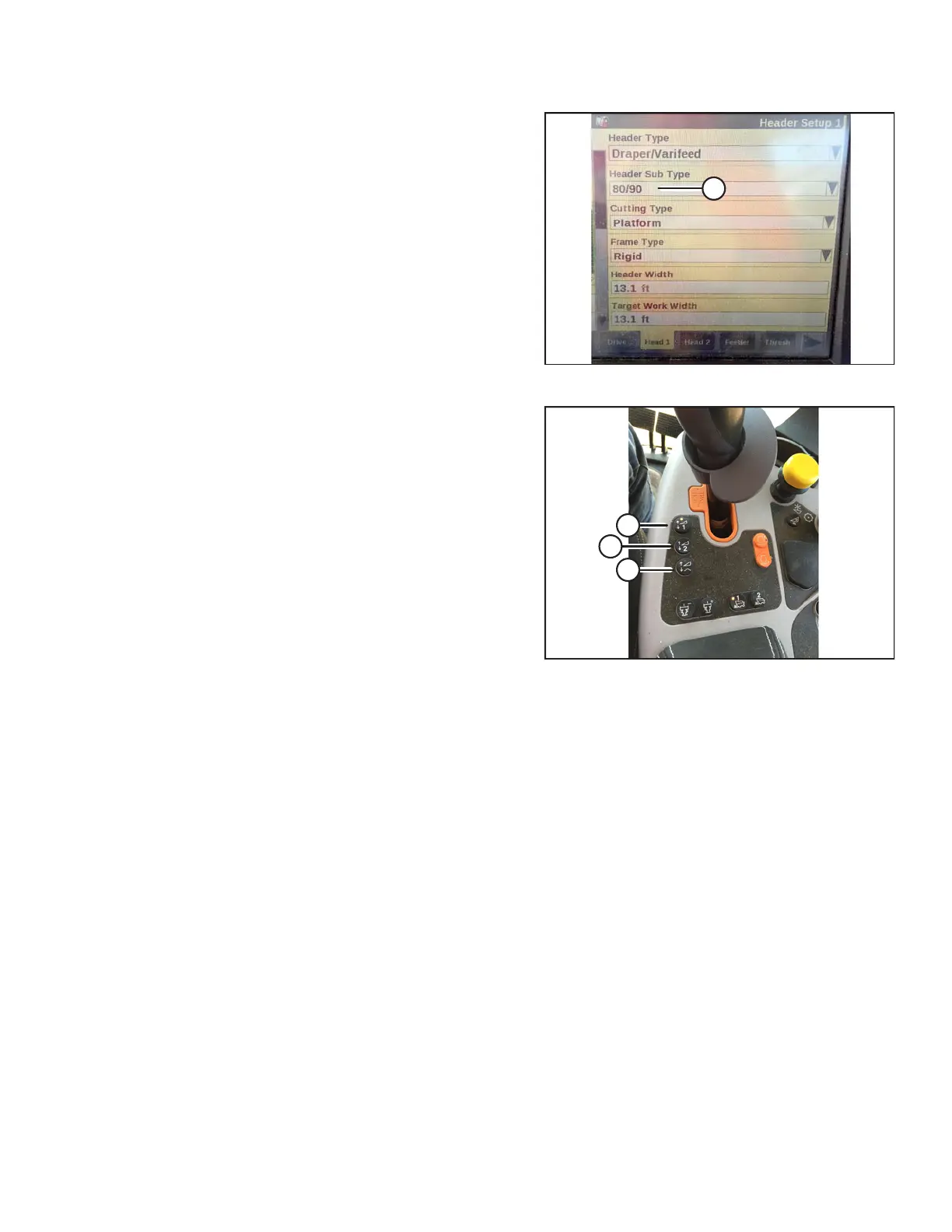
Figure 3.509: New Holland Combine Display
3. On the HEAD 2 screen, change HEADER SUB TYPE
from DEFAULT to 80/90 as shown at location (A).
Figure 3.510: New Holland Combine Controls
There are now two different buttons for ON GROUND
presets. The toggle switch that was present on
previous models is now configured as shown at right.
MacDon headers only require the first two buttons (A)
and (B). The third button down (C) is not configured.
OPERATION









 To Next Page