DRIVING ENVIRONMENT
DRIVER INFORMATION DISPLAY
• Pop-up Notices: This menu provides
a list of active vehicle
communication notices.
• Pre-Trip Assist: This menu provides
the pre-trip test options.
• Truck Data: This menu provides
vehicle overview information
necessary for maintenance and
diagnostics.
• Settings: This menu provides various
settings options that the driver can
adjust.
Vehicle Info
Included in this menu is information
based on a driver's Favorites settings.
Examples of the available screens
include:
• Fuel Economy: displays engine's fuel
economy (L/100 km [MPG]).
• Oil Temps (Temperature): displays
engine and transmission oil
temperature.
• Other Gauges: displays other pre-set
gauges. Examples would be High
Exhaust System Temperature or
Battery Voltage.
• Trip 1: includes various trip data
including average speed, fuel
economy, hours driven, distance
traveled, etc.
• Trip 2: provides the same information
as the Trip 1 option. Allows the driver
to track multiple trips.
• EATS Status: provides various
pieces of aftertreatment information.
For additional information on the
EATS system refer to the
Aftertreatment chapter.
• Drive Train: provides the engine load
and throttle percentage for the drive
train.
• Suspension: provides pressure
information (pounds per square inch)
for the front and rear axle.
• Rear Axle Temps (Temperature):
provides temperature information for
all vehicle axles.
• Fuel Incentive: is a performance
bonus feature used to promote driver
efciency. This menu provides the
amount of fuel used optimally during
vehicle operation.
• ECS Status: provides rear axle(s)
pressure and ride height. These
options are controlled by the
Electronic Controlled Suspension
(ECS) system. For additional
information on the ECS system refer
to the ECS chapter.
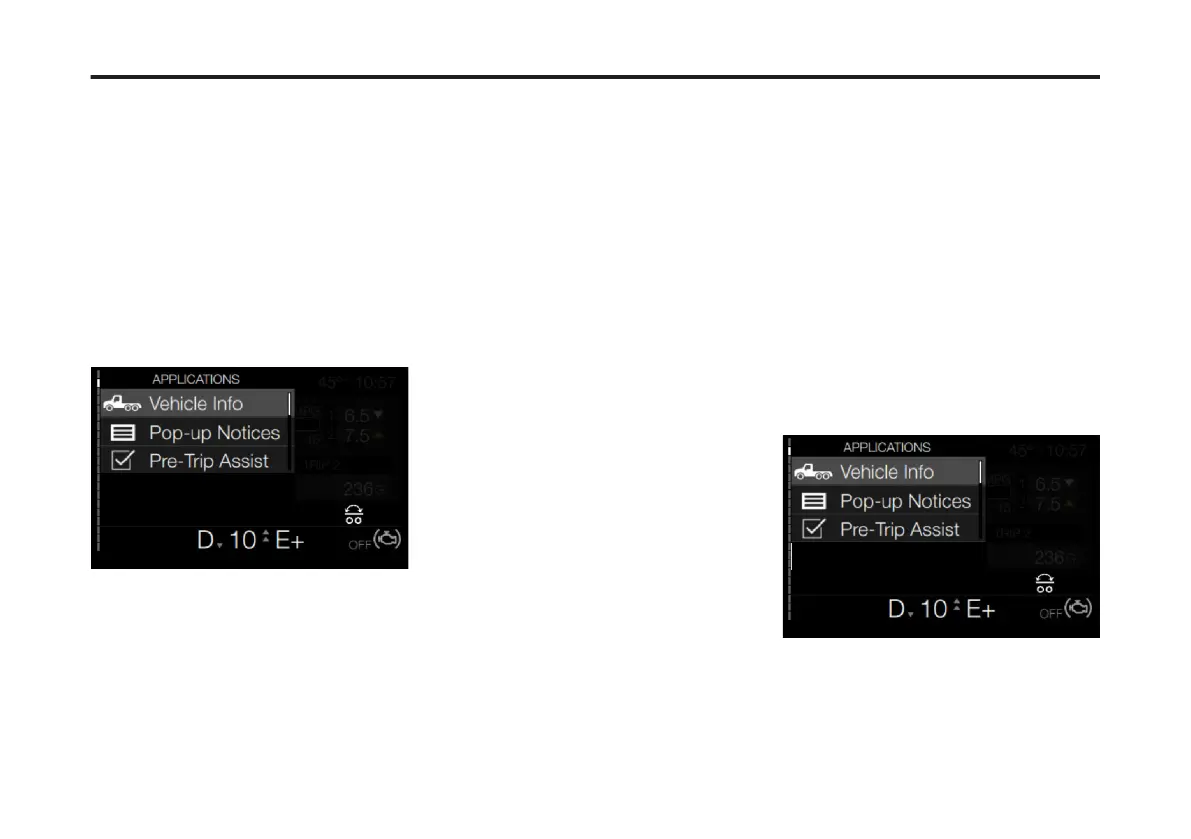
To access the Vehicle Info menus from
the Driver Information Display, complete
the following steps:
1 Press the Applications button on the
right-hand stalk.
The Applications menu screen displays.
2 If necessary, use the Toggle button to
scroll to Vehicle Info.
3 Press Enter.
The initial Vehicle Info screen displays.
92
X Publication_PC28



 To Next Page