STARTING AND DRIVING
TRACTION CONTROL SYSTEM (TCS)
The Traction Control System (TCS)
provides improved traction on slippery
surfaces by reducing wheel spin. If a
drive wheel starts to spin the system
operates automatically as follows:
• The TCS applies air pressure to the
brake of the spinning wheel. Doing
this transfers engine torque via the
axle differential to the wheels that
have better traction. Brake control is
active at vehicle speed up to 25
MPH.
• The TCS limits engine torque which,
in turn, reduces wheel spin to
provide improved traction. The driver
may override torque control by
further pressing the accelerator
pedal. Engine torque is active at all
vehicle speeds.
• When the TCS automatically
becomes active, the TCS indicator
lamp turns on to alert the operator.
The lamp turns off when the wheel(s)
stops spinning.
TCS OFF
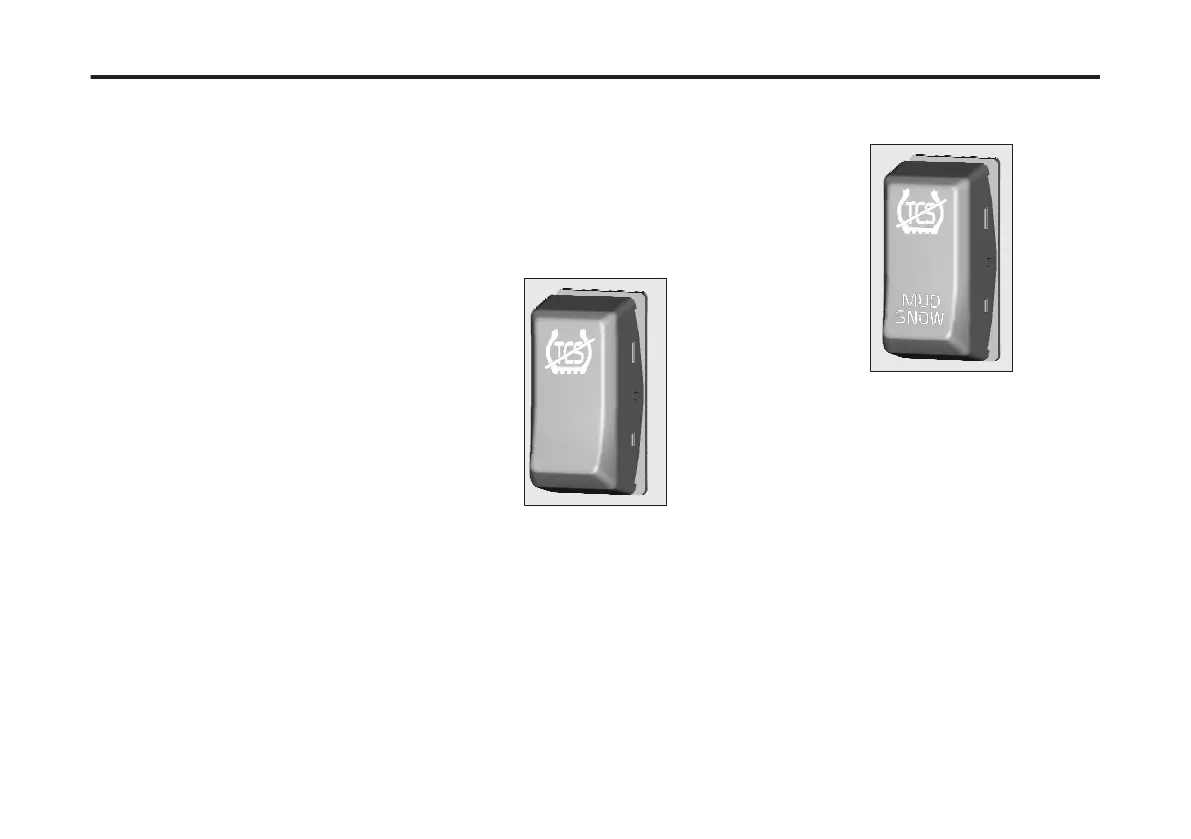
The TCS may also include the TCS OFF
option that is selectable via the TCS
OFF switch. The switch is located on the
dashboard.
When this function is activated, the TCS
OFF function will turn off the system.
Torque can be applied to all drive wheels
as required by the driver. Also, the
system will not reduce wheel spin by
applying the brakes or reducing engine
torque.
When the operator selects the TCS OFF
function, the TCS indicator lamp is on
continuously to indicate that the system
is not available. The lamp will turn off
when the TCS OFF mode switch is
turned off.
Heavy Mud/Snow Function
The Traction Control System (TCS) may
also include a heavy mud/snow function
which allows the operator to access
additional traction when needed.
When the function is activated, with the
mud/snow mode switch, the heavy mud/
snow function increases available
traction by increasing permissible wheel
spin. The switch is located on the
dashboard.
Also, the TCS indicator lamp blinks
continuously.
The TCS lamp stops blinking when the
TCS mode switch is turned off.
176
X Publication_PC28



 To Next Page