STARTING AND DRIVING
TIRE TEMPERATURE SYSTEM
The cavity air temperature of each
programmed tire is monitored via the
Driver Information Display (DID). The
system monitors cavity air temperature
in all tires independently. If the tire cavity
temperature reaches 77°C (170°F) the
system alerts the operator. All
associated telltales display in the
instrument cluster. A tire temperature
DID screen displays. There is also an
audible alert.
NOTE
For additional information about the Tire
Monitoring System refer to the Tire
Monitor sub-section of the Driver
Information Display (DID) section.
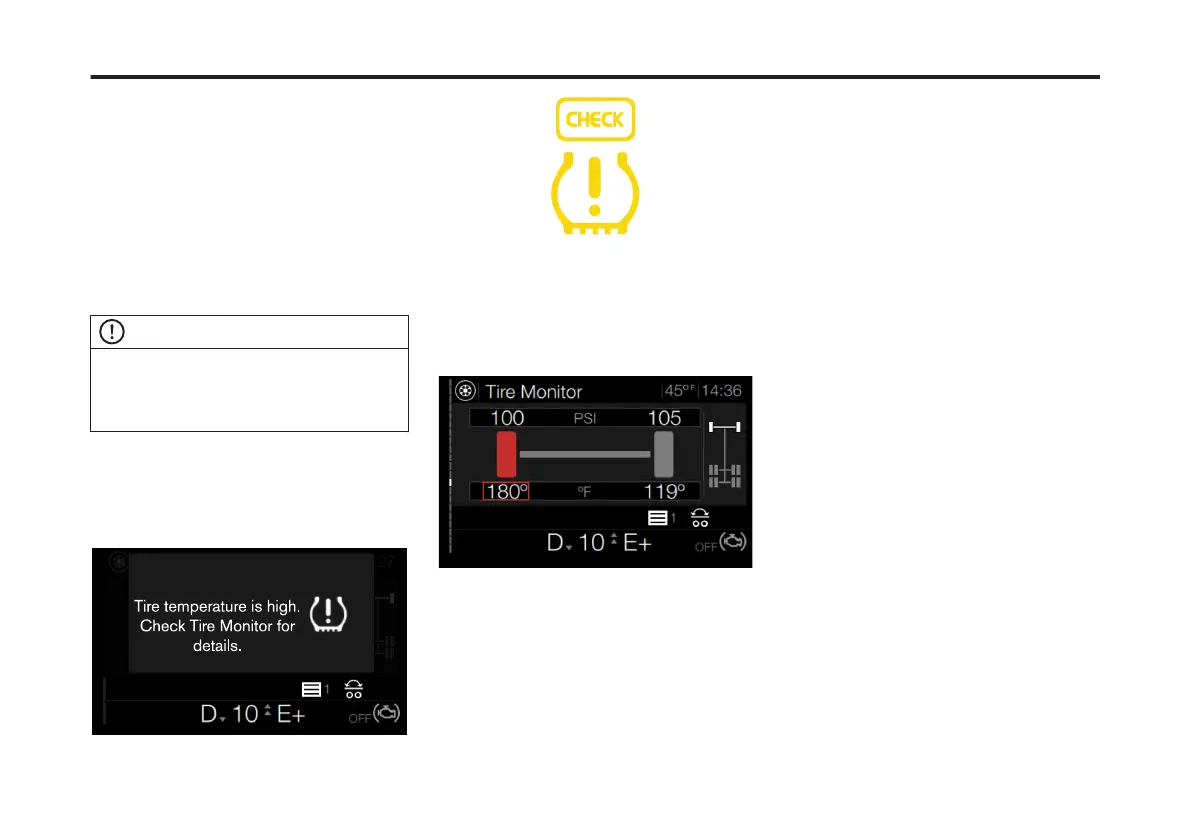
If the tire temperature is excessively
high, the Tire Temperature HIGH screen
displays in the DID. The Check and Tire
Warning icons display in the Instrument
Cluster (IC).
To acknowledge the tire temperature
warning, press the Enter button on the
right-hand steering stalk.
The Tire Monitor screen displays. The
tire with a high temperature reading is
highlighted in the DID.
182
X Publication_PC28



 To Next Page