Setting up the F6 SMART™ System
F6 SMART™ – Volumetric Handheld Camera – User Guide
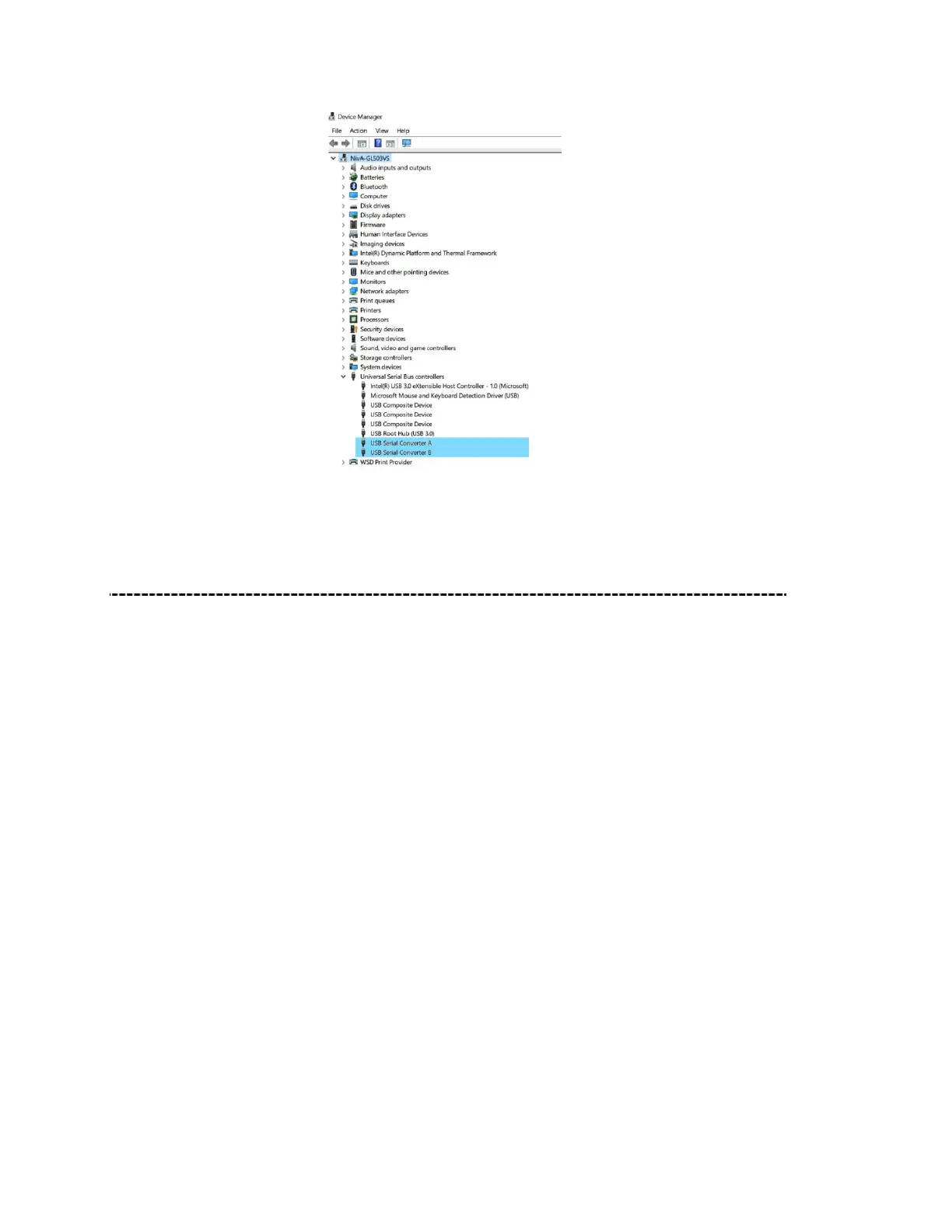
Figure 24 – Verification of F6 SMART™ Camera Connection
Uploading the Calibration Files
To complete the installation and setting up of the system for operation, one more step is
mandatory – the upload of the F6 SMART™ Camera’s explicit calibration files.
These are provided, from the manufacturing line, for EACH scanner device, following an
optical calibration procedure.
These calibration files are included in the USB Disk-on-Key Flash Drive, part of the F6
SMART™ Kit (see Chapter 4 – The F6 SMART™ Kit on page 22 above).
The calibration files are:
● The “
rig.txt
” – a file containing calibration data between the Projector and the NIR
Sensor.
● The “
coloring.txt
” – a file containing calibration data between the NIR Sensor and the
Color (RGB) Camera, and,
● The “
config.ecfg
” – a file containing general system calibration data.



 To Next Page