Selection Tools
F6 SMART™ – Volumetric Handheld Camera – User Guide
Accuracy
Accuracy tool selects points by their accuracy level across percentage range on the
accuracy bar, this option allows removing inaccurate points and removing them from
scene. After selecting the accuracy range approve your selection.
Range
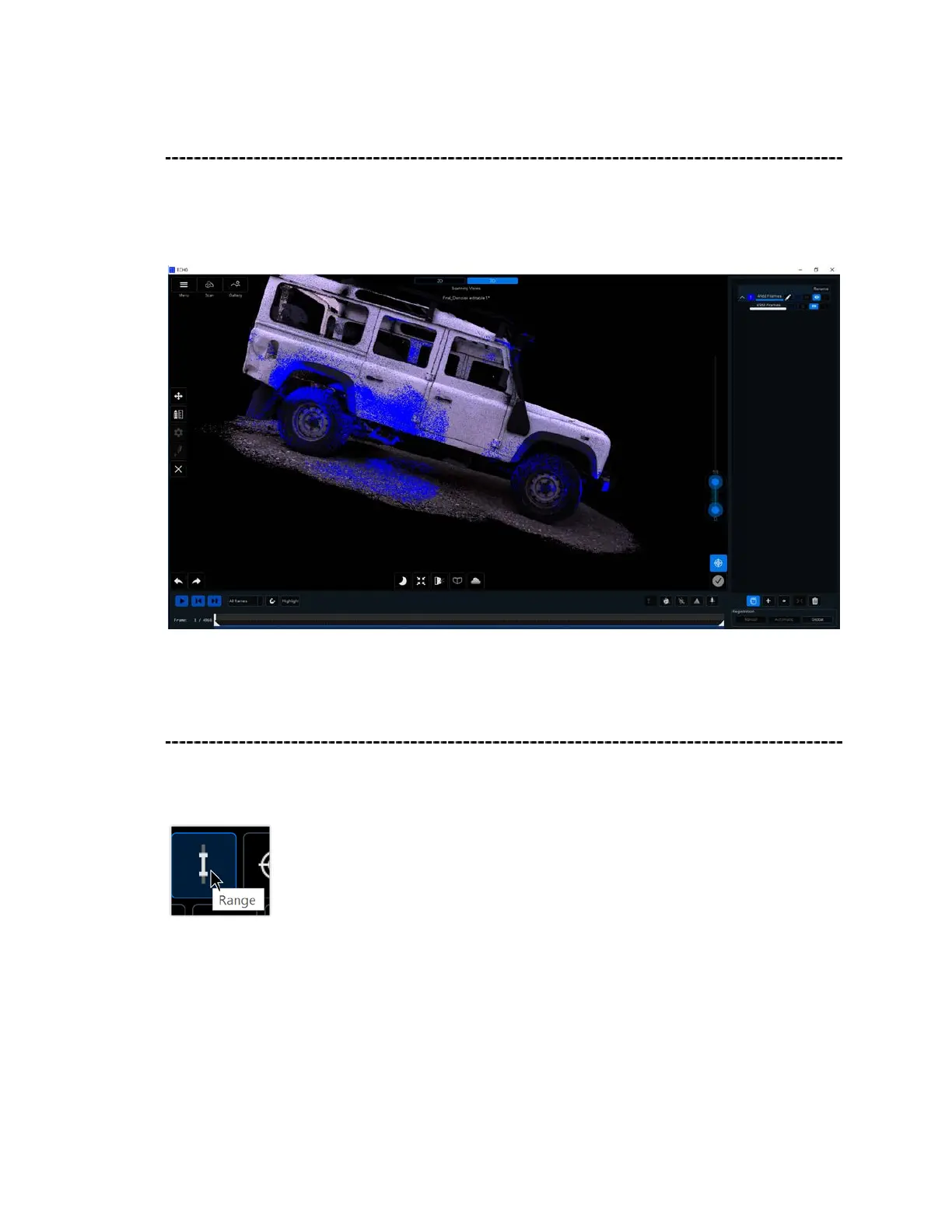
Use the Range tool to adjust the distance of the points that appear post-scan. Begin by
clicking on the Range Selection Tool:
After clicking on Range, the following screen appears:



 To Next Page