Echo™ Software – Main Screen
F6 SMART™ – Volumetric Handheld Camera – User Guide
The Main Menu Bar
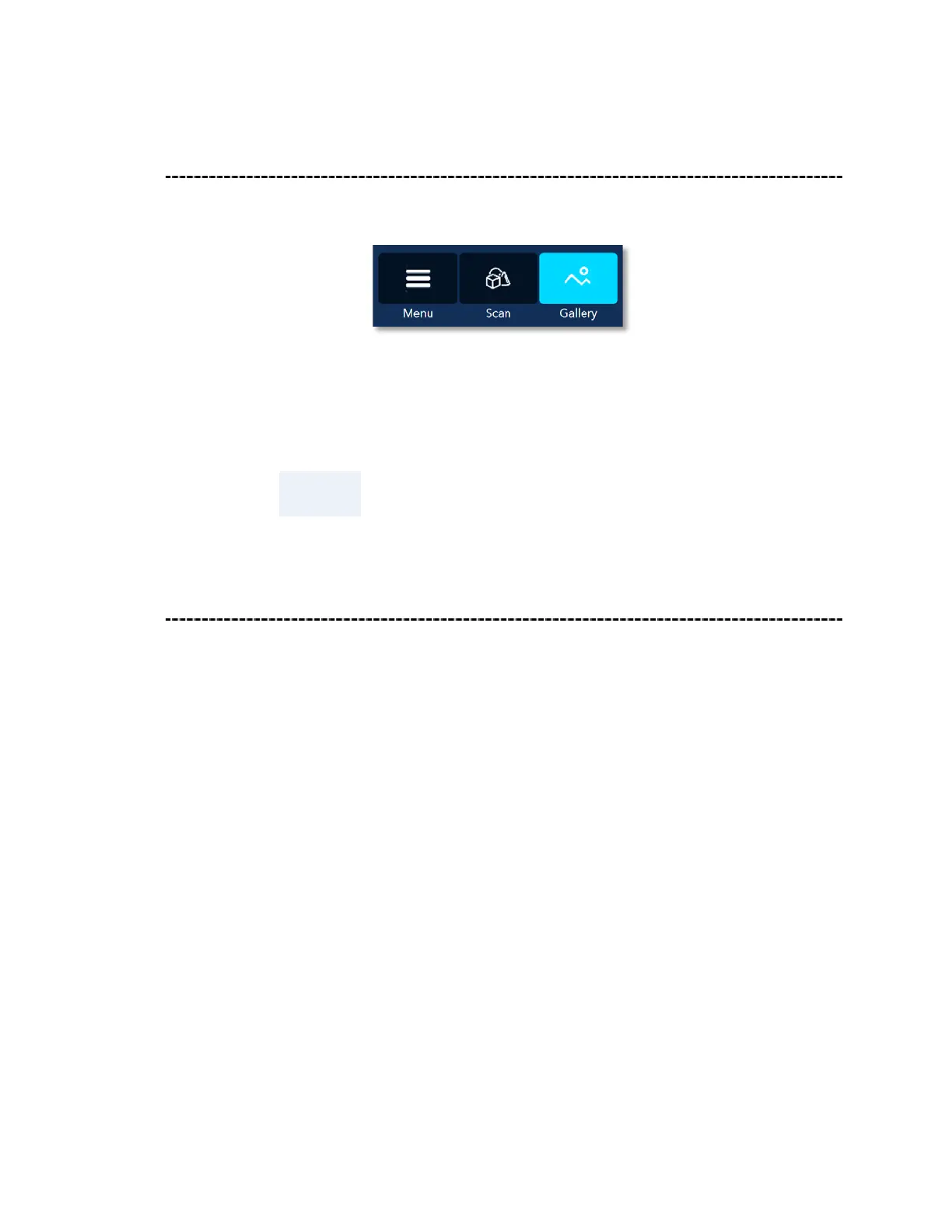
On the top-left corner of the Echo™ Main Screen resides the Main Menu Bar:
Figure 32 – The Main Menu Bar – Gallery View Active
The Main Menu Bar is common to all Echo™ screens.
NOTE:
The default Main Screen at Echo™ launch is the Gallery View.
Overview of the Main Screen – Gallery View
The Main Screen – Gallery View represents the scanning projects in a hierarchical fashion
where:
1. The Actions Window is, in fact, a Command-Button initiating new Projects.
2. Scanning Jobs of these Projects are detailed in the Projects’ Window. Under each of
these Projects’ Jobs there will be one or more:
♦ Raw Data Files – the originally scanned raw data files (point clouds, IR and
color RGB video), untouched, and
♦ Editable Data Files – the above files following the initial processing
procedures (Online Registration, HQ Registration, Edit and Merge, Global
Registration), and
♦ Spawn Data Files – the above files following Denoise and Meshing
processes.
These are all represented in Window’s File Explorer fashion.



 To Next Page