Setting up the F6 SMART™ System
F6 SMART™ – Volumetric Handheld Camera – User Guide
Calibration Files’ Repository
Same as with the Database Repository, there is a need to setup a repository for the
calibration files and the same rules applys – select (or create) a repository location within
the Echo™ installation directory (
C:\MantisVision
) but NOT under any of the different
versions included there as these might be deleted during removals of installations.
NOTE:
Since more than one F6 SMART™ Camera may be connected
to a single workstation, there will be more than one
Calibration Files’ Repository.
Uploading the Files
The process of uploading these calibration files is done as follows:
1. Activate the Echo™ software by clicking over its desktop icon (or Windows’ Main
Menu’s option) to invoke the Echo™ Main Screen.
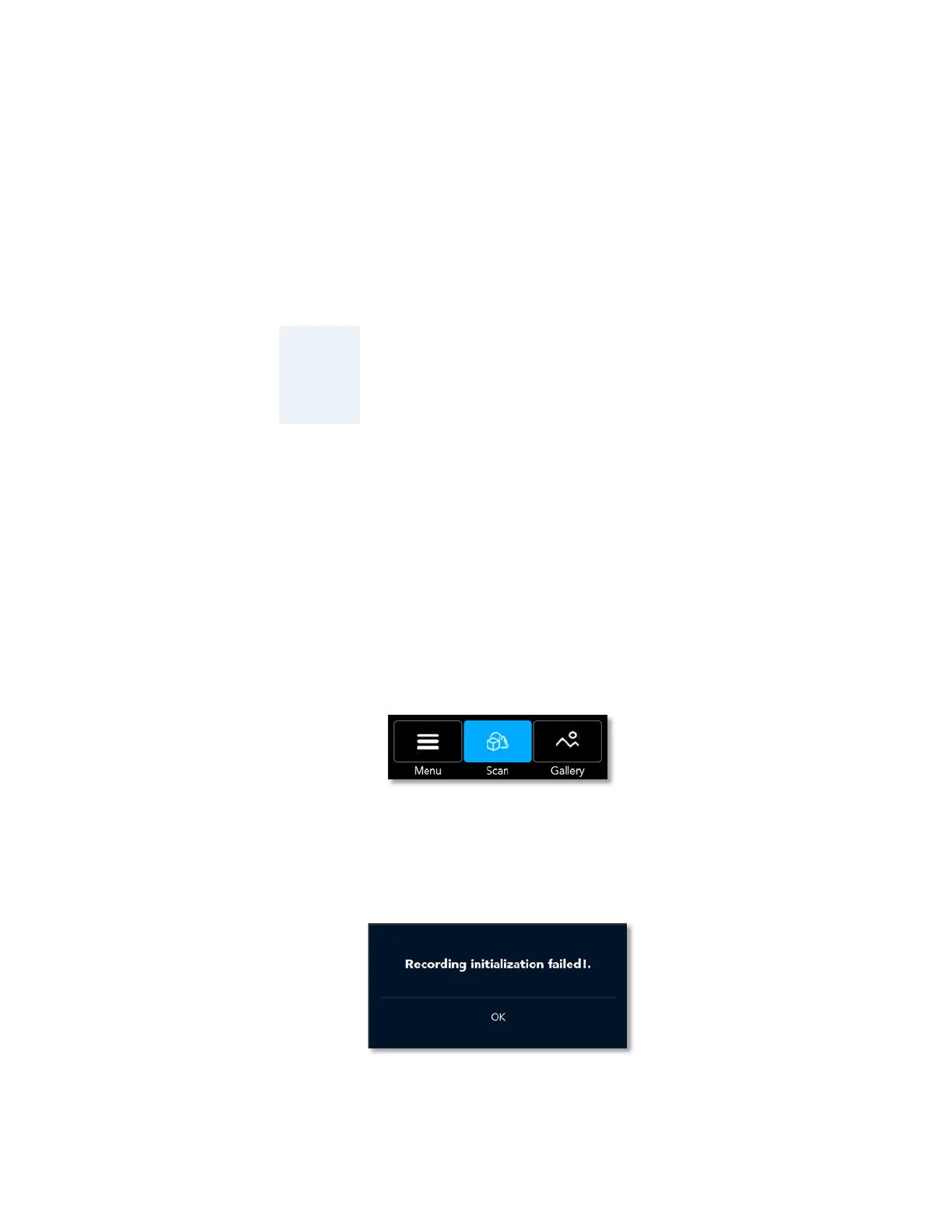
2. Set the Echo™ software to Scan View Mode by clicking on the Scan Command-Button
in the Main Menu Bar:
Figure 25 – Scan Command-Button in the Echo™ Main Menu Bar
Since the calibration files are not uploaded yet, a “Recording Initialization Failed”
message box opens:
Figure 26 – The “Recording Initialization Failed!” Message-Box



 To Next Page