Starting a New Project
F6 SMART™ – Volumetric Handheld Camera – User Guide
Exporting a Project
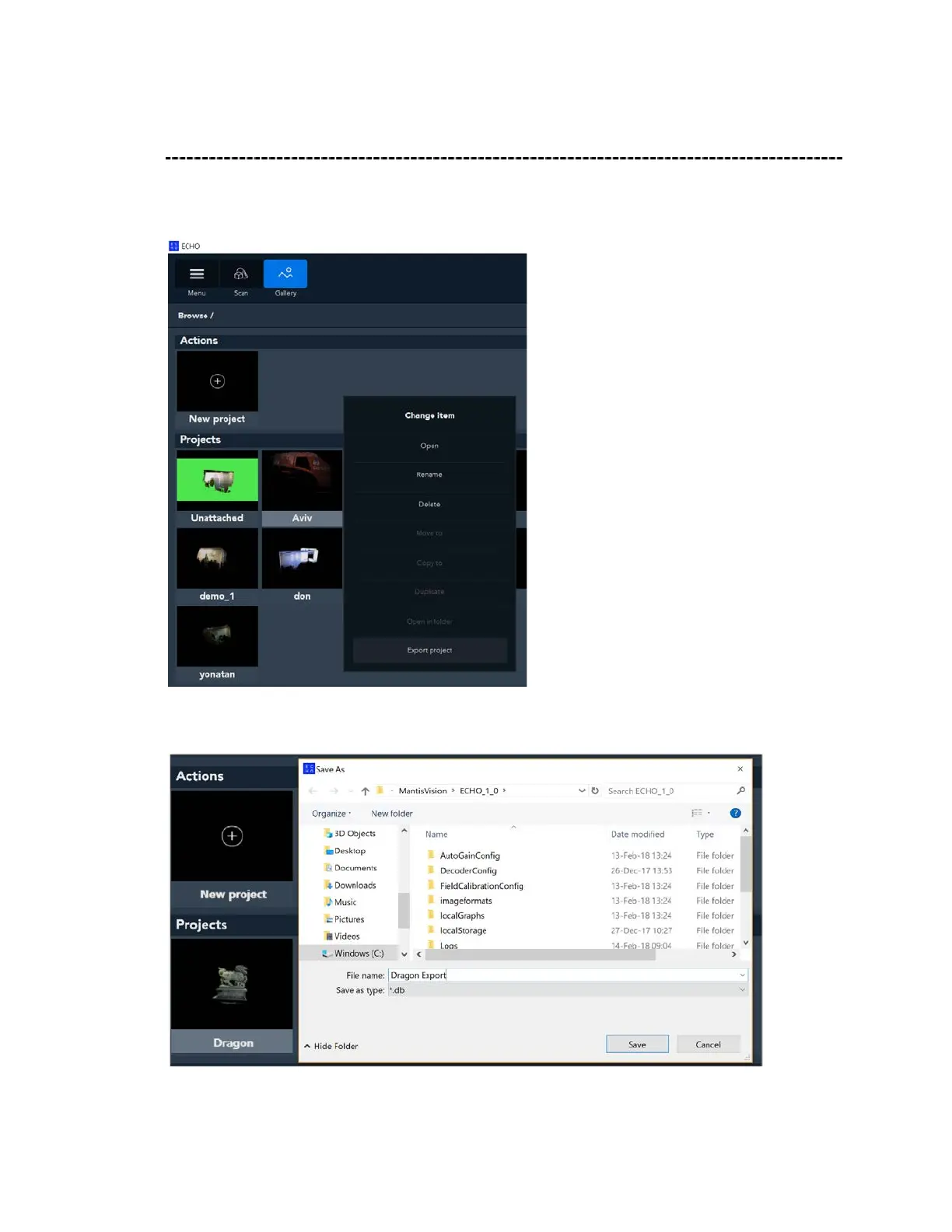
In Gallery mode, right-click on the project that you want to export. Click on Export a
Project.
You will then see the following screen, in which you are asked to browse the file location
and give a name to the exported (.db) file.
See Chapter Nine for details on how to import a new project.



 To Next Page