Segments
F6 SMART™ – Volumetric Handheld Camera – User Guide
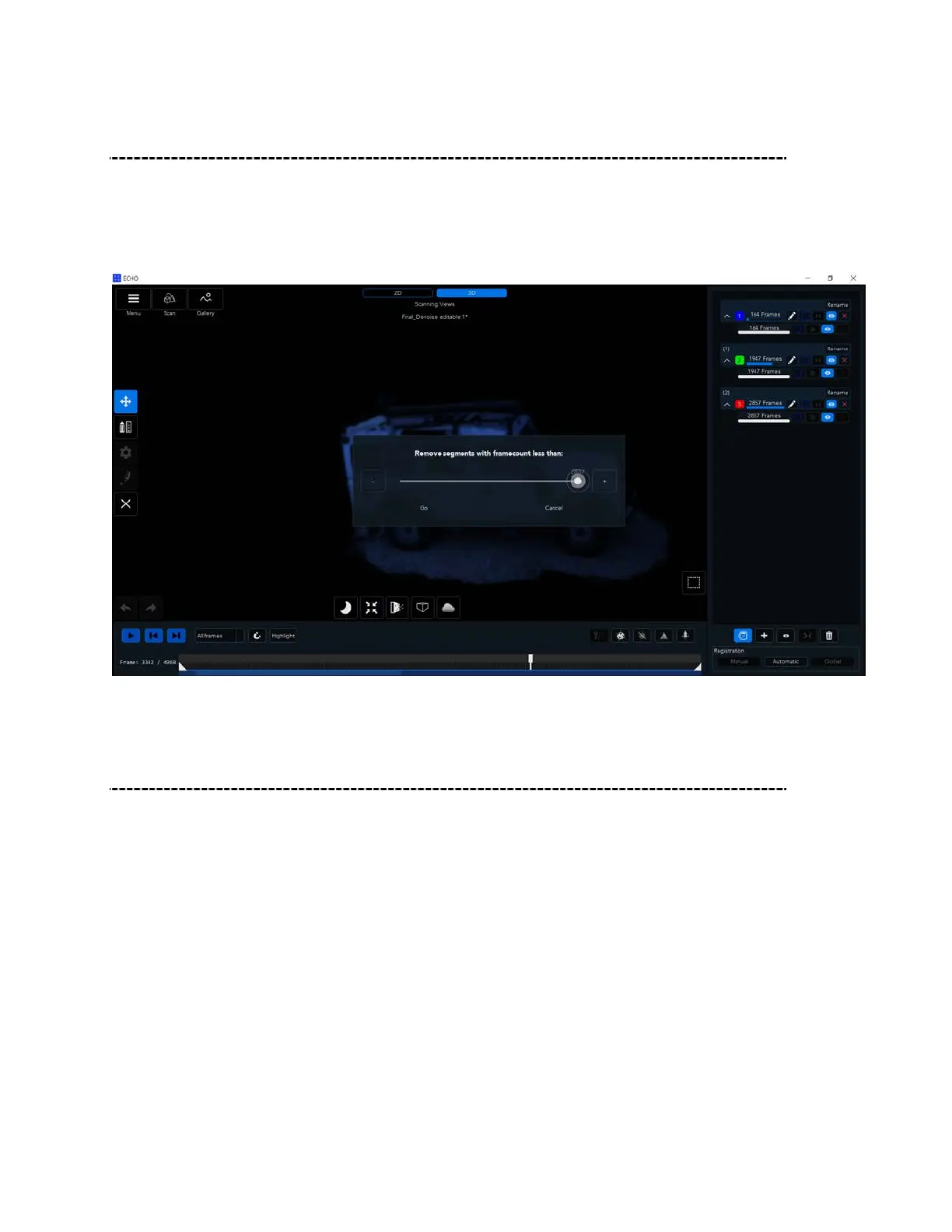
Delete small Segments
Use Cleanup Segments to delete segments containing a minimal number of frames that do not connect to
the main scene. After clicking on delete small segments, define the minimum number of frames for
segments that you want to remove, then click Go. Any complying segments will be deleted.
The maximum value will be group with highest amount of frames.
Split Segments
If you want to split a scan into multiple segments, open the scan for editing , Go to the
scan timeline at the bottom of the screen, right-click the mouse at the position that you
want to split, then click on Split Segment, make sure time line handle is at the same
frame location
use case – when misalignment in the registration is spotted, change to cumulative view
to verify the actual misaligned frame(see figure 102) use split segment on the misaligned
frame, this action will split the segment into 2 separated segments in their original group,
in order to ungroup the chosen segment press on the “ungroup” icon- this will create a
new group with new segment.



 To Next Page