Echo™ Software – Main Screen
F6 SMART™ – Volumetric Handheld Camera – User Guide
● The Choose Command-Button used for selecting a single F6 SMART™ Camera out of
the list of pre-set F6 SMART™ Camera provided in the Center Window.
To select a F6 SMART™ Camera off the list – click over the F6 SMART™ Camera’s
name to highlight it and then click over the Choose Command-Button to set it as the
system’s F6 SMART™ Camera.
NOTE:
The F6 SMART™ Camera will remain highlighted (and thus –
connected) as long as no other F6 SMART™ Camera replaces
it as the system’s F6 SMART™ Camera.
● The Close Command-Button – used for closing the Cameras Dialog-Box and saving all
changes made with it.
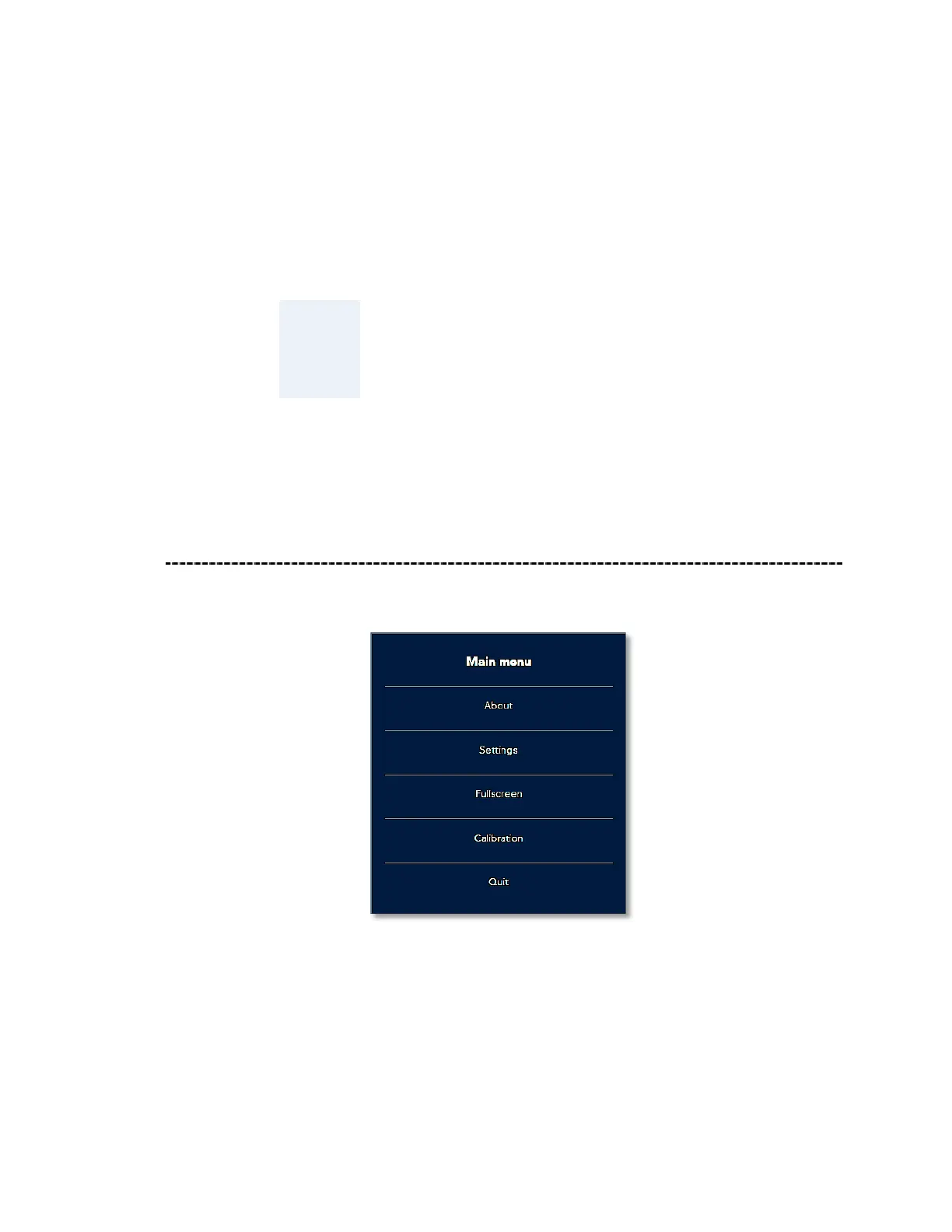
The Main Menu
Figure 47 – The Main Menu



 To Next Page