Echo™ Software – Main Screen
F6 SMART™ – Volumetric Handheld Camera – User Guide
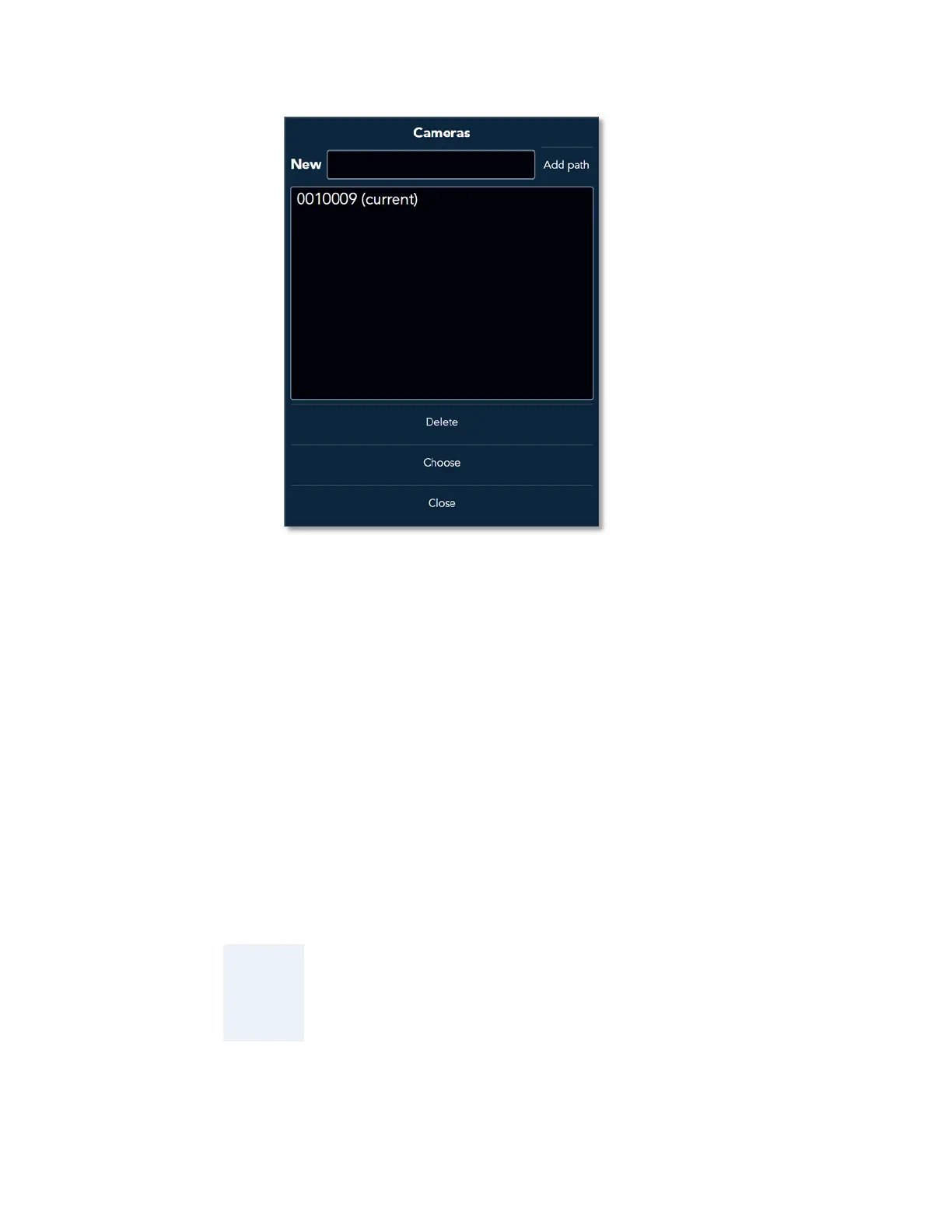
Figure 46 – The Cameras Dialog-Box
The use of the New Bar and its associated Add path Command-Button for integration of a
new F6 SMART™ Camera to the system was discussed in the above-mentioned
paragraph.
The three (3) additional Command-Buttons at the bottom of this Dialog-Box are:
● The Delete Command-Button – used for deletion of previously added F6 SMART™
Cameras which are not further needed.
To delete such a F6 SMART™ Camera – select the F6 SMART™ Camera from the
Center Window by clicking on its name and click on the Delete Command-Button.
The F6 SMART™ Camera will disappear from the list in the Center Window and all its
associated calibration files will be deleted from the Calibration Files Repository.
NOTE:
Since the Echo™ software need to have at least one F6
SMART™ Camera defined in the F6 SMART™ System, the last
remaining F6 SMART™ Camera on the list cannot be deleted!



 To Next Page