Echo™ Software – Main Screen
F6 SMART™ – Volumetric Handheld Camera – User Guide
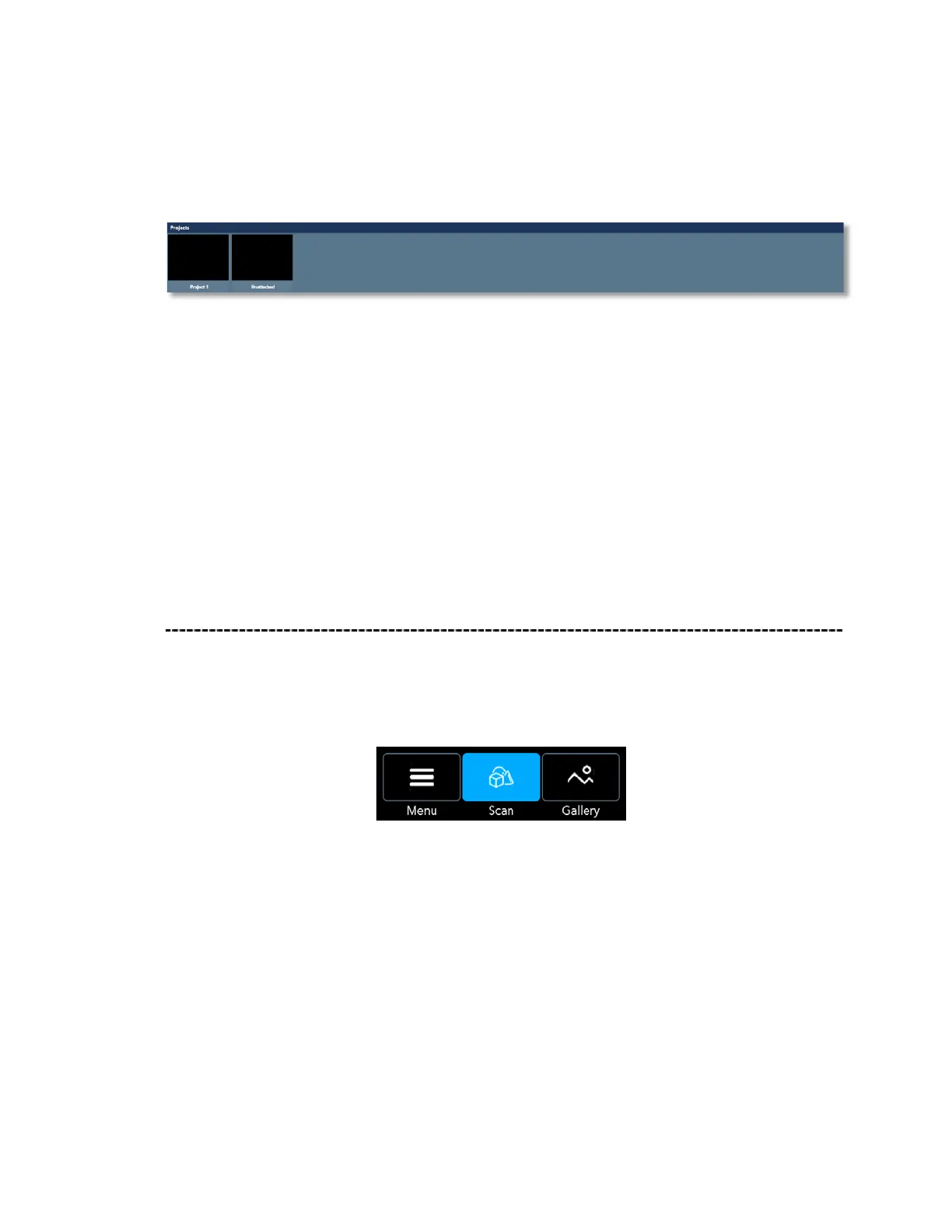
The Projects Window
Figure 38 – The Projects Window
Clicking on a project in the Projects Window, drills into the projects Data Files to
separately show their recorded evolution:
● Raw Data Files
● The Editable Data Files, and
● The Spawn Data Files.
Main Screen – Scan View
Selecting Scan View by clicking on the Main Menu Bar’s Scan Command-Button turns the
Echo™ software into the F6 SMART™ Camera control software thus allowing the scanning
operation:
Figure 39 – The Main Menu Bar – Scan View Active
Foreword
The Scan View represents the 2
nd
purpose of the Echo™ software – control of the
execution of 3D scan operations.
The purpose of scanning includes control of all possible viewing modes, control of the NIR
Sensor and the Color (RGB) Camera,



 To Next Page