Spawn
F6 SMART™ – Volumetric Handheld Camera – User Guide
Spawn screen
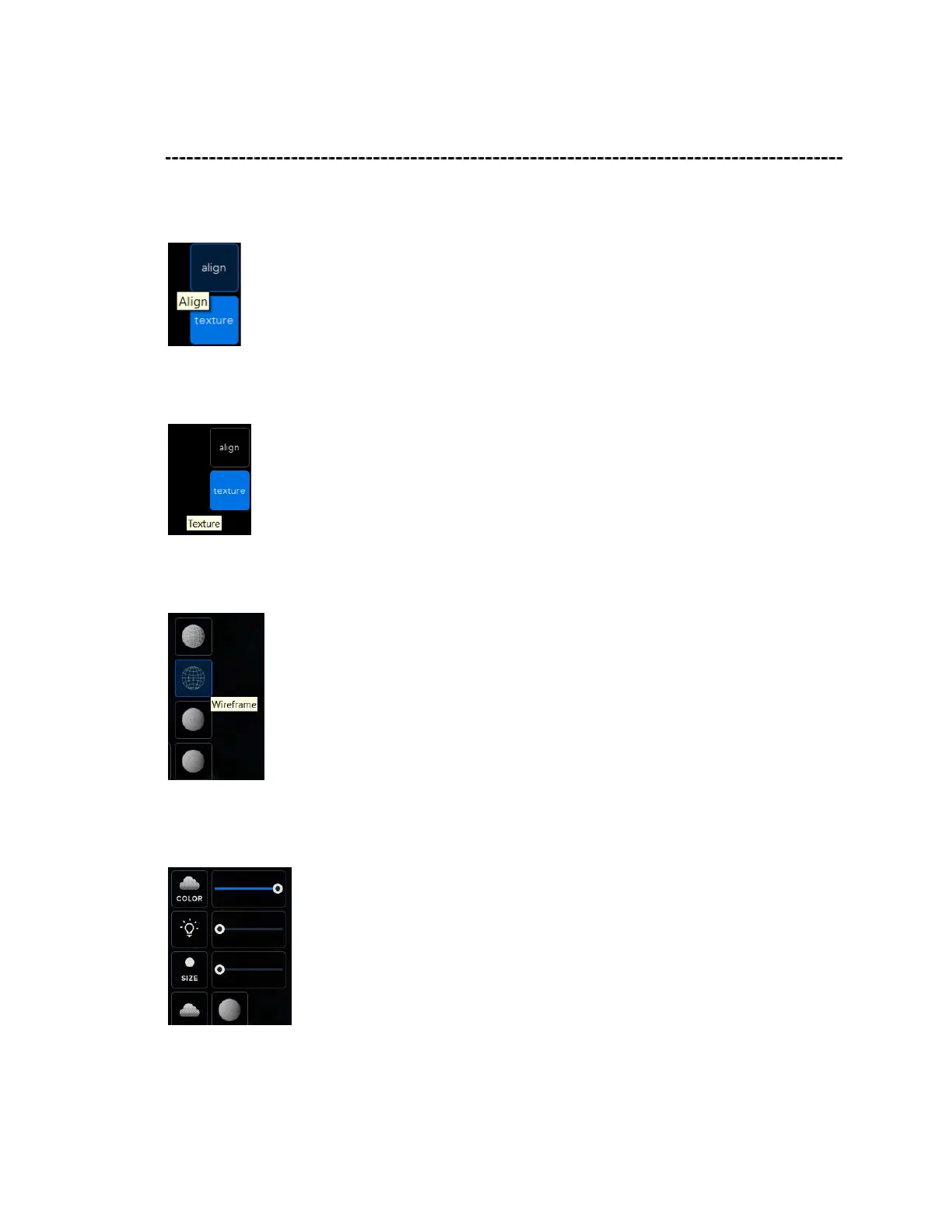
Align – click align button on the top right screen to allow rotating the spawned (Mesh /
point cloud) object, to align the mesh object before exporting it.
Texture – click texture button on the top right screen to remove the texture from
mesh model, allow viewing the mesh object without texture.
Rendering mode – another view option of the 3D model, wireframe (polygon),
normal + wireframe to see how the 3D model construct by Echo mesh.
Rendering setup – removing the color from texture and changing the blending
mode by changing the surfaces intensity.



 To Next Page