Echo™ Software – Main Screen
F6 SMART™ – Volumetric Handheld Camera – User Guide
The Main Screen – Gallery View include:
● The above-mentioned Main Menu Bar (see paragraph The Main Menu Bar on page
45 above) which controls the navigation between the three (3) main functions of the
Echo™ software.
● The View Control Bar which controls the views available in the Main Screen – Gallery
View, on the top-right end of the screen.
● The Actions Command-Button which activates/adds new projects processed by the
Echo™ software.
● The Projects Window which details each of the projects generated by the above-
mentioned Action Command-Button.
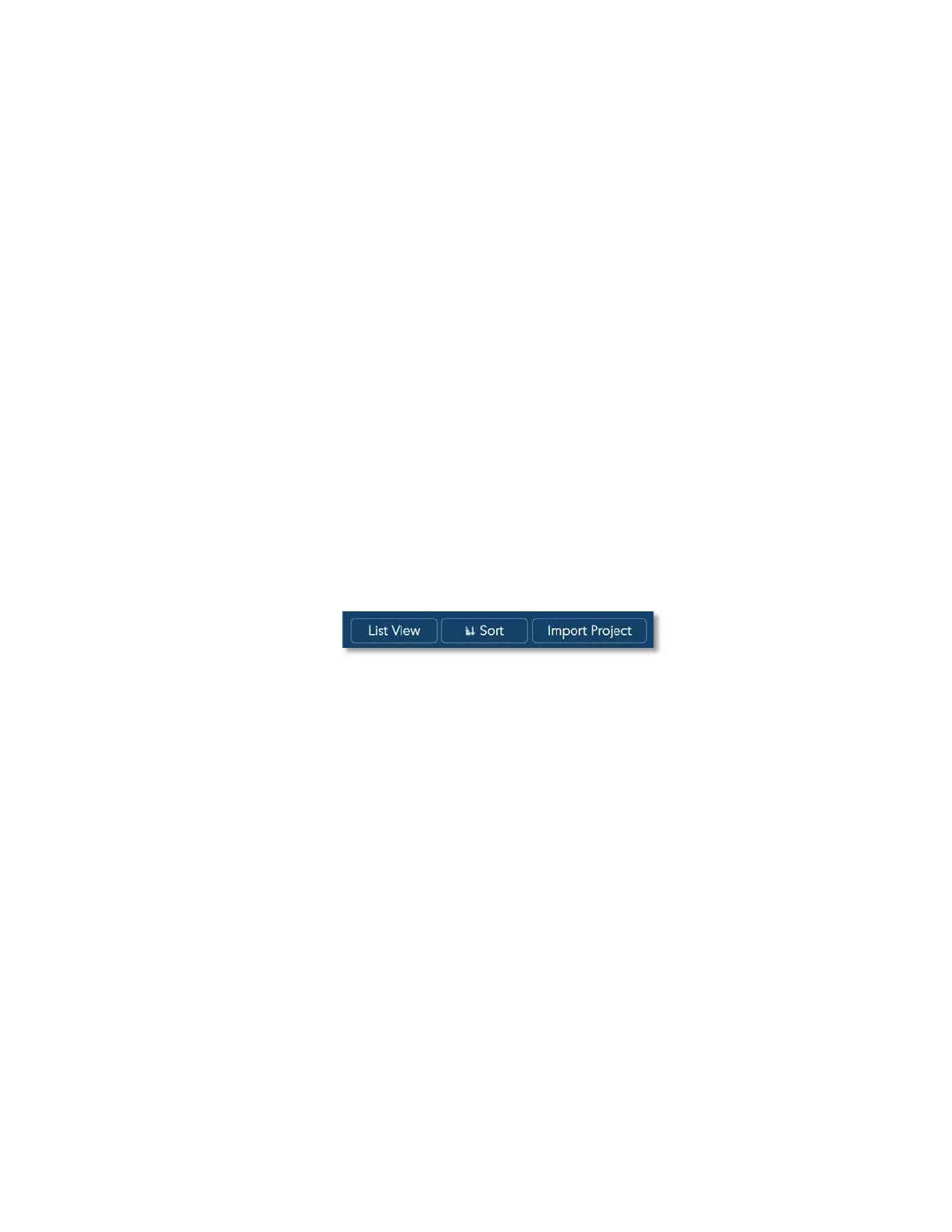
The View Control Menu Bar
The View Control Menu Bar is a Command-Buttons’ bar controlling the way Gallery View
is presented.
It has three Command-Buttons:
Figure 35 – The View Control Bar
● List View Command-Button
● Sort Command-Button, and
● Import Project Command-Button
The List View Command-Button
The List View Command-Button switches the display mode of the Gallery View between
the default thumbnail display and the classic file-list display (see Figure 36 below).
The button’s name is List View while in the default display mode of thumbnails and
changes to Icon View when in file-list view mode (see Figure 36 below):



 To Next Page