Scanner Views & Settings
F6 SMART™ – Volumetric Handheld Camera – User Guide
Chapter 8 Scanner Views & Settings
Foreword
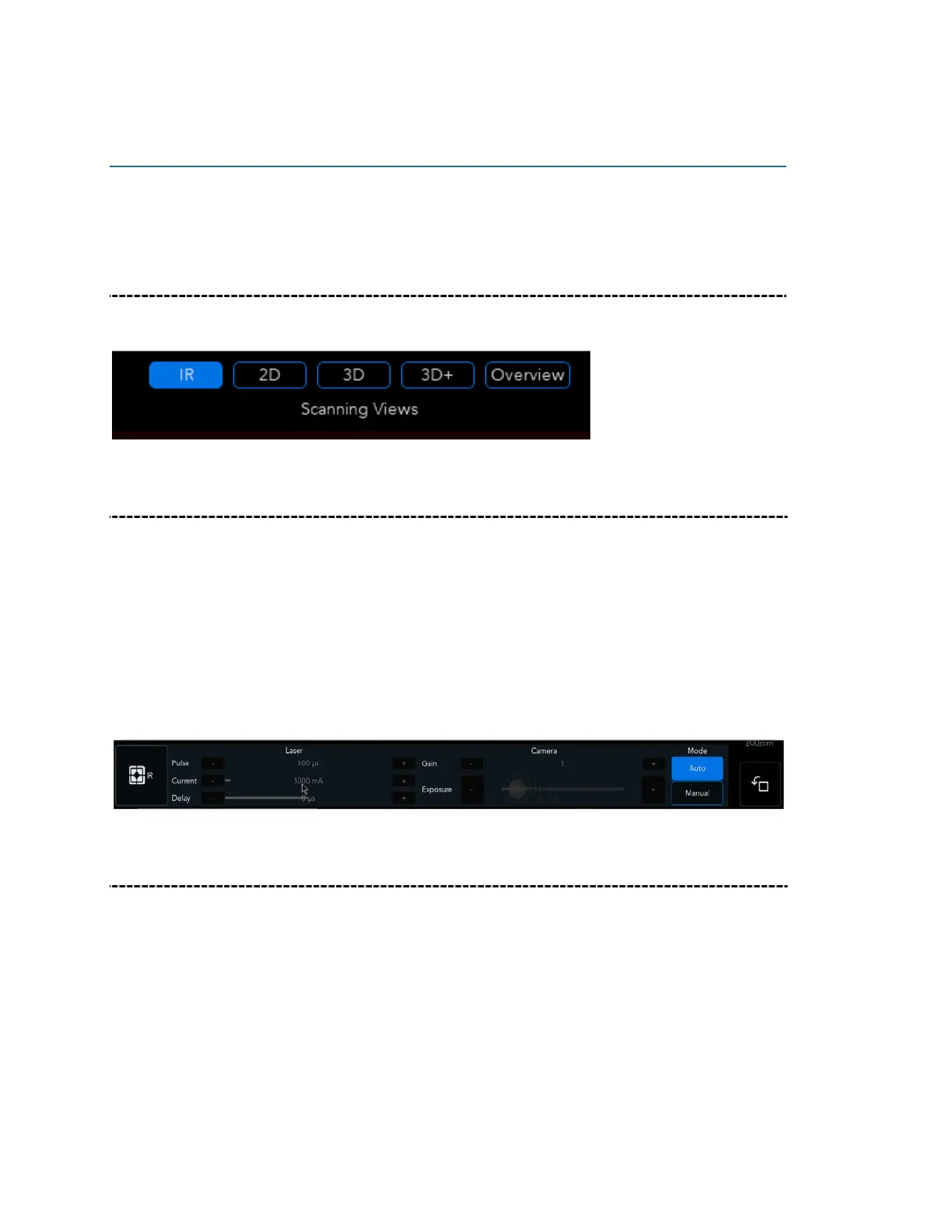
There are five different camera viewing modes: IR, 2D, 3D, 3D+ and 3D Overview.
Infrared Red (NIR) camera View Mode
Use the IR mode to check Mantis Vision unique pattern on the object, the pattern should
cover as much territory as possible on an object and space as F6 decoder will turn only
the pattern covered areas to point cloud. Use the IR settings to adjust NIR camera to an
optimal configuration.
These are the IR settings, with Manual and Auto settings available. You can adjust the
Gain & Exposure according to light environment conditions The Laser Current can be
adjusted according to the device specs.
2D camera View Mode
The 2D camera mode is used for video capture during scanning, providing an image
projection of the object that you are scanning; this is the projection that will be available
for mesh textures.



 To Next Page