Setting up the F6 SMART™ System
F6 SMART™ – Volumetric Handheld Camera – User Guide
Chapter 6 Setting up the F6 SMART™
System
Following the installation of the Echo™ software, there are three (3) more things to do to
make the F6 SMART™ System a complete and integrated working system:
1. Setting the Database Repository.
2. Connecting F6 SMART™ Camera to the Workstation.
3. Uploading the Calibration Files.
Setting the Database Repository
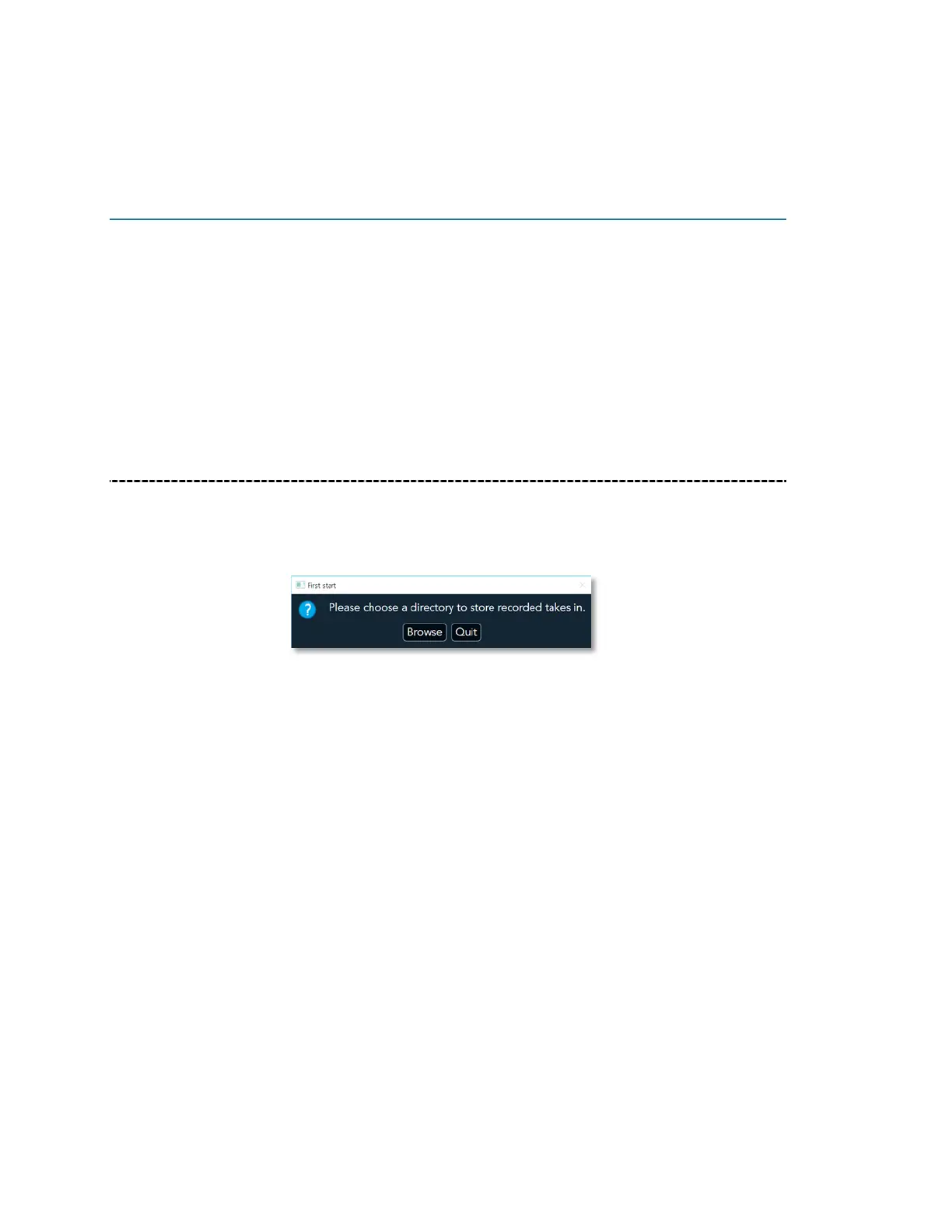
Upon initial activation of the Echo™ software, the following “First Start” Message-Box
opens to indicate that Database Repository is not set:
Figure 21 – The “First Start” Message-Box
If setting of the Database Repository is to be put off for a later stage, click on the
Quit
Command-Button.
To set the Database Repository click on the
Browse
Command-Button.
The “Select Folder” Dialog-Box opens (see Figure 22 – The “Select Folder” Dialog-Box
below).
The “Select Folder” Dialog-Box allows selection of an existing directory (i.e.
C:\MantisVision\Database
) to be used as the repository, or, creation of a new one as
follows:
1. Right-clicking over an empty space on the right window of the Select Folder Dialog-
Box.
2. Select the
New
option from the drop-down menu that opens.
3. Select the
Folder
option from the drop-down sub-menu that opens.



 To Next Page