Setting up the F6 SMART™ System
F6 SMART™ – Volumetric Handheld Camera – User Guide
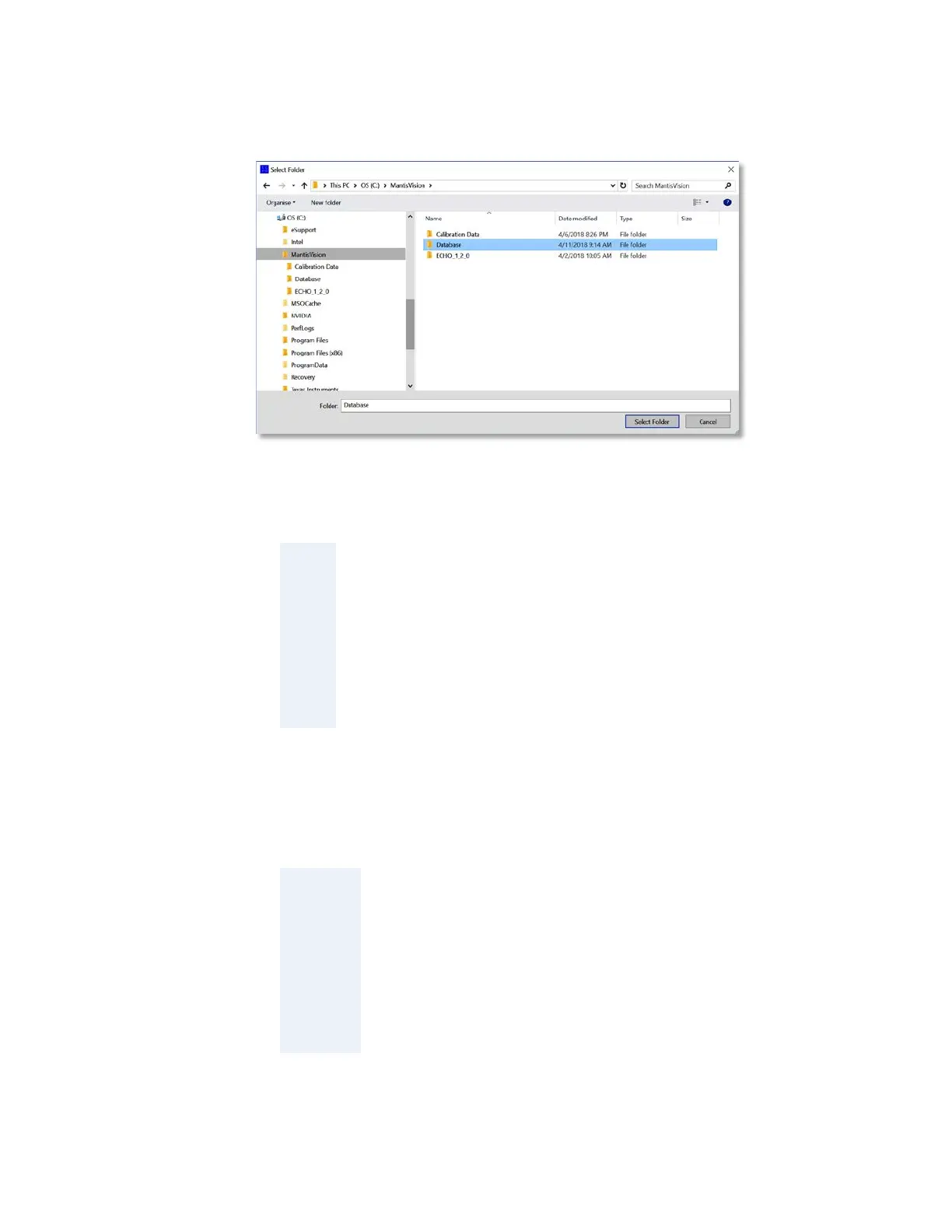
4. Type-in the new folder’s name and click on the
Select Folder
Command-Button.
Figure 22 – The “Select Folder” Dialog-Box
TIP:
Use (or create) a repository location/directory within the Echo™
installation directory (
) but
under any
specific version included therein as these might be deleted
during removals of installations.
In the example (see Figure 22 above), the repository was set to a
newly created directory called “
”.
The new repository folder will be created and registered in the system as the default
repository for ALL scanning projects.
NOTE:
The process of setting the default repository for scanning
data may also be done (or modified) manually, at a later
stage, utilizing the Echo™
’s
option.
See paragraph “
Error! Reference source not found.
” on page
Error! Bookmark not defined. Error! Reference source not
found..



 To Next Page