Post Scan Editing Tools
F6 SMART™ – Volumetric Handheld Camera – User Guide
Chapter 13 Post Scan Editing Tools
Foreword
In this chapter, we show you how to use the advanced editing tools built into the Echo
software application. This includes registration, rendering, projection, widgets, views and
backgrounds.
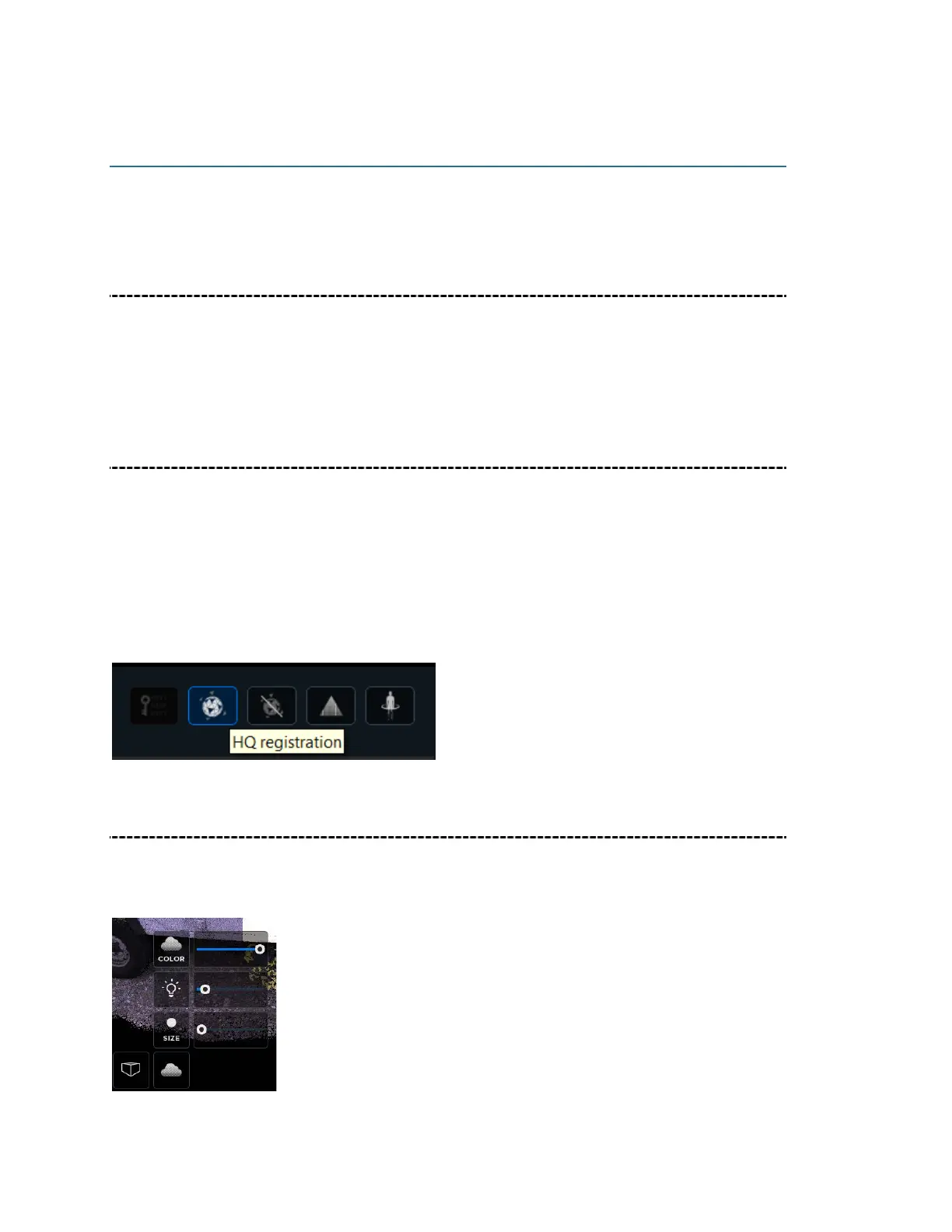
HQ (High quality) Registration
When editing your scan, we recommend that you first click on HQ Registration. HQ
Registration is an algorithm layer that that corrects the misalignment that occurs during
the scanning decoding process. Even if there is no visible misalignment, we recommend
performing HQ Registration after every scan.
In case fixing misalignment… will not work the HQ registration will bark the segment
group to more groups
Rendering Mode
The Rendering Mode helps find the proper blend between the geometry and texture of
the scan. Sliders are used adjust the point intensity, point size and point saturation.



 To Next Page