Navigate
F6 SMART™ – Volumetric Handheld Camera – User Guide
Chapter 12 Navigate
Foreword
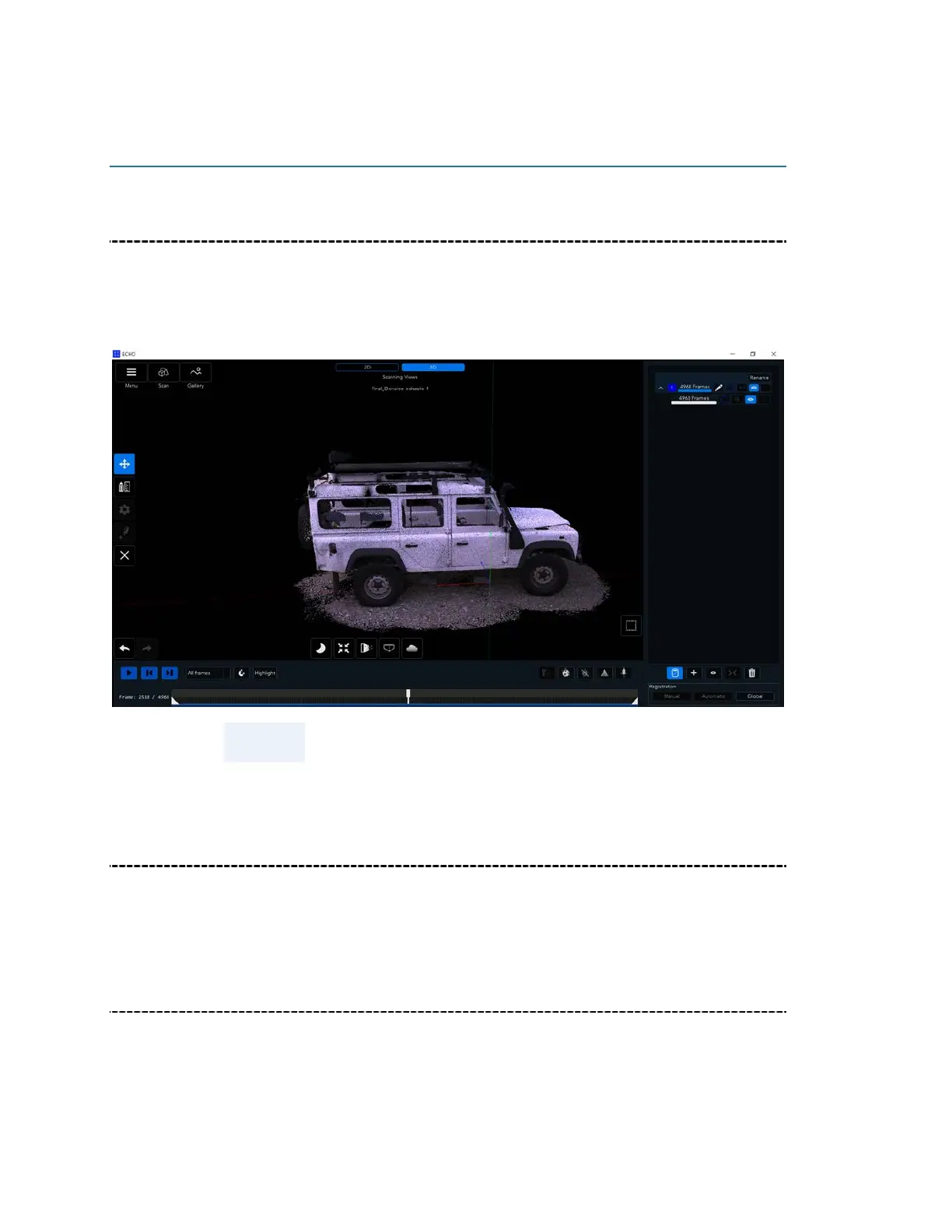
In this chapter, we show you how to rotate, drag and zoom objects using mouse options
when viewing a scan in the 3D viewing mode. As this is a 3D scan, rotation can be done
along the X, Y and Z axes.
NOTE:
Please note that the F6 SMART scanning data is not aligned
X Axis Rotation
Click on the image, and while holding down left the mouse button slide the mouse
horizontally
Y Axis Rotation
Click on the image, and while holding down the mouse button slide the mouse vertically.



 To Next Page