Segments
F6 SMART™ – Volumetric Handheld Camera – User Guide
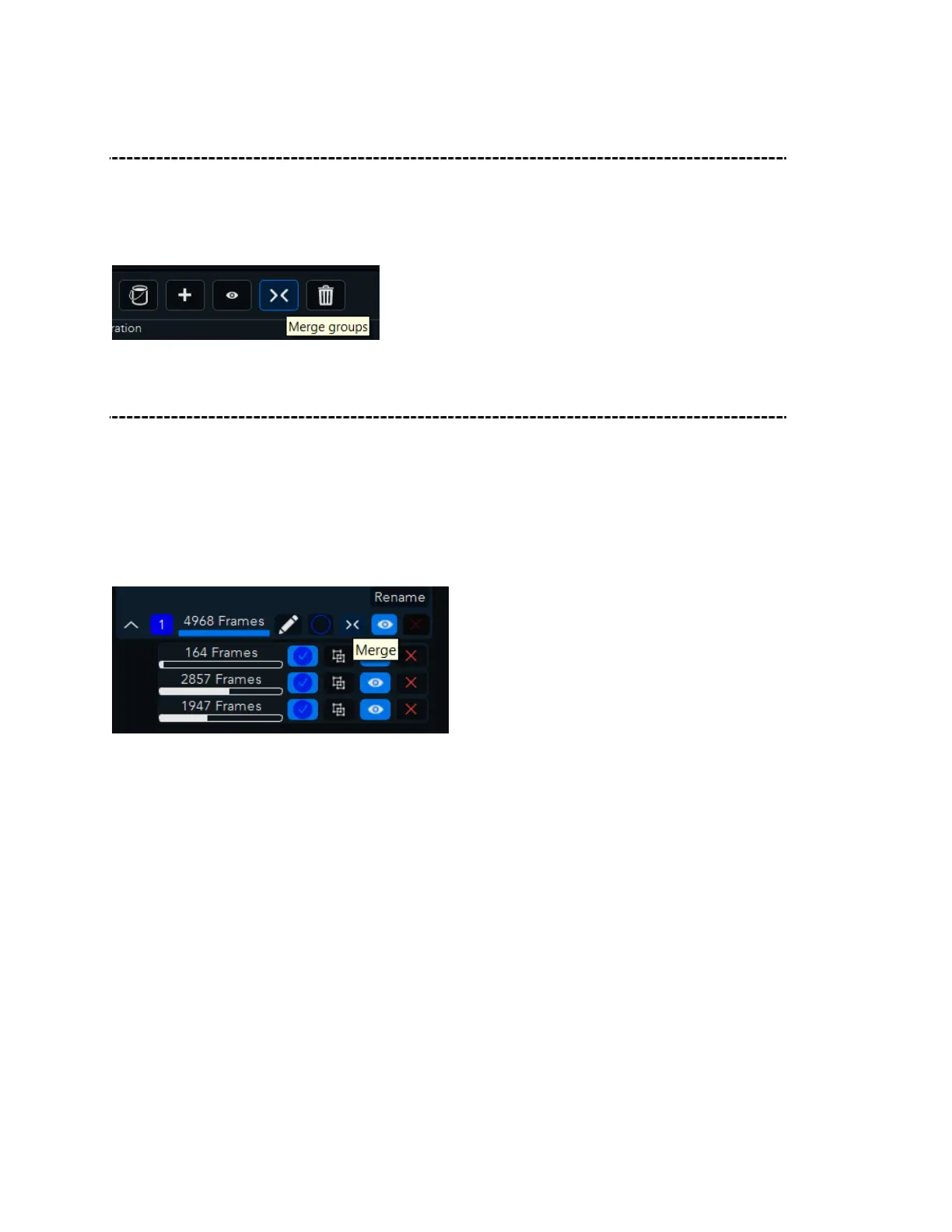
Merge Groups
It is possible to force groups into registration, this can be done by checking the relevant
groups and press on merge groups in Group Action Buttons.
To merge groups, two groups must be selected first.
Merge segments within Groups
To Merge segments within Groups, select the frames that you want to merge, then click
Merge Frames within Groups.
To merge few segments into a group, select the relevant segments by checking the box
next to their frame count and then press merge next to the total frame count. (when one
or less segments will be checked the merge, option will be grayed out).



 To Next Page