Starting a New Project
F6 SMART™ – Volumetric Handheld Camera – User Guide
Chapter 10 Starting a New Project
Foreword
In this chapter, we introduce the proper workflow for a new scan, including creating a
new project, start/stop recording and exporting a project.
Creating a New Project
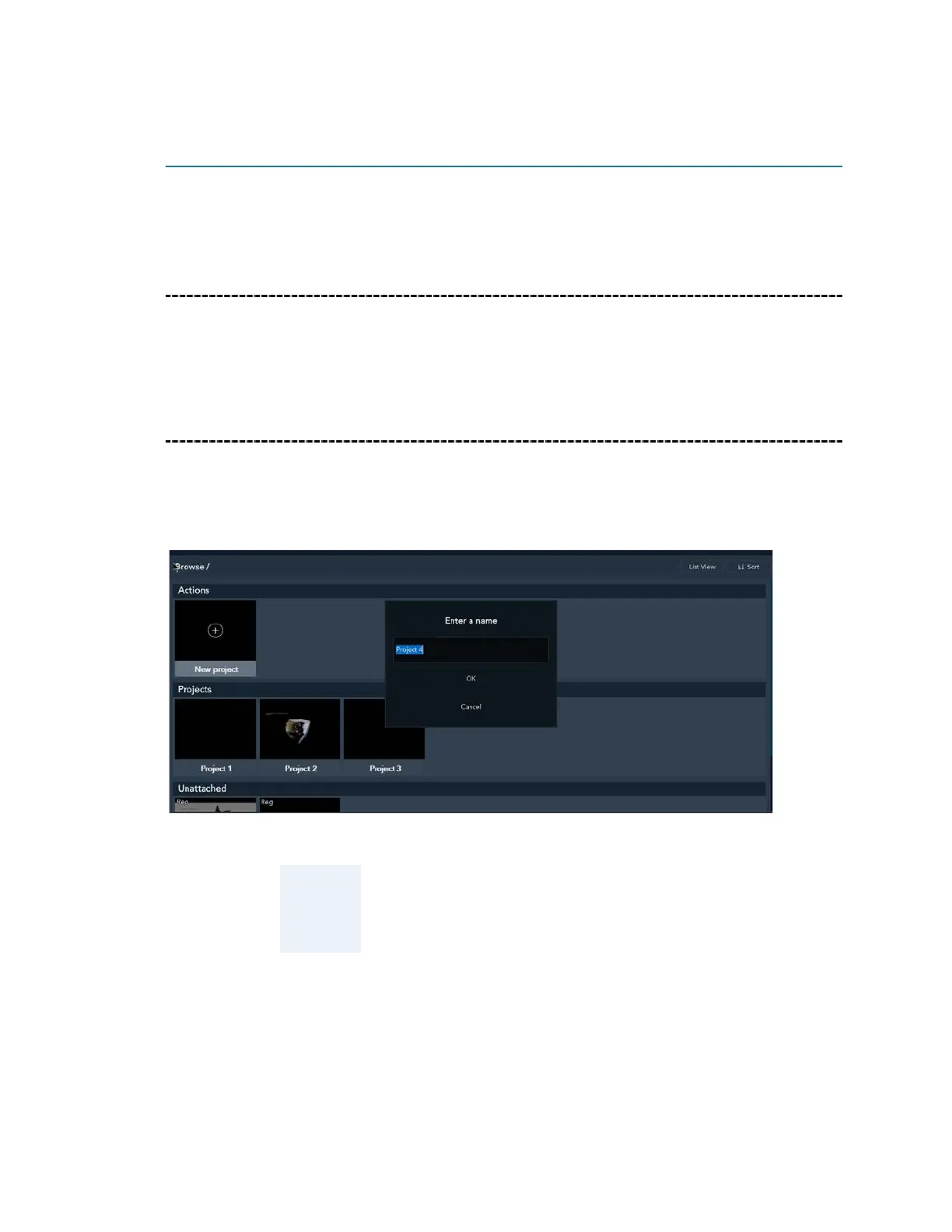
The first thing to do before scanning is to create/name a new project. This organizes your
project scans, edits and spawns into one repository. All scans are first saved as RAW files,
after which they can be edited and spawned.
NOTE:
If you do not create a new project before starting, scans will
be unattached without any definitions or organizational
hierarchy, so make sure not to skip this important step.



 To Next Page