Selection Tools
F6 SMART™ – Volumetric Handheld Camera – User Guide
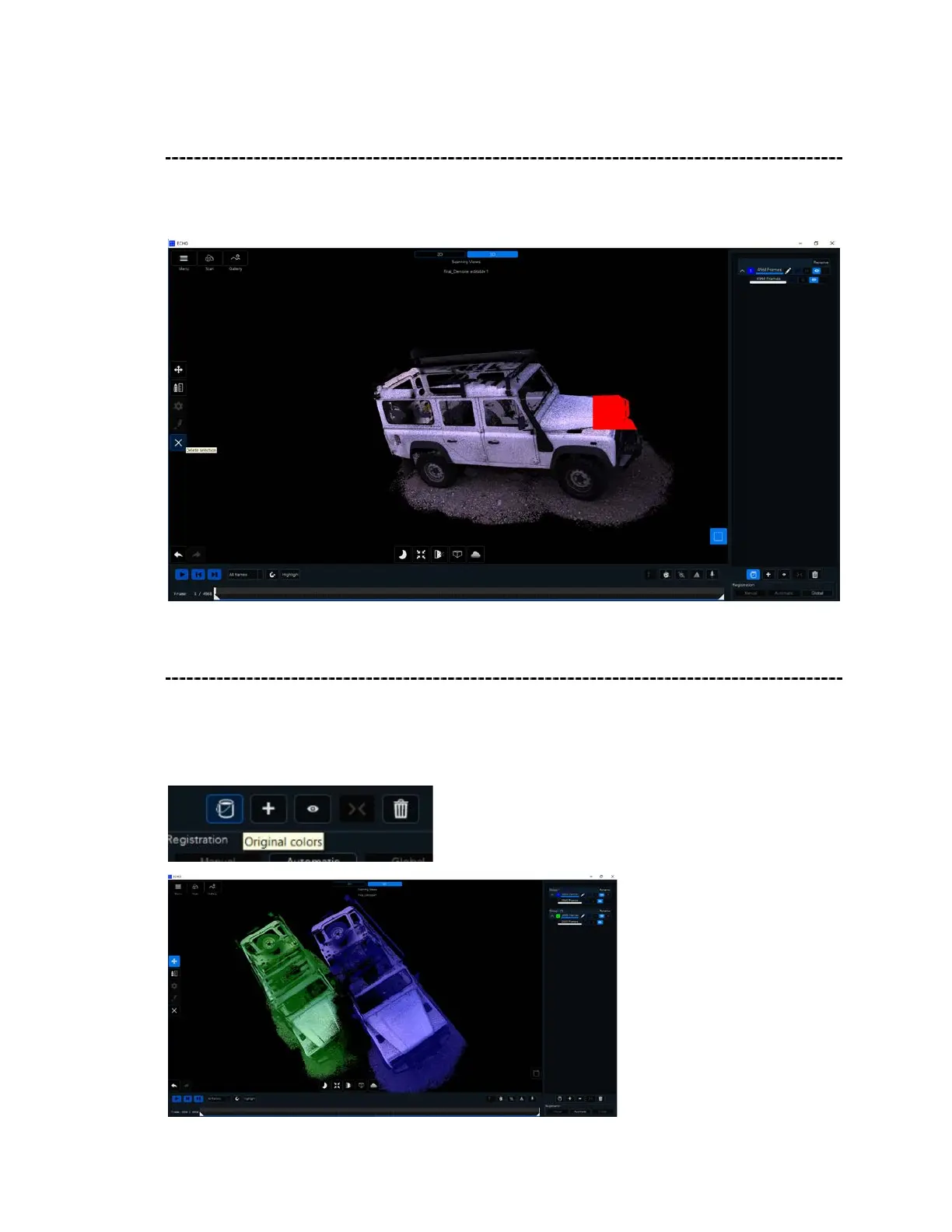
Delete Selection
After using one of the above Selection Tools, click on Delete Selection to remove the
highlighted selection.
Original Colors
Original Colors shows the scan view with its original color perspective. Clicking again on
the Original Colors button converts the scan segments to a representative color for each
group, this is additional relation to a specific segment while editing it.



 To Next Page