Post Scan Editing Tools
F6 SMART™ – Volumetric Handheld Camera – User Guide
Widgets
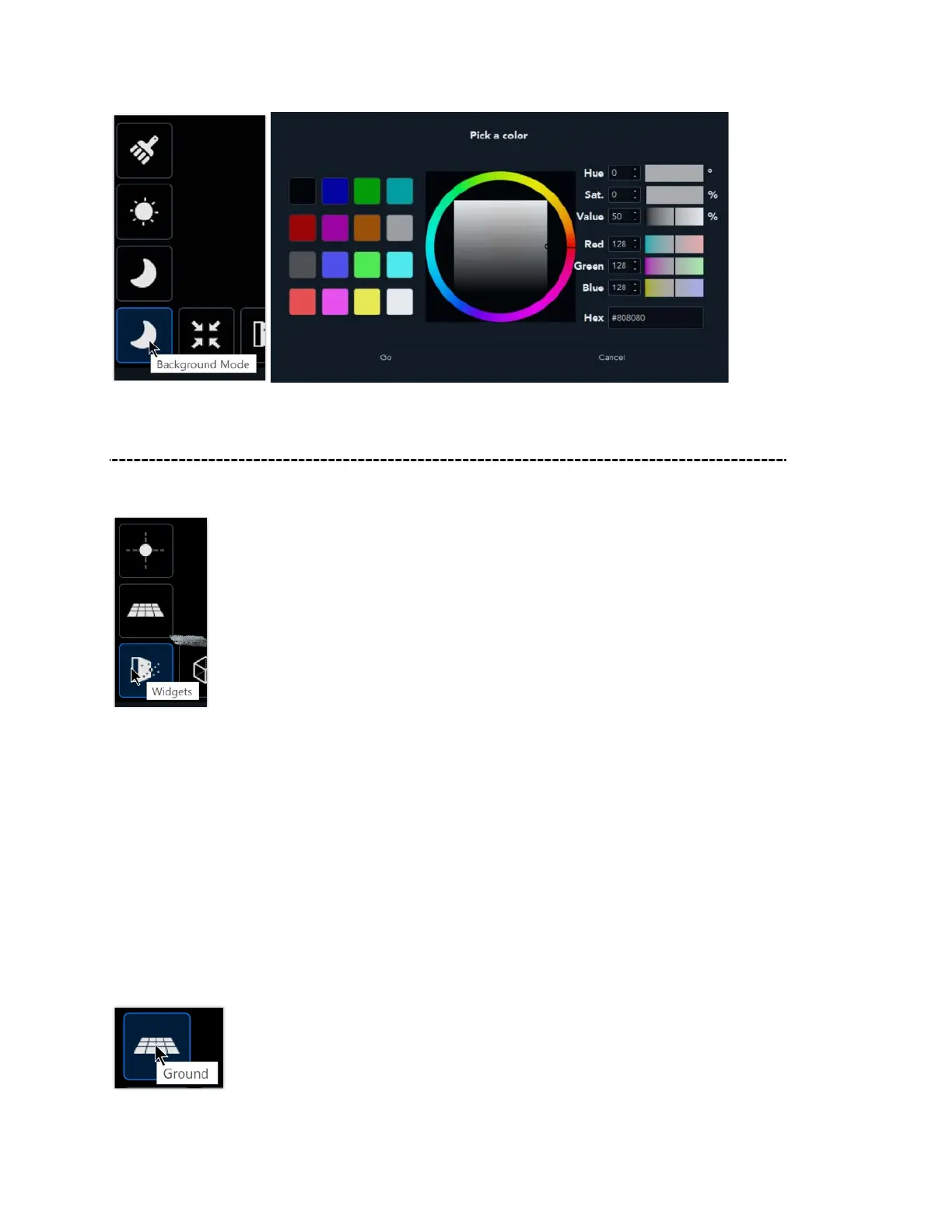
Available widgets include Ground and Center of Rotation
Ground
Setting the Ground plane helps simplify your work in the 3D environment. Select the
desired scan from the Gallery to open it in the Compose mode.
Click on the Edit button to select the segment. Then click on the Ground widget.
Click once to select the ground and click again to remove the ground from view. To
define the ground, hold down the left and right mouse buttons to drag the image. Along
with the Shift button, the ground plane will move as well.



 To Next Page