Import MVX / MPC
F6 SMART™ – Volumetric Handheld Camera – User Guide
Chapter 11 Import MVX / MPC
Foreword
In this chapter, we show you how to import MVX, MPC and project files.
MPC is the previews Mantis-Vision unique file format.
Importing an MVX File
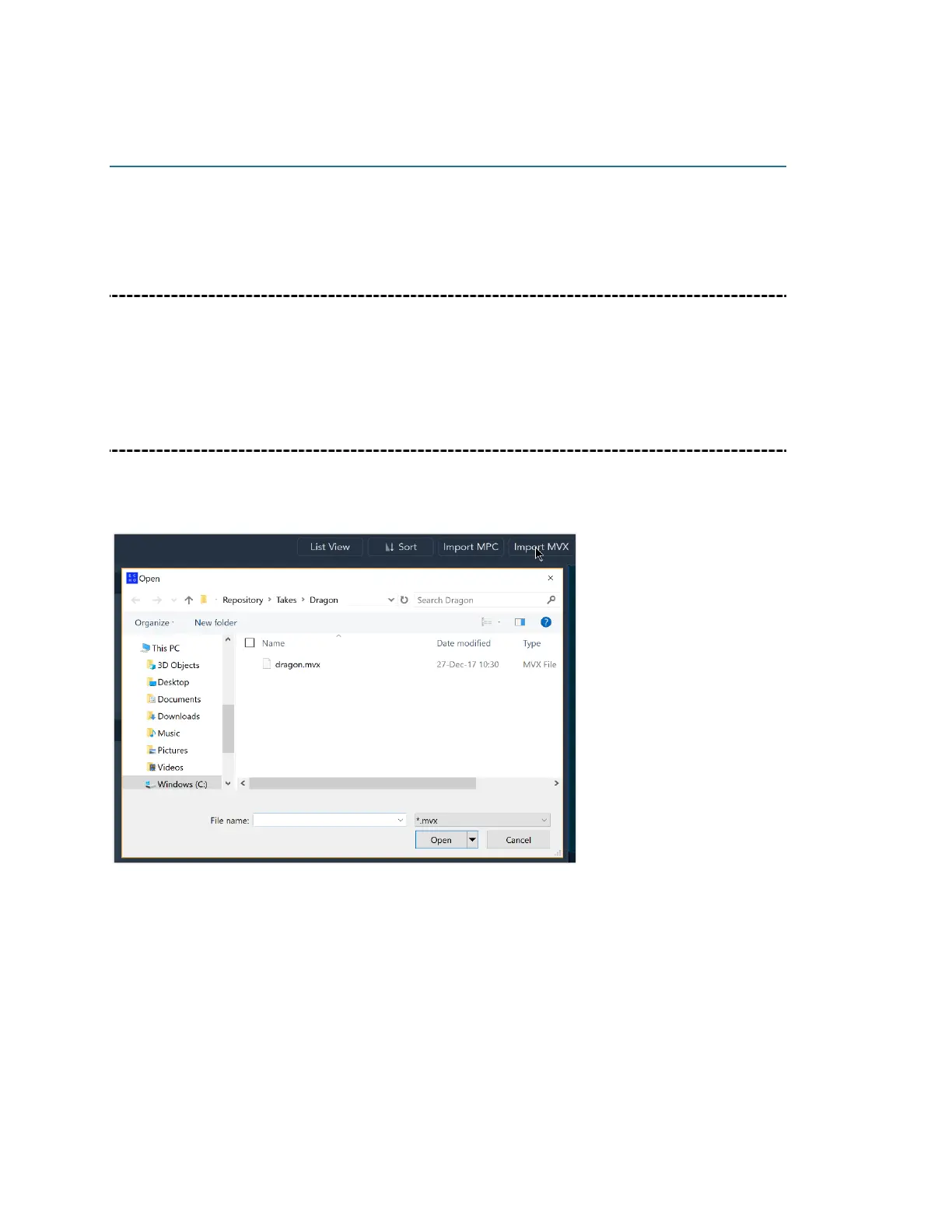
To import an MVX file, begin by creating a new project. Next, click on the Import MVX
button, select the file from its location and then click Open.



 To Next Page