Selection Tools
F6 SMART™ – Volumetric Handheld Camera – User Guide
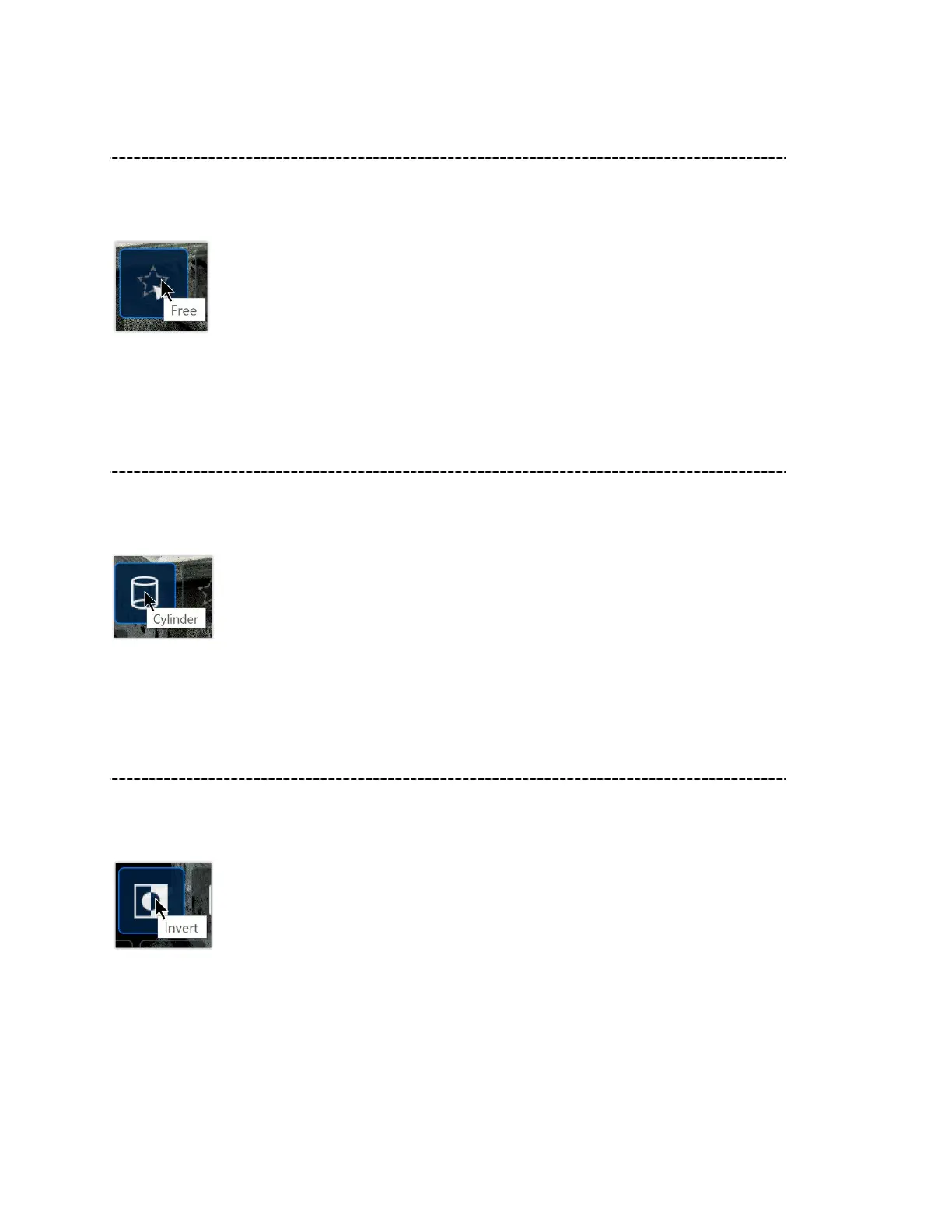
Free Draw
Use the Free Draw Selection Tool to free draw a shape to delete a uniquely shaped area
of the scan for deletion.
After clicking on the Free Draw Selection Tool, draw on the area you want to delete and
then click on the Delete button.
Cylinder
The Cylinder Selection Tool is used to highlight a cylindrical area of a scan for deletion.
This is useful, for example, to highlight a standing person in a room.
After clicking on the Cylinder Selection Tool, draw a cylinder on the area you want to
delete and then click on the Delete button.
Invert
Invert is used to highlight the entire scan in red. This is useful to see how the scan
appears after using the aforementioned tools to delete certain sections.



 To Next Page