Starting a New Project
F6 SMART™ – Volumetric Handheld Camera – User Guide
Start/Stop Recording
With the F6 SMART scanner connected to the computer via the USB communication
cable, enter the Scan mode.
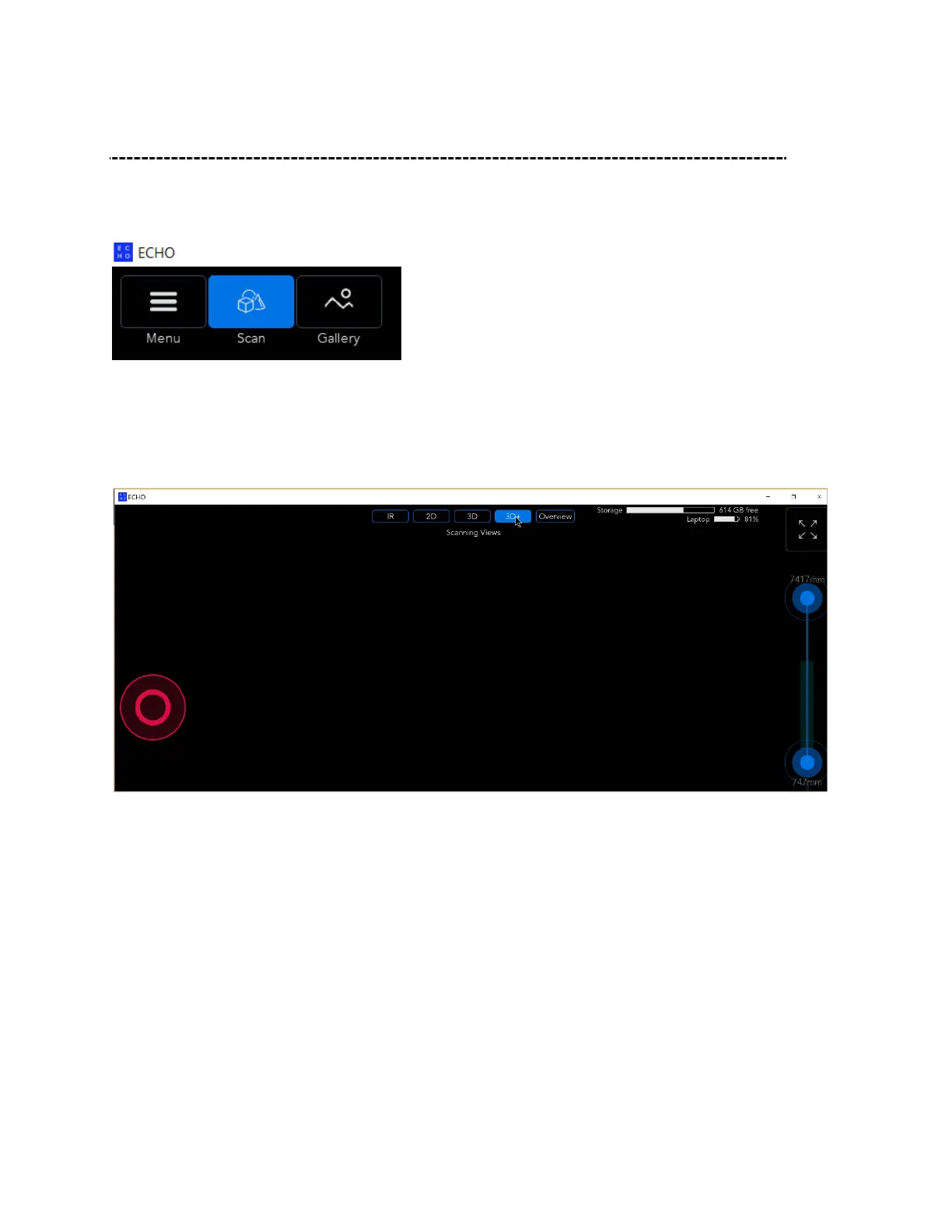
There are two ways to begin scanning:
briefly hold down the Scan (Power) button on the F6 SMART scanner, or
click the round Record button in the middle-left of the screen. It will turn red to
indicate that scanning has been started.
To end scanning, either click on the red Recording button, or briefly hold down the F6
SMART Record (Power) button.



 To Next Page