MVX - Rendering Configuration
F6 SMART™ – Volumetric Handheld Camera – User Guide
Chapter 9 MVX - Rendering Configuration
Foreword
In this chapter, we will show you how to configure MVX and Rendering, and explain how
to switch to full screen view and rotate the camera angle view.
MVX Configuration
Raw MVX is the proprietary Mantis Vision Echo scanning file format. RAW MVX serves as
a “container” that embeds the different scan layers - 2D, 3D and video (IR and color) as
well as the embedded and rig files.
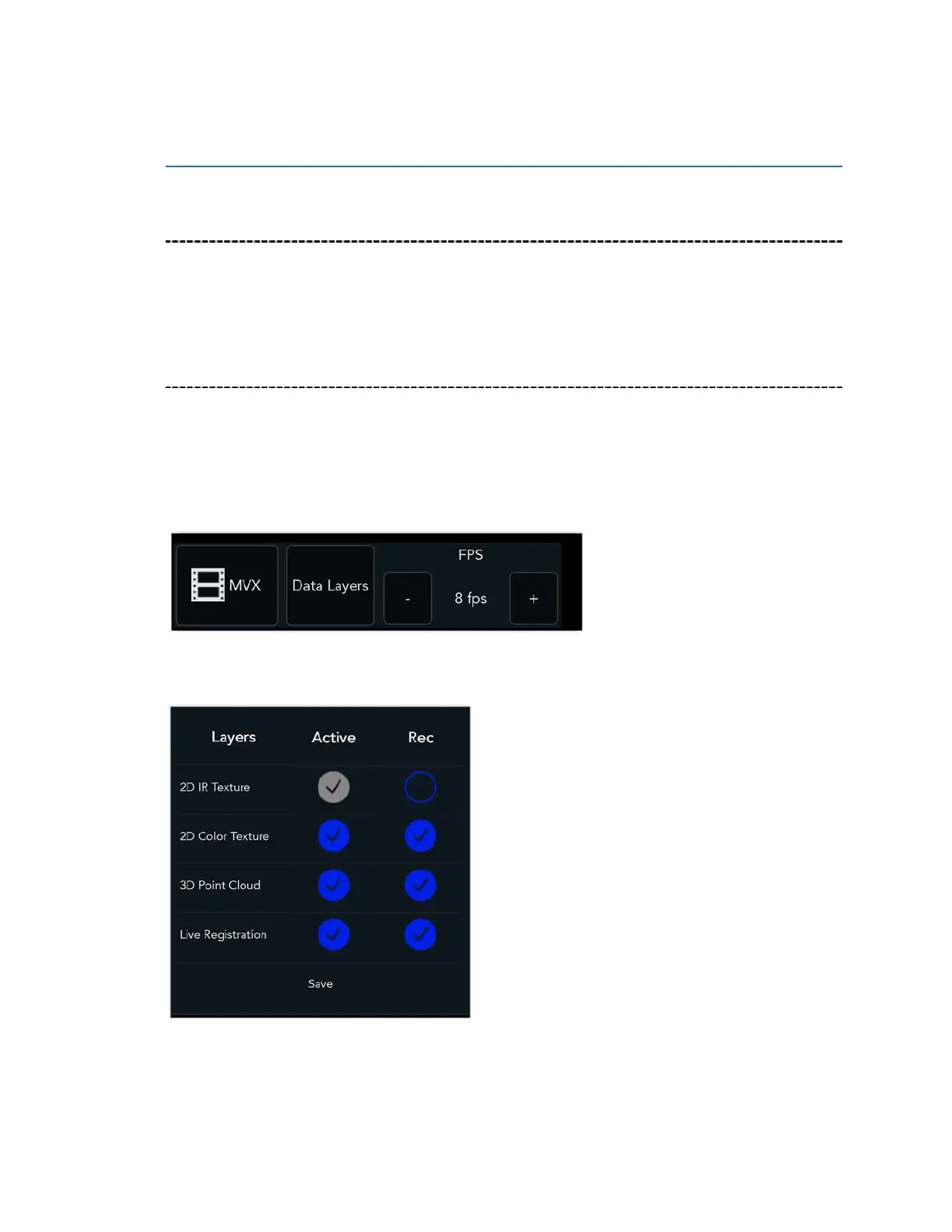
MVX settings include frames per second and Data Layer settings.
We recommend scanning at 8 fps.
These are the default Data Layer settings.
If you are working with a less powerful computer, by disabling 3D Point Cloud and/or Live
Registration, less memory and system resources are required.



 To Next Page