MVX - Rendering Configuration
F6 SMART™ – Volumetric Handheld Camera – User Guide
Rendering Configuration
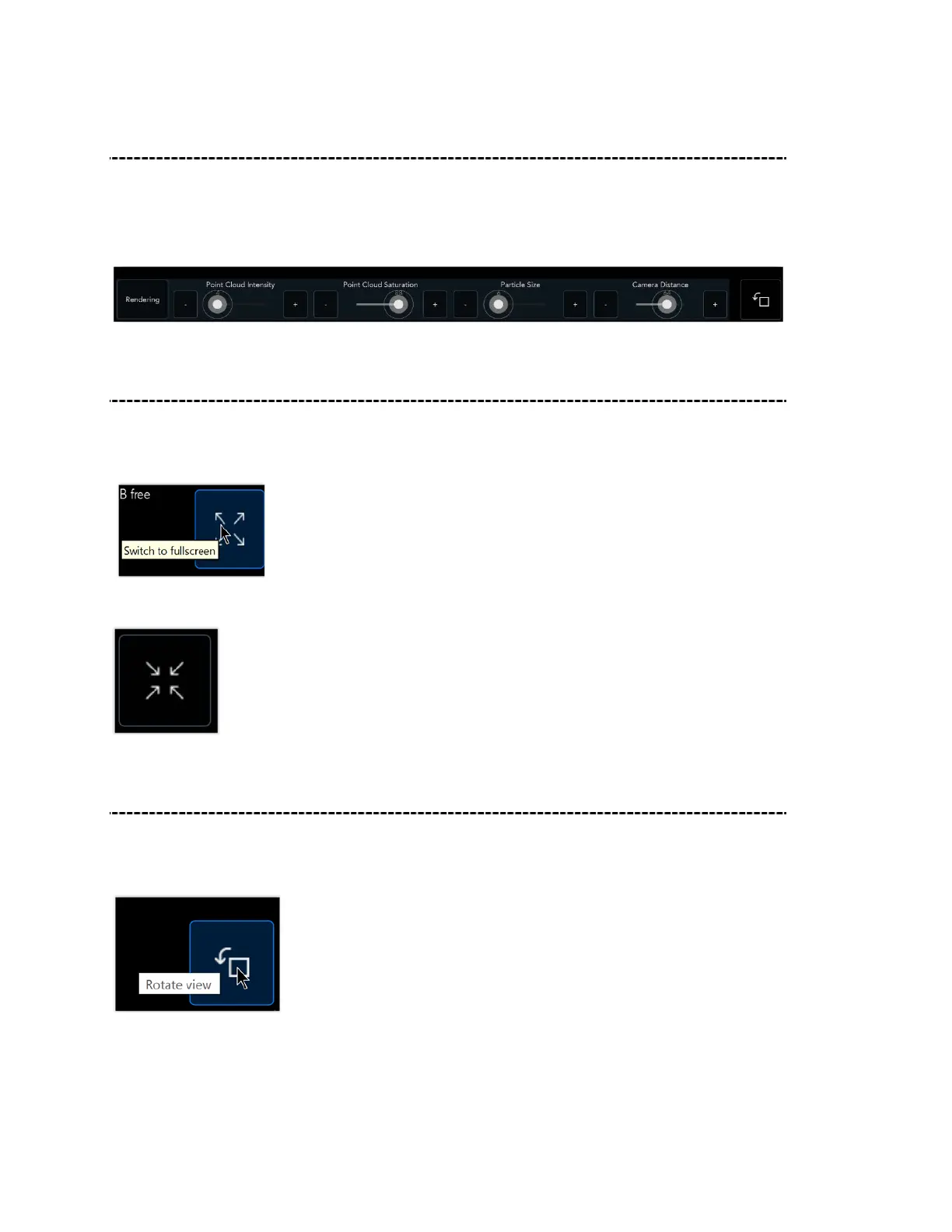
Click on Rendering to define the post-scan rendering viewer configuration. Use the
available sliders to adjust the point cloud intensity (brightness) and saturation (distance
from being neutral/pure gray), and zoom the particle size and camera distance.
Switch to Full-screen During Scanning
To enter Fullscreen view, click on the following button in the upper right-hand corner of
the screen.
Click again to exit Fullscreen view.
Rotate Camera Angle View
To rotate the camera angle view, click on the following button at the bottom right-hand
corner of the screen.



 To Next Page