Starting a New Project
F6 SMART™ – Volumetric Handheld Camera – User Guide
Exporting as an MVX
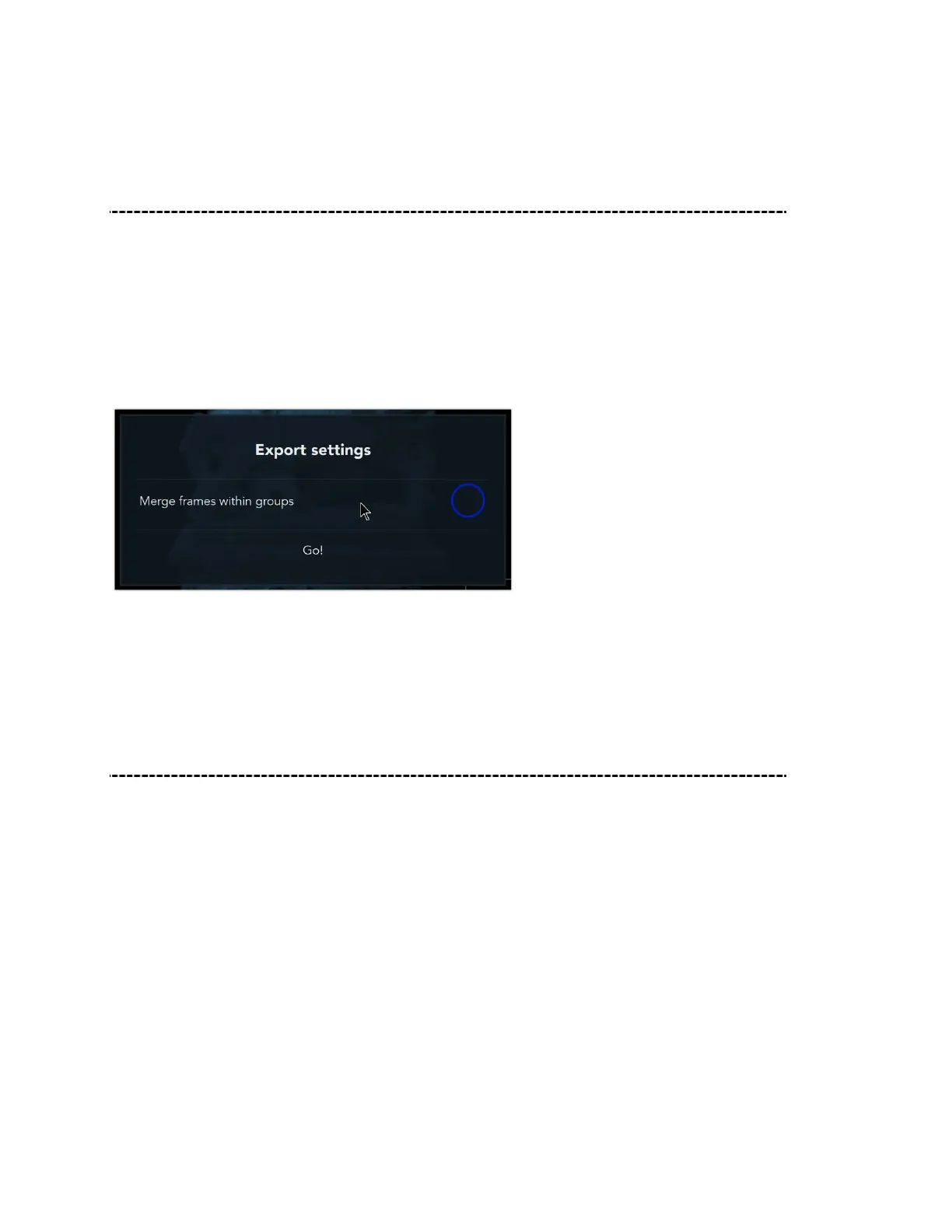
When exporting to the MVX file format, select MVX from the file format type. The default
MVX Export Settings will show Merge Frames Within Groups as deselected. This is
because MVX is the native file format inside of the Echo software, and it already
recognizes all groups and segments of the scan. If you do not deselect Merge Frames
Within Groups, it will not be possible to edit the MVX later.
All other actions for saving the exported scan are the same.
Exporting a Point Cloud
The Echo software lets you export your scanning data point cloud to numerous file
formats. Outside of the proprietary Mantis Vision MVX format, supported file formats
include:
.ply point cloud & ply mesh (color data & texture)
.obj (color data & texture)
.e57 point cloud (color data)
.pts point cloud (color data)
.xyz point cloud (color data)
.stl (color data & texture)



 To Next Page