Selection Tools
F6 SMART™ – Volumetric Handheld Camera – User Guide
Chapter 14 Selection Tools
Foreword
In this chapter, we show you the broad array of Selection Tools available in the Echo app.
These include Rectangle, Spray Brush, Free Draw, Cylinder + Ground, Invert, Accuracy,
Range, Deselect, Original Colors, Decimation, Mark for Registration, Delete Selection and
Scan Viewer options.
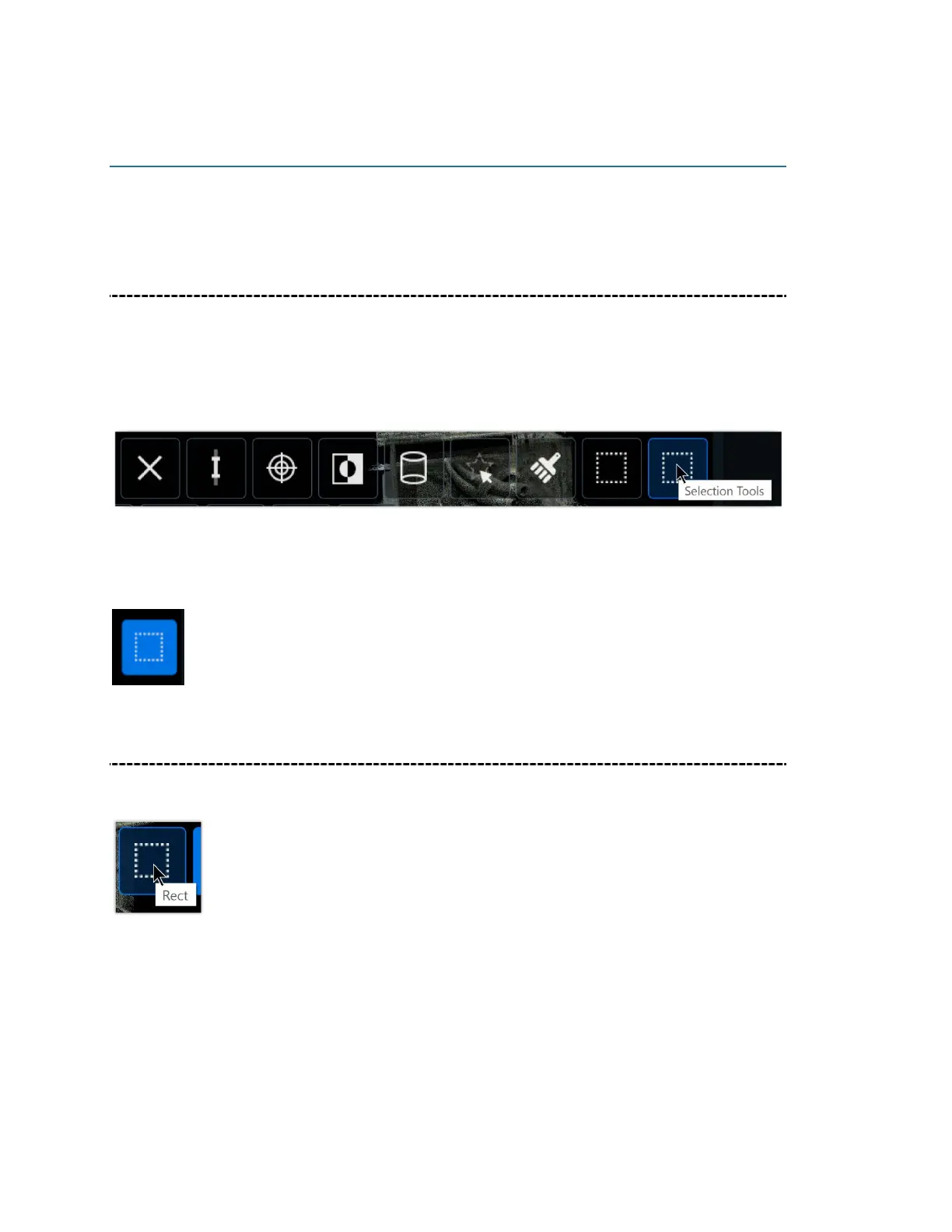
After clicking on a tool to select it, it will appear (highlighted in blue) where the Selection
Tools icon is situated. For example, here is the Rectangle Selection Tool after it has been
selected.
Rectangle
Use the Rectangle Selection Tool to select a rectangular area of the scan for deletion.
After clicking on the Rectangle Selection Tool, highlight the area that you want to delete
and then click on the Delete button to the left.



 To Next Page