Import MVX / MPC
F6 SMART™ – Volumetric Handheld Camera – User Guide
Importing an MPC File
To import an MPC file, begin by creating a new project. Next, click on the Import MPC
button, select the file location and then click Open. Please note that although you will be
able to apply the advanced editing tools available inside the Echo software app, currently
it is not possible to create a mesh with texture.
Importing a Project Folder
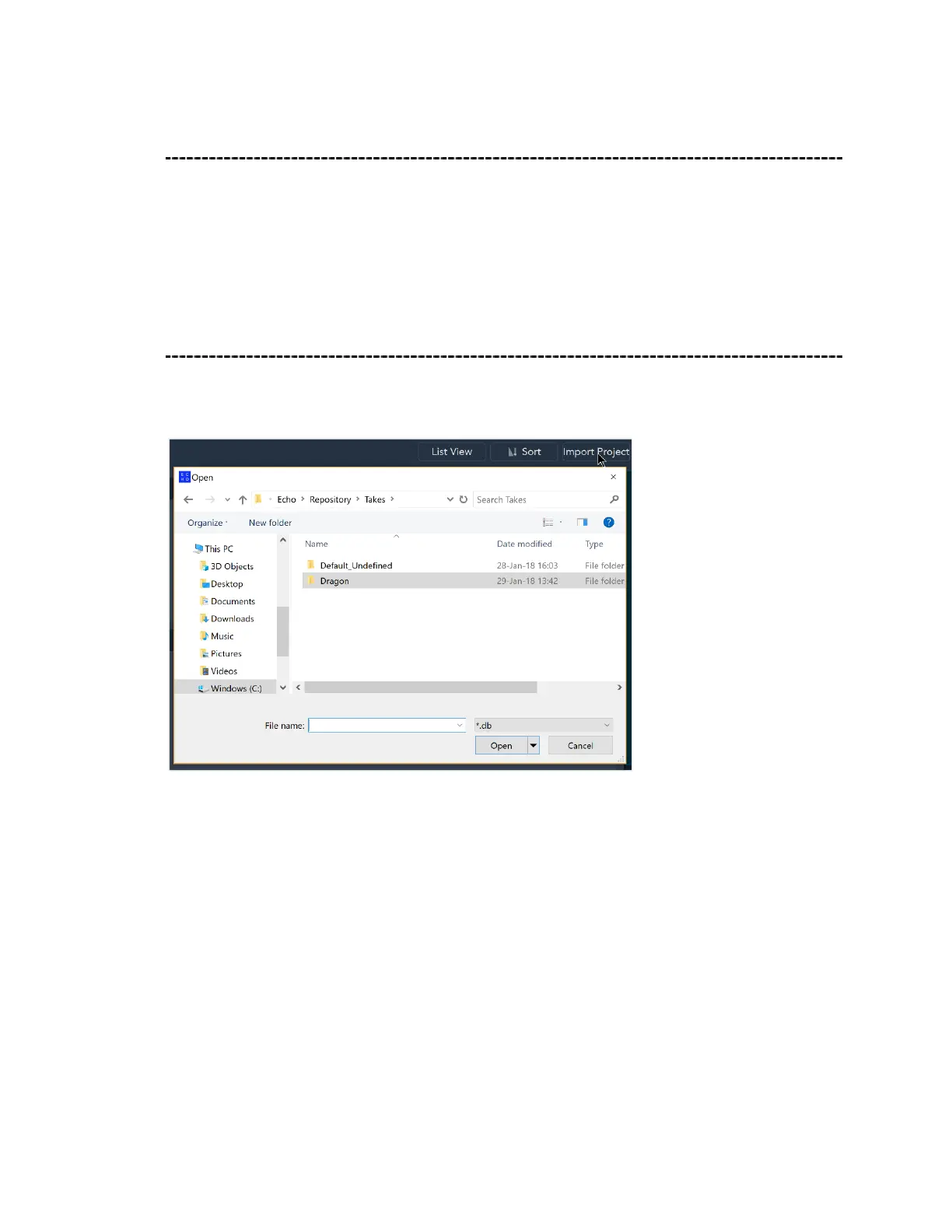
To import a project, click on Import Project from the Gallery home screen. Select the
project folder then click Open.



 To Next Page