Segments
F6 SMART™ – Volumetric Handheld Camera – User Guide
Manual registration
to registrar manually between 2 groups, manipulate them into overlapping geometry
while pressing the edit icon on the relevant group and manipulate it with the following
actions:
To rotate the scene (change its perspective), hold down the left mouse button
while moving the mouse.
To rotate the scene around an axis, hold down the right mouse while moving the
mouse.
To zoom in/out use the mouse wheel.
To zoom in/out only one group hold down the left mouse button + Ctrl while
moving the mouse.
To move/pan (translate), hold down the left and right mouse buttons while
moving the mouse.
After aligning two segments together, press the check box of the 2 relevant groups and
press Manual.
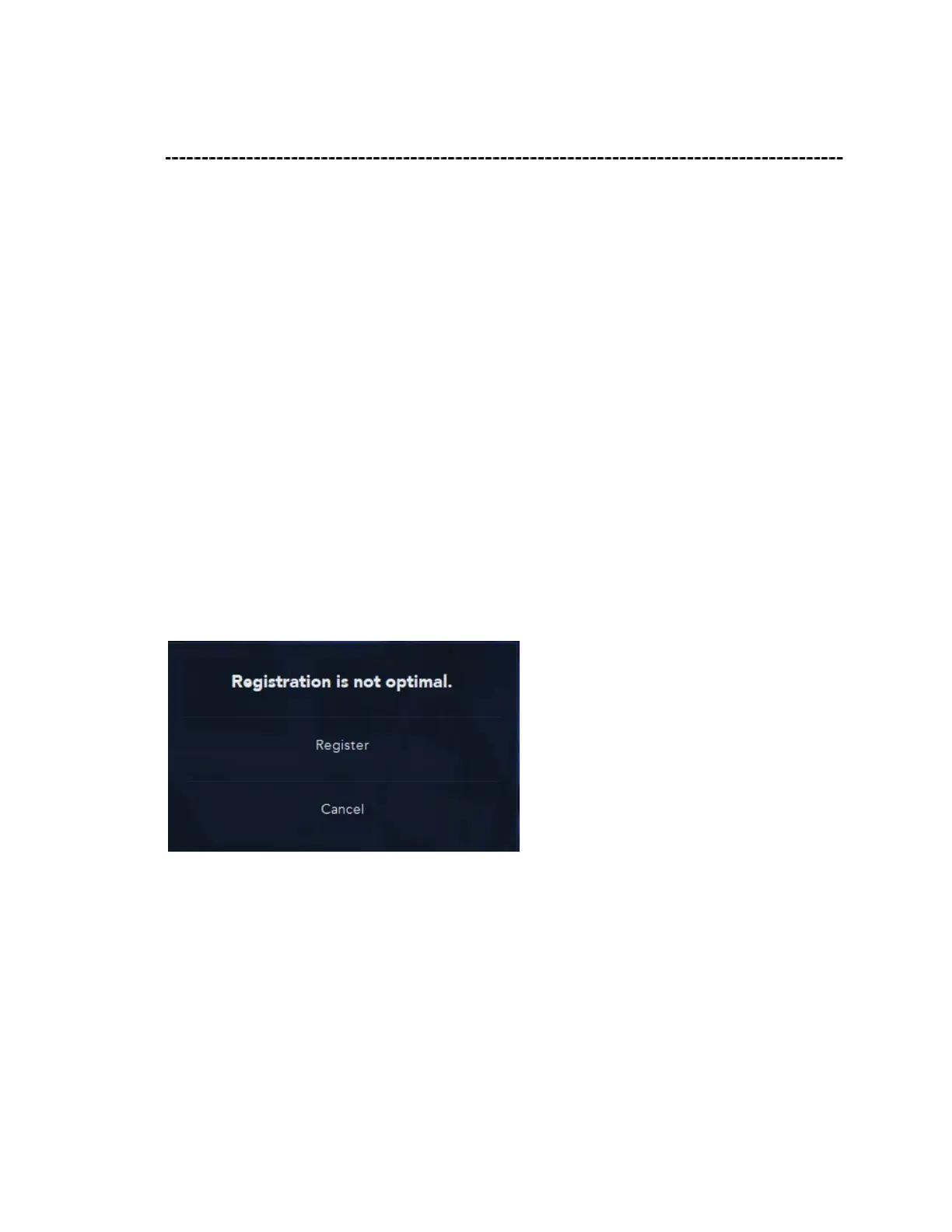
once the registration has passed correctly the two groups will merge into one, if there is
not enough alignment/overlapping geometry and the registration is not optimal you will
get the following message: ‘registration is not optimal’
Decide whether you are sufficient with the result and then press register or press cancel
to have another attempt.
For a color view of different groups press original colors to have different color for each
group, the color is also shown near the group name.



 To Next Page